 Live preview
HTML Hero Section Templates36 hero sections in plain HTML & CSS, free
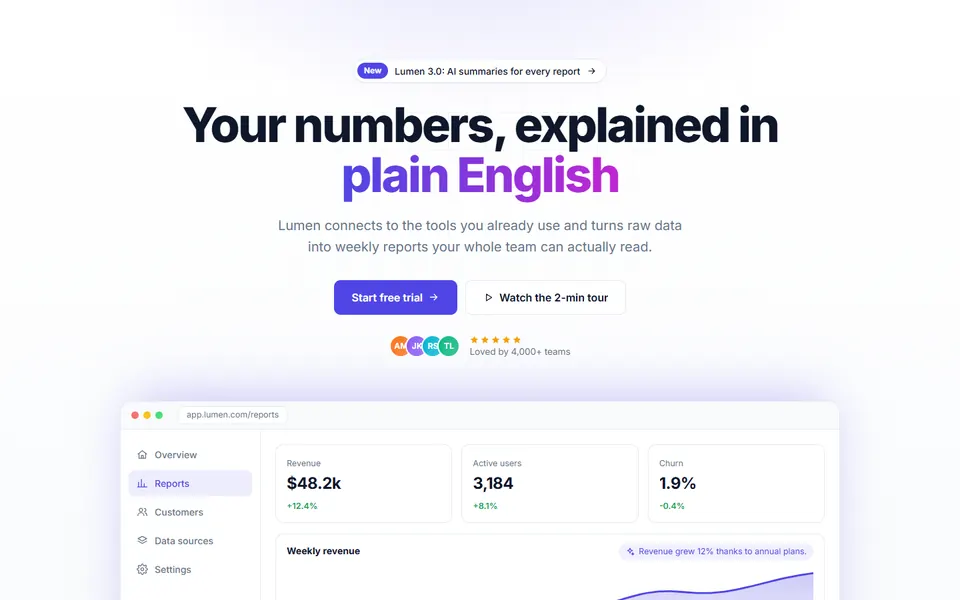
36 hero sections in plain HTML and CSS, each one a single file: centred with app screenshot, e-commerce banner, slider, fintech split with card stack, charity donation hero, product hero with colour picker, architecture studio with project switcher, kids coding school and more. Responsive, accessible and free for personal and commercial use.
- 36 distinct hero layouts: SaaS, app, shop, agency, local business and more
- Plain HTML and CSS, one file per design, no frameworks
- Responsive from 390px phones to 1440px desktops, keyboard-friendly
- Designs
- 36
- Built with
- HTML & CSS
- Licence
- Free, commercial use
- Updated
- Oct 2026

- Free for client projects
- Plain HTML & CSS, no frameworks
- Responsive down to 390px
- Copy, paste and rebrand in minutes
What's inside: 36 designs
See all 36What's inside
All hero sections templates 36 designs in this pack
Click any design to open its live preview, then check it at desktop, tablet and phone sizes.
Live preview Live preview
Split with image
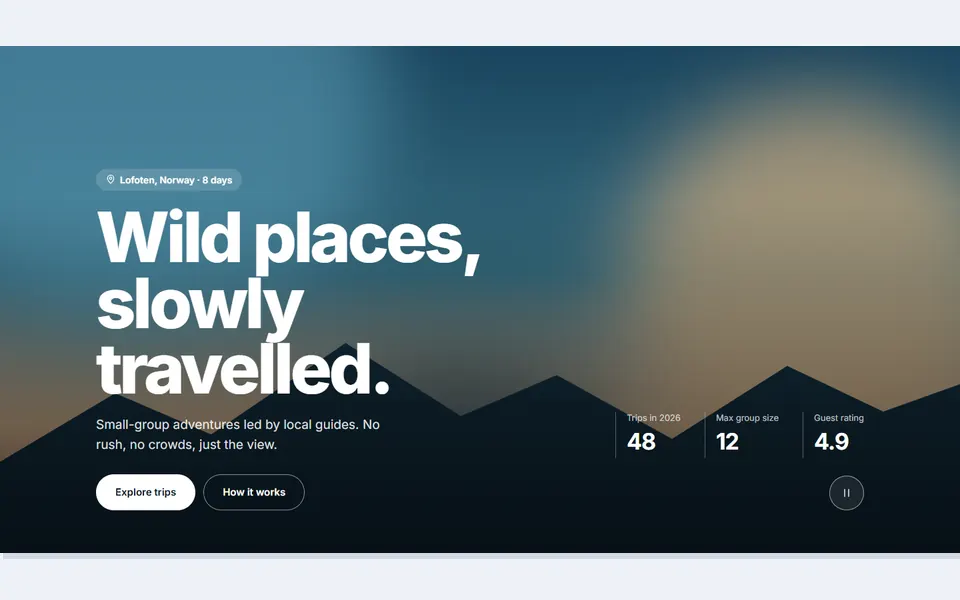 Live preview
Video background
 Live preview
Signup form card
 Live preview
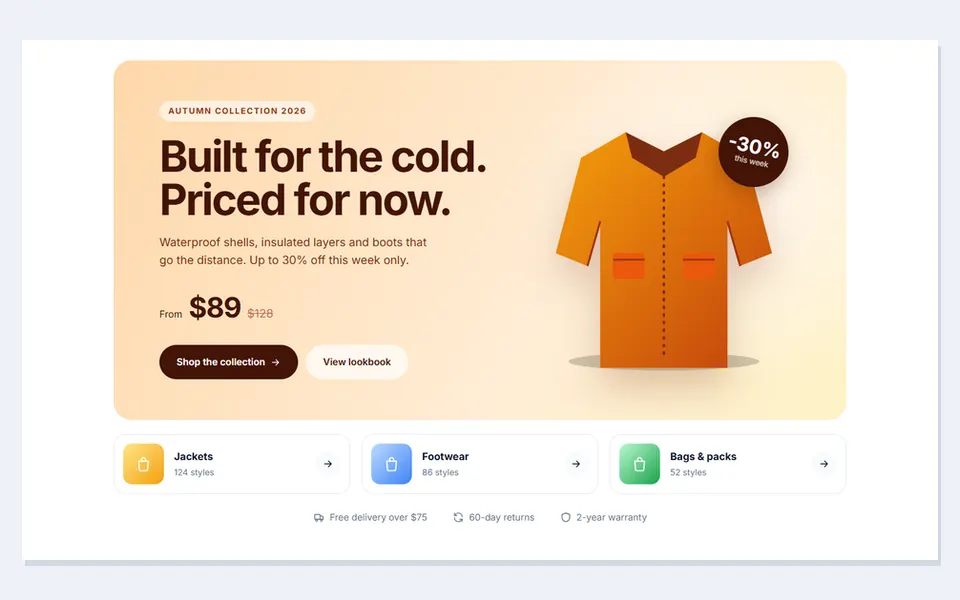
E commerce banner
 Live preview
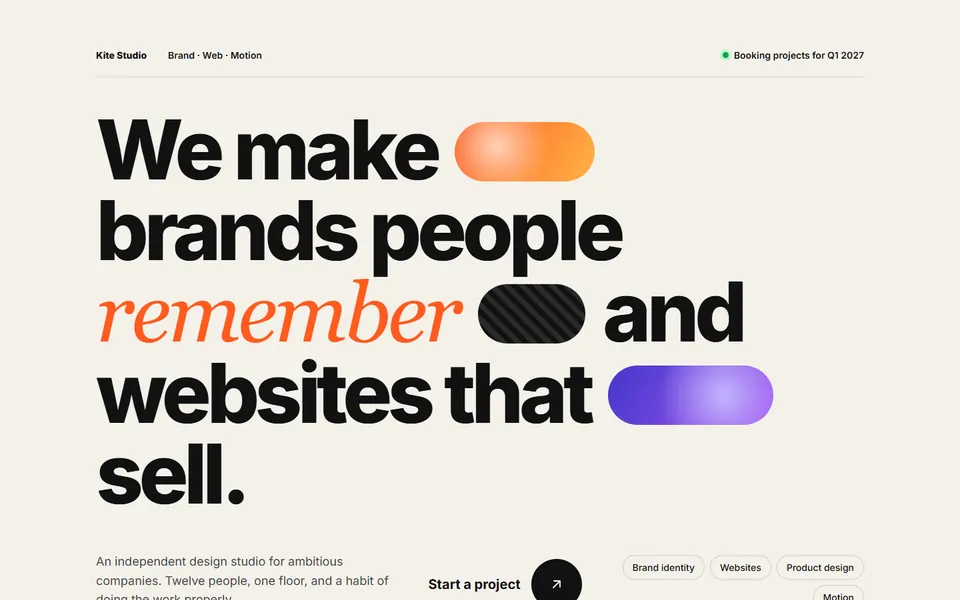
Big editorial type
 Live preview
Launch countdown
 Live preview
Phone mockup app
 Live preview
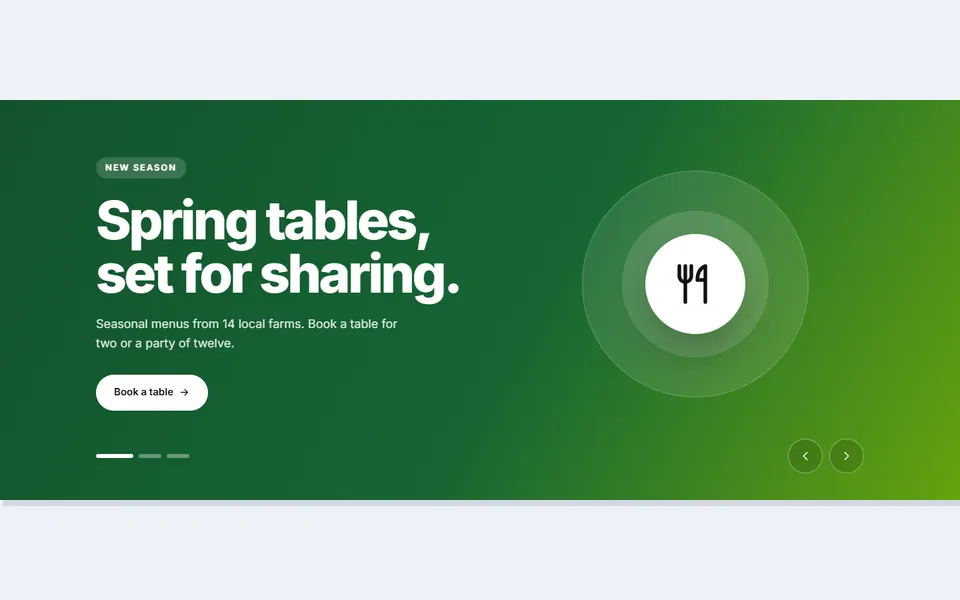
Slider
 Live preview
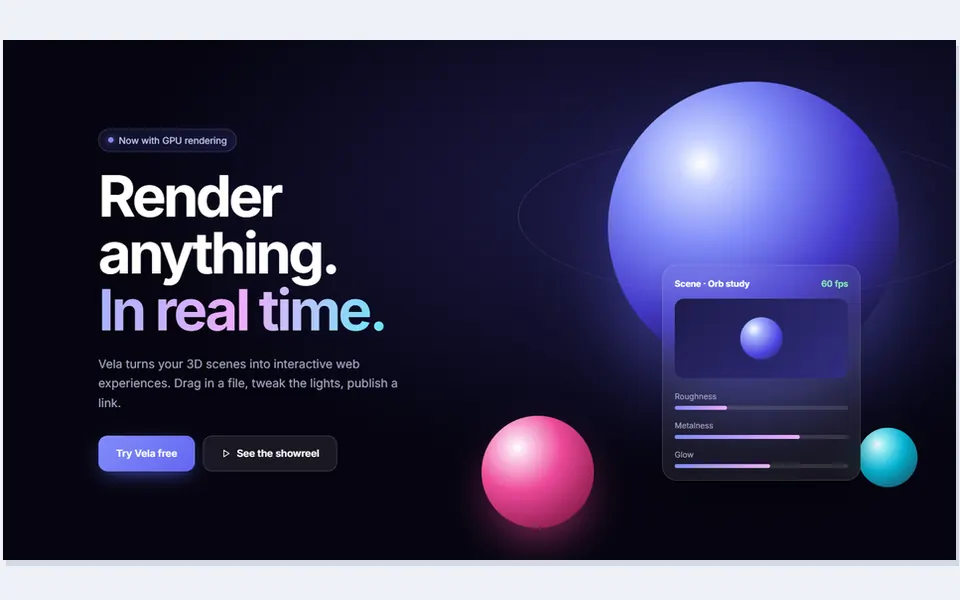
3D gradient orbs
 Live preview
Local business booking
 Live preview
Developer terminal
 Live preview
Fintech split with card stack
 Live preview
Property search hero
 Live preview
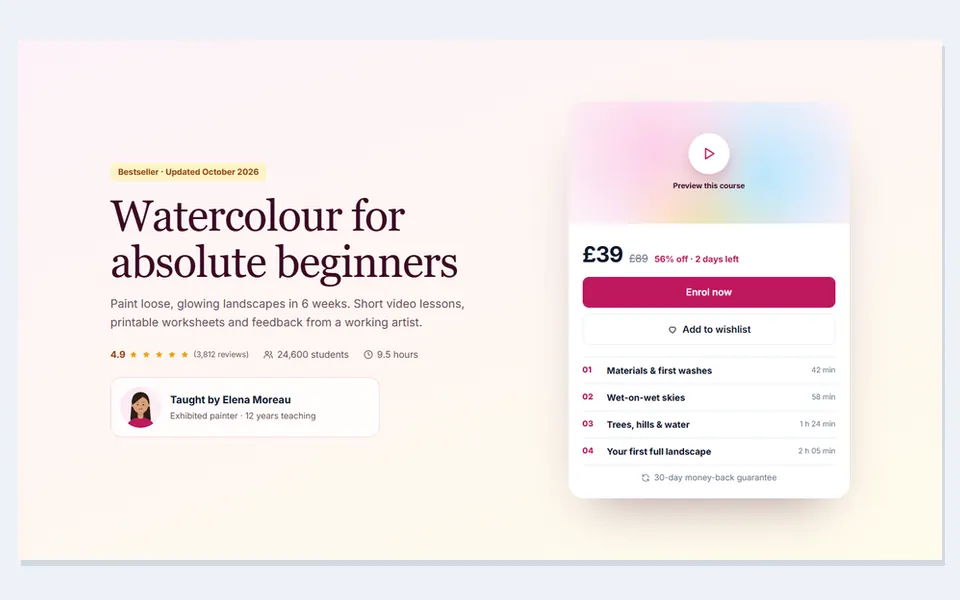
Online course hero
 Live preview
Restaurant hero with spinning plate
 Live preview
Charity donation hero
 Live preview
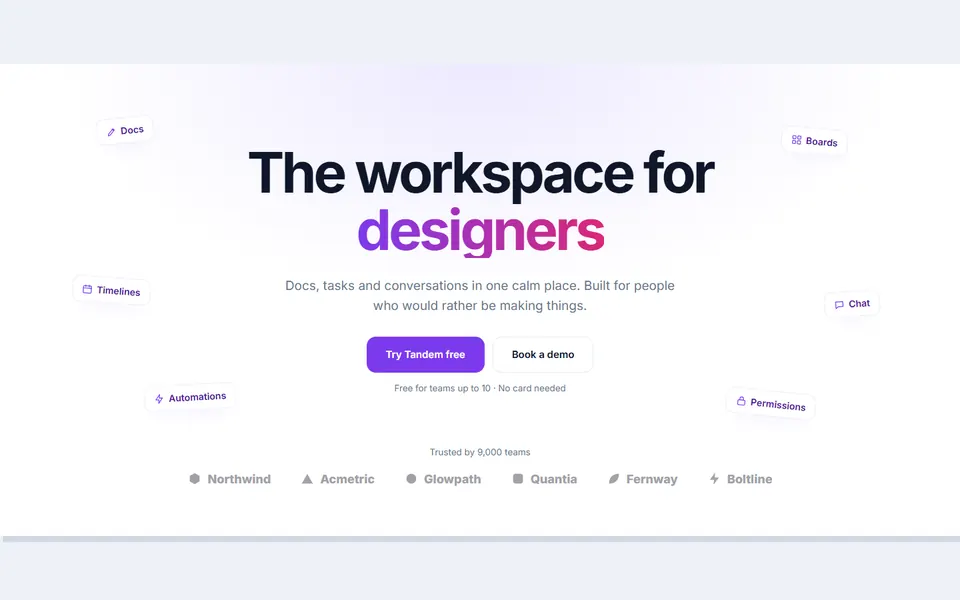
Rotating word headline
 Live preview
Gym hero with free trial
 Live preview
Travel search over landscape
 Live preview
Product hero with colour picker
 Live preview
Podcast episode hero
 Live preview
Bento grid hero
 Live preview
Waitlist with referral position
 Live preview
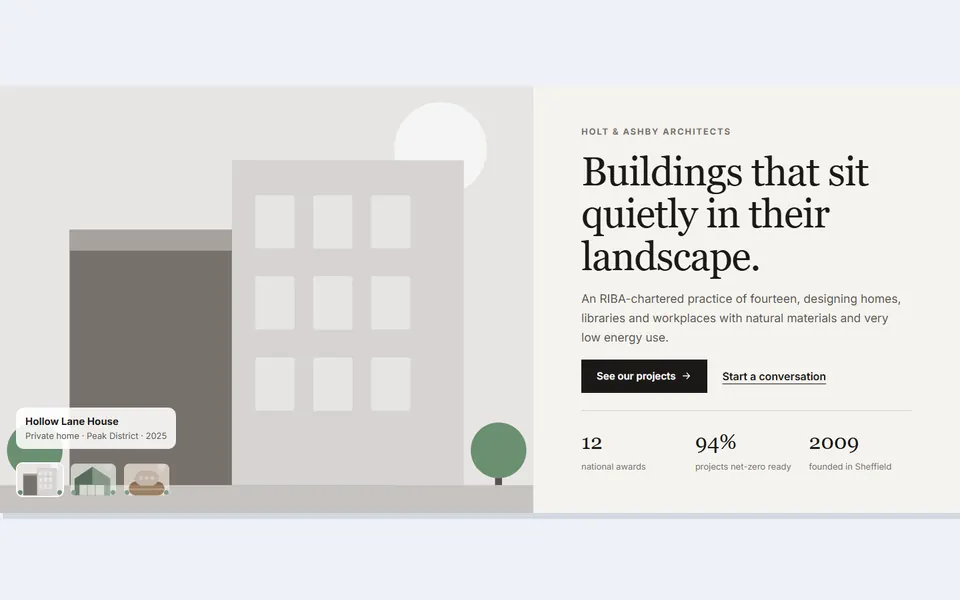
Architecture studio with project switcher
 Live preview
Telehealth with video call
 Live preview
Wedding venue date checker
 Live preview
Coffee roast finder
 Live preview
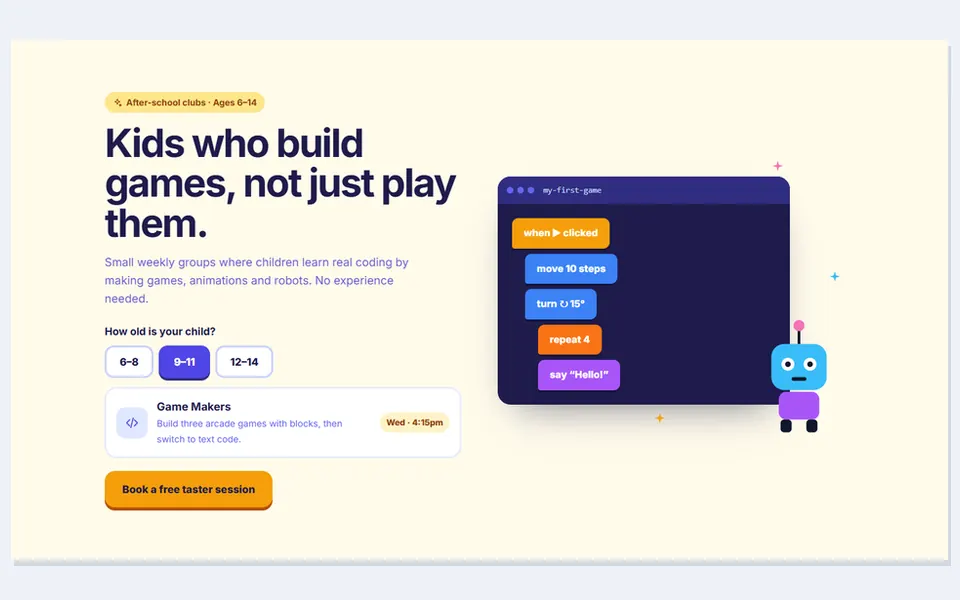
Kids coding school
 Live preview
Electric car cost calculator
 Live preview
Florist bouquet builder
 Live preview
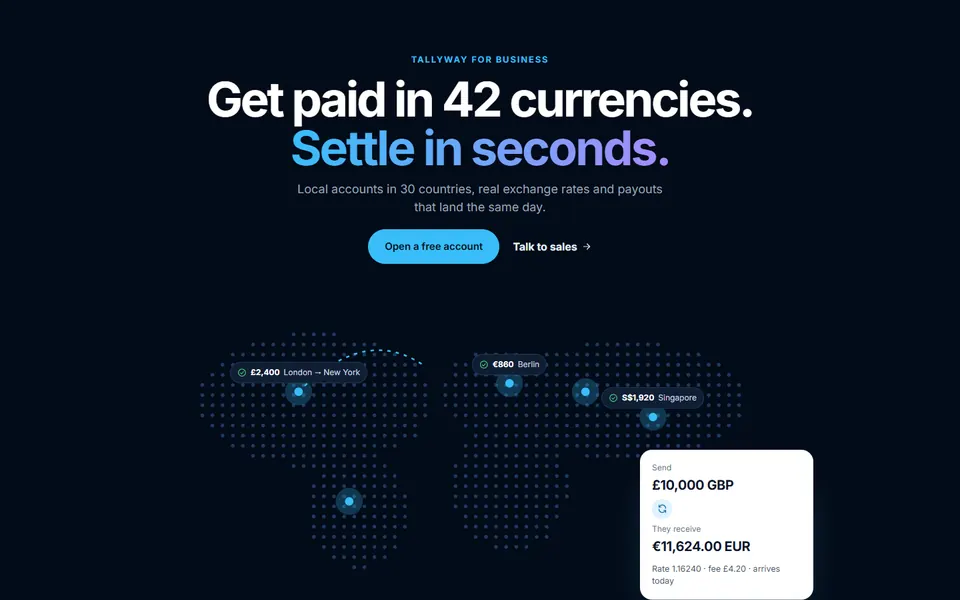
Global payments map
 Live preview
Yoga studio breathing hero
 Live preview
Cinema showtimes hero
 Live preview
Book launch with formats
 Live preview
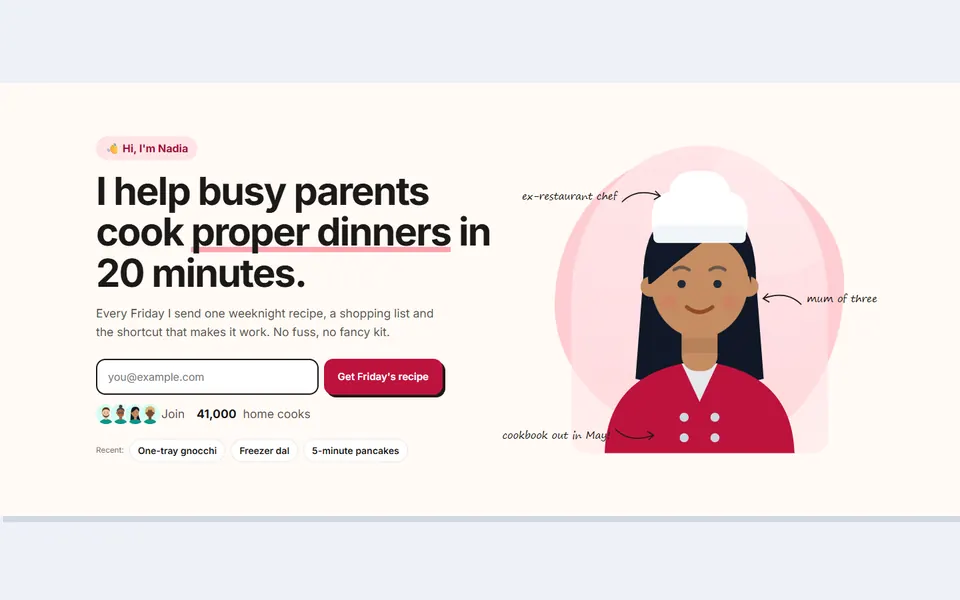
Creator portrait with notes
How to use
From download to live in three steps
- Download the packClick Download free above and the zip downloads straight away. Unzip it and open index.html to see every design.
- Copy the design inPaste its HTML into your page and its CSS into your stylesheet. Copy the small script too if it has one.
- Make it yoursChange the colour and font variables at the top of the CSS, then swap in your own text, links and images.
Reviews
Customer reviews
Only people who bought or downloaded it can leave a review, from their account page.
Reply from the maker
FAQ
Common questions
Can I use it for client work?
Yes. It's free for personal and commercial projects, including client sites. Just don't resell the pack itself.
Do I need Tailwind, Bootstrap or a build step?
No. Each design is plain HTML and CSS with a few lines of JavaScript where needed.
Can I use a real video in the video hero?
Yes. Swap the animated placeholder for a <video> tag; the comment in the file shows exactly where. The pause button already controls it.
How do I set the countdown date?
Add data-date="2027-03-01T09:00:00" to the countdown element. Without it, the demo counts down 18 days from today.
Do the forms send anything?
No. They show a success state in the browser. Connect them to your form, booking or payment provider.
Can I change the illustrations?
Yes. They are inline SVG, so you can recolour them in CSS or swap in your own photos with an img tag.
What does the licence allow?
Use it on unlimited websites, your own and your clients', and change anything. You just can't resell or share the files themselves. See the licence.
Guides
Learn more
- Hero Section Best Practices: What to Put Above the Fold (With Examples)What belongs in a website hero section and what doesn't: headline formulas, one clear call to action, the right visual, social proof, fast loading and mobile layout. Includes a tested HTML and CSS example.
- Landing page structure: the sections that convert, in orderA section-by-section guide to building a landing page, from header to footer: why each section exists, what to put in it, the mistakes to avoid, and a wireframe outline you can copy.
Get HTML Hero Section Templates
36 designs, free for personal and commercial projects.
More products