Live preview
Bricks Hero Sections24 hero sections for Bricks in one kit
All 24 of our Bricks hero sections in one kit: SaaS dashboard, studio cells, lead story most read, florist bouquets, estate property search, nursery day plan, architect project index, CRM pipeline board and more. Native Bricks templates, each with its own colours and fonts, responsive and imported in one click.
- 24 hero sections in one kit, each with its own style, colours and Google Fonts
- Dashboard, menu, appointment, product and trip-finder visuals built from native elements, no images to replace
- Each hero matches the header and footer with the same number, colours and fonts included
- Designs
- 24
- Built with
- Bricks
- Licence
- Commercial use
- Updated
- Oct 2026

- Commercial licence
- Native Bricks templates
- Responsive on every screen
- Import into Bricks in one click
One kit, or every Bricks kit?
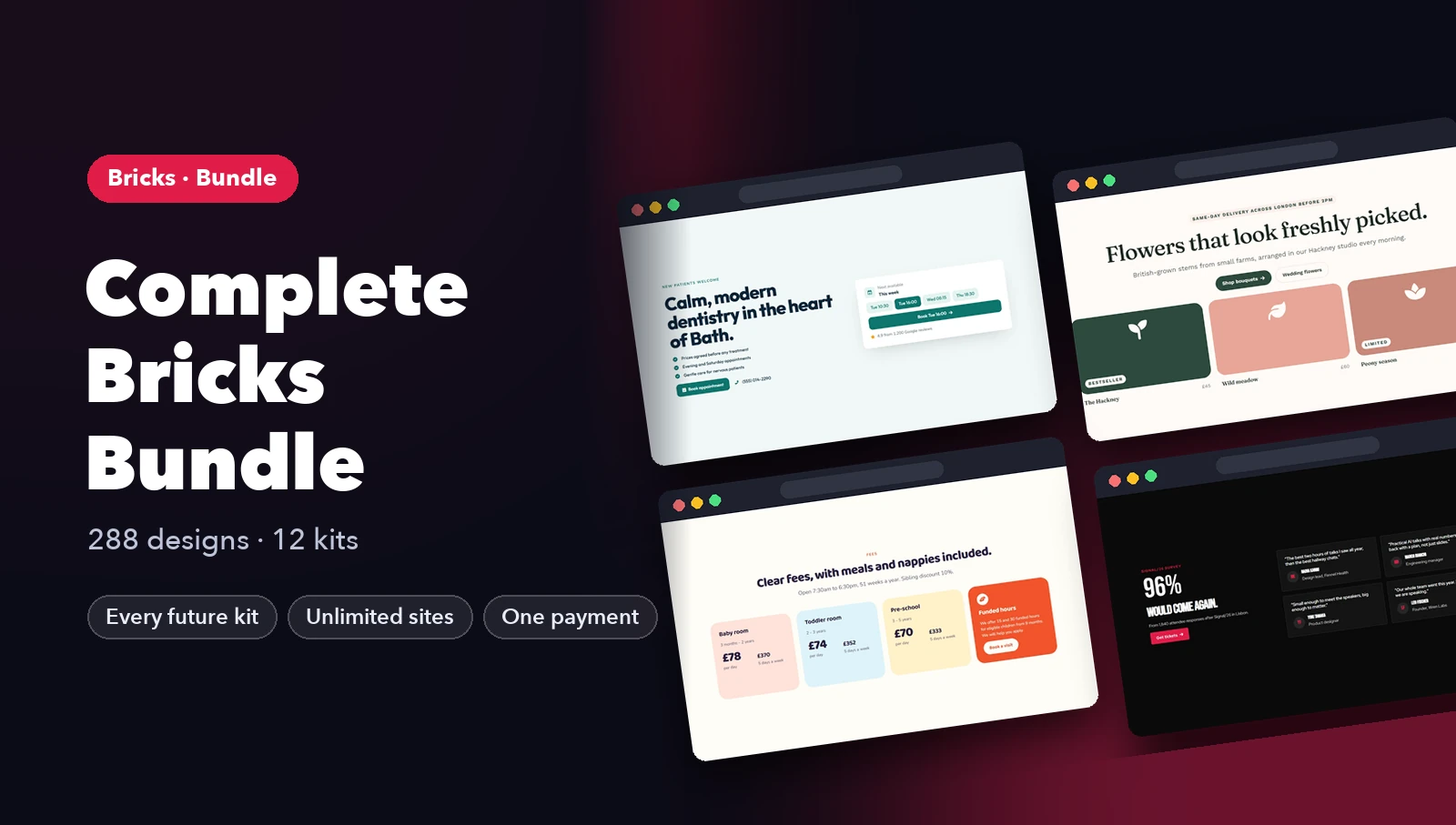
Complete Bricks · best value$39 $59
All 12 kits (288 designs) plus every kit we add later. Pays for itself from the third kit.
Get Complete BricksWhat's inside: 24 designs
See all 24What's inside
All hero sections templates 24 designs in this pack
Click any design to open its live preview, then check it at desktop, tablet and phone sizes.
Live preview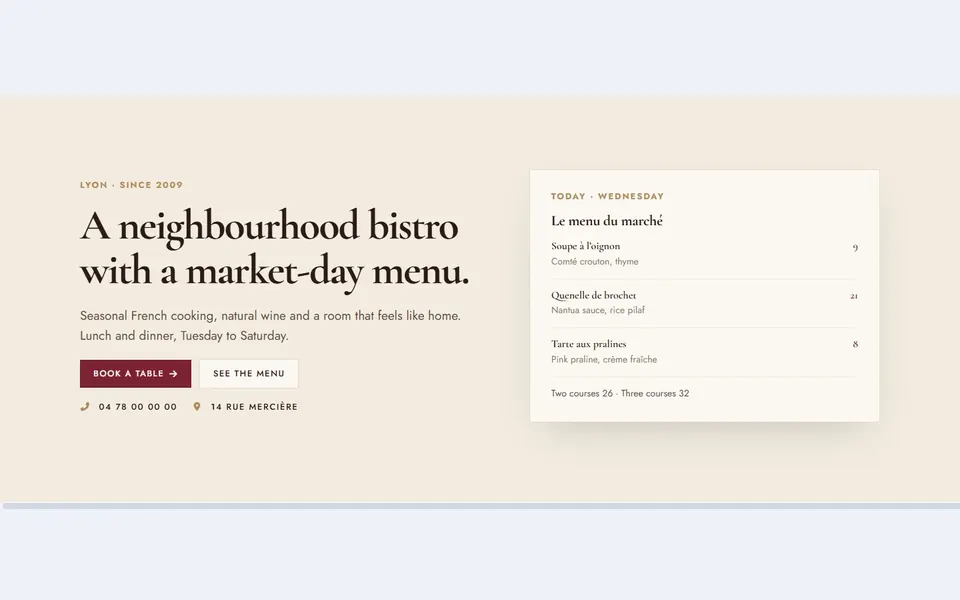 Live preview
Bistro menu card
 Live preview
Clinic appointments
 Live preview
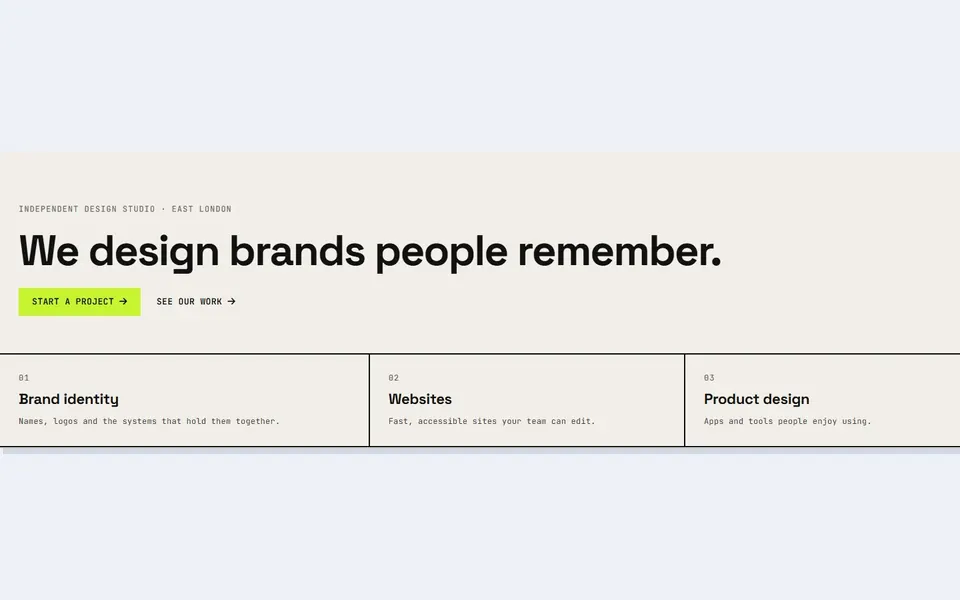
Studio cells
 Live preview
Dark launch dashboard
 Live preview
Shop product cards
 Live preview
Lead story most read
 Live preview
Adventure trip finder
 Live preview
Law firm fee guide
 Live preview
Florist bouquets
 Live preview
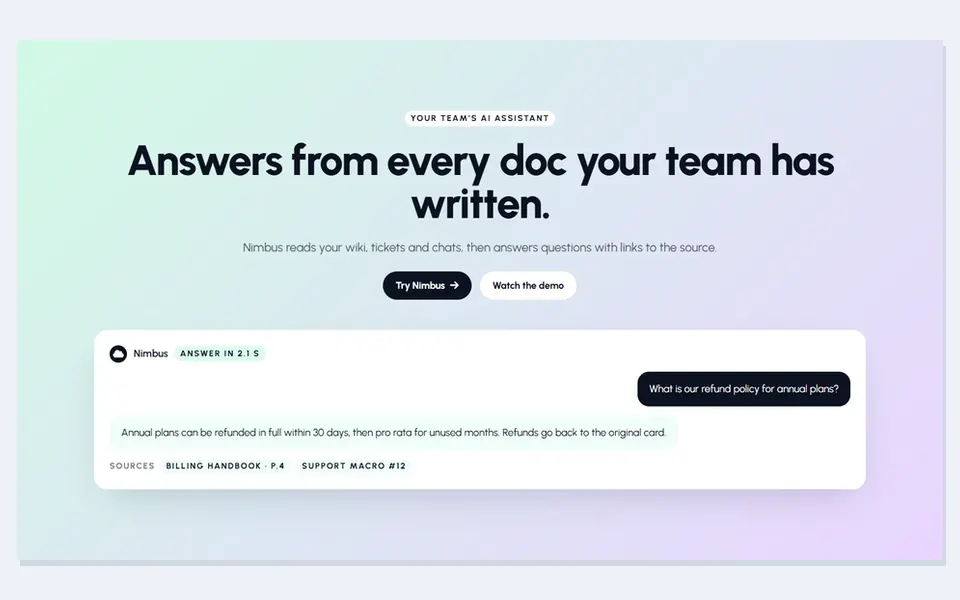
AI chat card
 Live preview
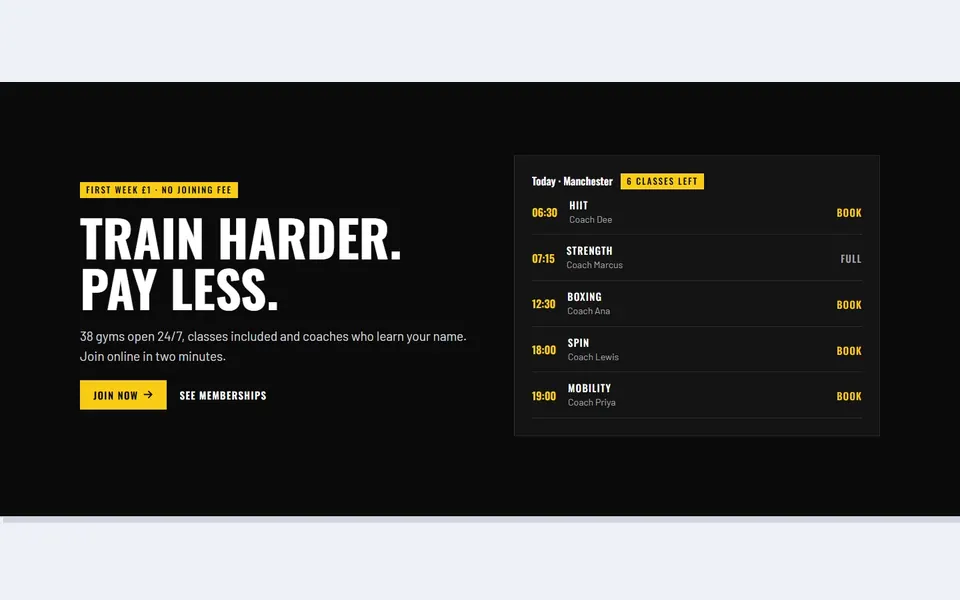
Gym timetable
 Live preview
Estate property search
 Live preview
Developer code card
 Live preview
Hotel booking bar
 Live preview
Nursery day plan
 Live preview
Coffee subscription bag
 Live preview
Fintech app balance
 Live preview
Architect project index
 Live preview
Charity donation progress
 Live preview
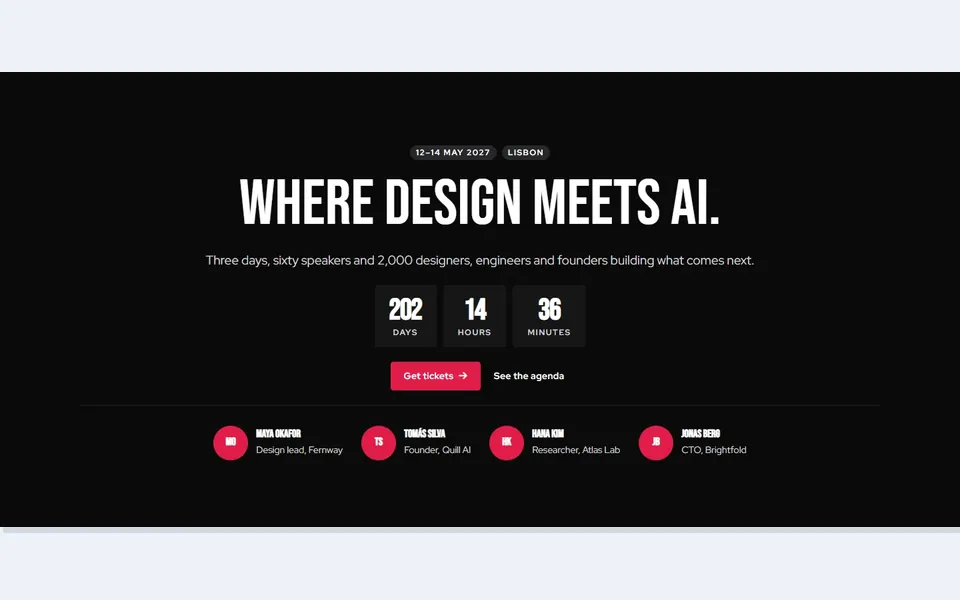
Conference countdown speakers
 Live preview
CRM pipeline board
 Live preview
Podcast episode player
 Live preview
Dealer car search
How to use
From download to live in three steps
- Download the packBuy above and the download is in your email and your account. Unzip it to find the Bricks template files and a README.
- Import into BricksIn WordPress, go to Bricks → Templates → Import and choose a file. Then insert it on any page.
- Make it yoursChange colours, fonts and text in Bricks, just like any other section. Step by step: Bricks kit guide.
Reviews
Customer reviews
Only people who bought or downloaded it can leave a review, from their account page.
Reply from the maker
FAQ
Common questions
How do I import the templates?
In WordPress go to Bricks > Templates, click Import and choose the .json files from templates/. Then open any page in Bricks and insert the template from the Templates panel.
Do I need any plugins?
No. Only Bricks 2.0 or newer: every part is a native Bricks element, with no custom code, global classes or third-party add-ons.
Will my theme styles change the design?
No. Colours, fonts and spacing are set on each element, so your theme styles, colour palette and global classes are left untouched and do not change the design.
What does the licence allow?
Use it on unlimited websites, your own and your clients', and change anything. You just can't resell or share the files themselves. See the licence.
Get Bricks Hero Sections
24 designs, one payment, unlimited websites.
More products