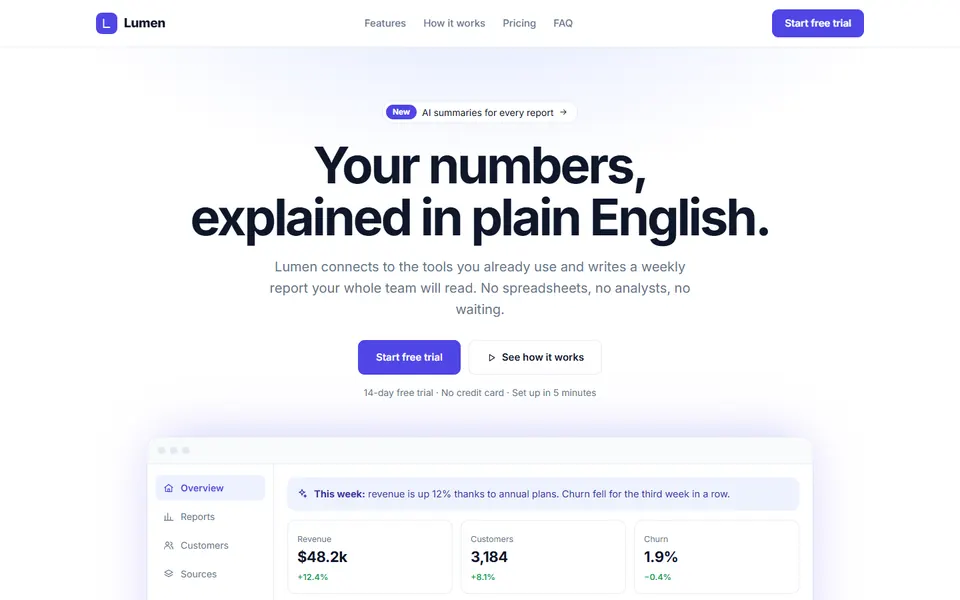
 Live preview
Free HTML Landing Page Templates
Complete one-page websites for real businesses (gyms, hotels, restaurants, agencies, apps), built from matching sections.
Also for page builders: Elementor landing pages · Bricks landing pages
- 18 designs
- 1 zip no sign-up
- HTML & CSS no frameworks
- Free for commercial use
How it works: all 18 designs come in one free pack. Preview any design, then download the pack: you get every design as a zip, one HTML file each.
HTML Landing Page Templates
18 designs · Free · HTML & CSS
Live preview Live preview
Pocket finance app
 Live preview
Kite studio design agency
 Live preview
Maison restaurant
 Live preview
Vela dental clinic
 Live preview
Orbit audio product launch
 Live preview
Ironbark boutique gym
 Live preview
Harbourside homes estate agent
 Live preview
Inkwell online drawing course
 Live preview
Carter and vale solicitors
 Live preview
Saltmarsh inn boutique hotel
 Live preview
Clearwater water charity
 Live preview
Brightroof solar installer
 Live preview
Willowbank vet practice
 Live preview
Petal and stem florist
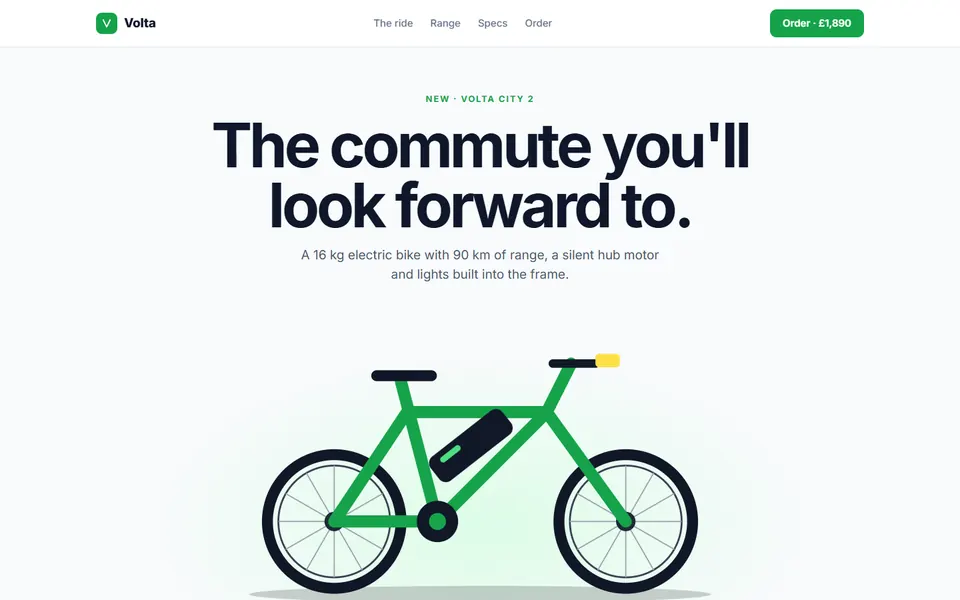 Live preview
Volta e bike launch
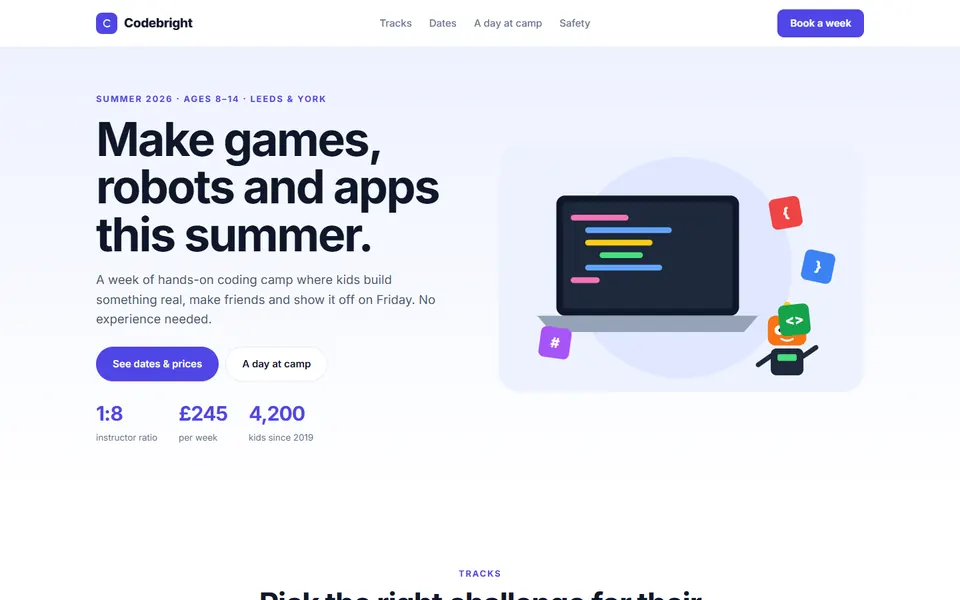 Live preview
Codebright kids coding camp
 Live preview
Stillwater yoga retreat
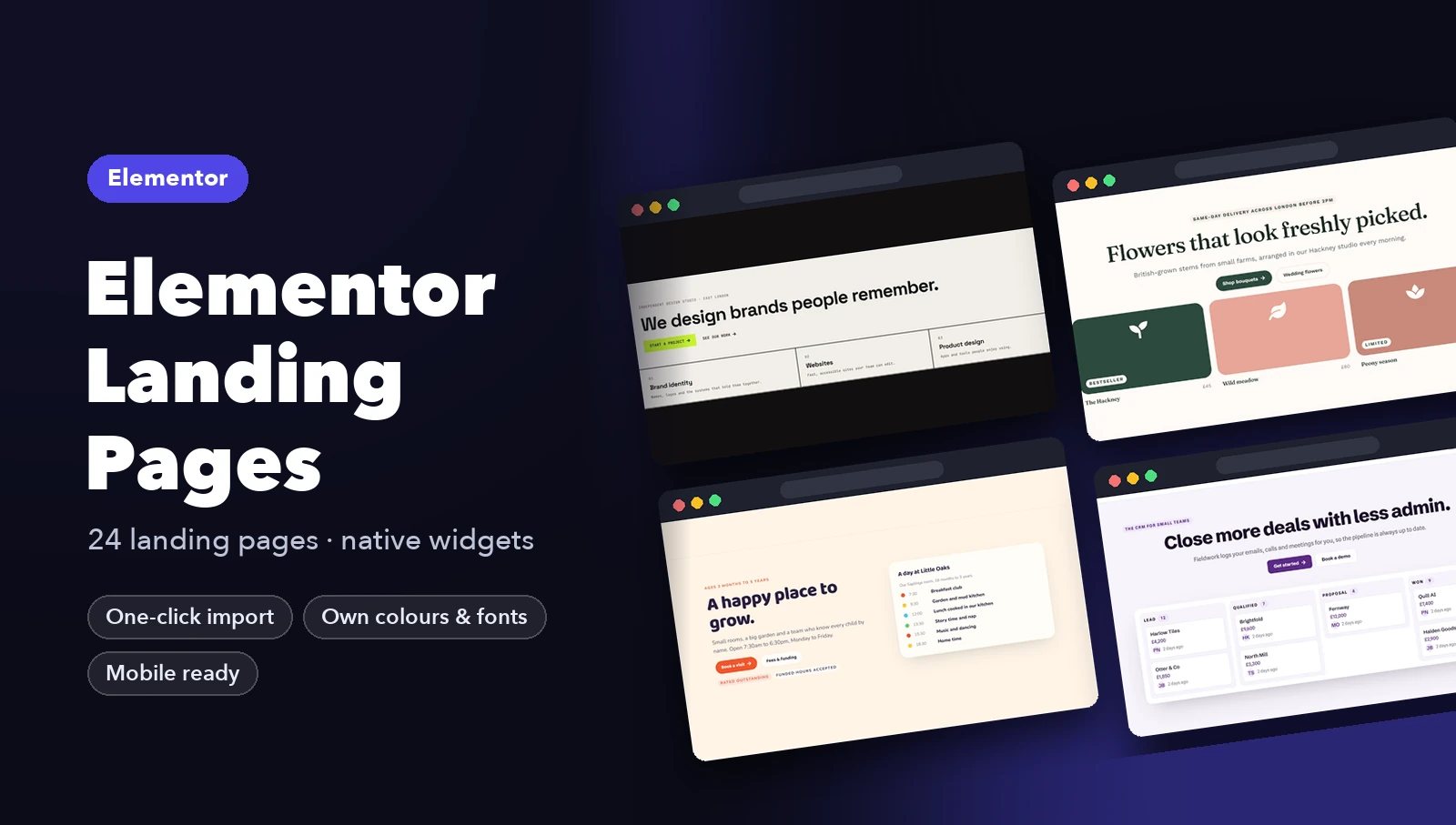
Page builders
Landing pages for Elementor and Bricks
Elementor
Bricks

How it works
From download to live in three steps
- Pick a designOpen the live preview, check it on desktop, tablet and phone, and download its free pack.
- Copy it inPaste the design's HTML into your page and its CSS into your stylesheet. Copy the small script too if it has one.
- Make it yoursChange the colour and font variables at the top of the CSS, then swap in your own text and links.
FAQ
Questions about these templates
Are these landing pages templates really free?
Yes. Every landing pages design here is free for personal and commercial projects, including client work. Download any pack instantly, with no sign-up. The only thing you can't do is resell the templates themselves.
Do I need Bootstrap, Tailwind or a build step?
No. Each design is a single file of plain HTML and CSS, with a few lines of vanilla JavaScript only where something is interactive. It works in any website, CMS or framework.
How do I change the colours and fonts?
Every file starts with a short list of CSS variables (brand colour, text colour, radius, font). Change them and the whole design follows.
Are they responsive and accessible?
Yes. Every design is tested from 390px phones to 1440px desktops, with keyboard support, visible focus states and sensible ARIA where it matters.