A good hero section does one job: in a few seconds, it tells a visitor what you offer, who it is for, and what to do next. This guide gives you a checklist for exactly what to put above the fold, headline formulas you can copy, how to pick the visual, five common hero patterns and when each one fits, the performance and accessibility details most templates miss, and a small, tested HTML and CSS hero you can paste into your own page.
What a hero section must answer
Before you think about layout or colors, write down the answers to three questions. If your hero answers all three, it works. If it answers none, no gradient will save it.
- What is this? A product, a service, a tool, a shop.
- Why should I care? The outcome the visitor gets, not the features you built.
- What do I do now? One obvious next step.
Everything else in the hero (the image, the badge, the trust line) supports those answers. Anything that doesn’t support them is a candidate for removal.
The above-the-fold checklist
“Above the fold” just means what a visitor sees before scrolling. That height changes from a large monitor to a phone, so don’t design for one exact pixel line. Design so the essentials come first in the source order and stay near the top on every screen.
| Element | Must have? | Notes |
|---|---|---|
Headline (the h1) |
Yes | One clear promise, ideally under about 10 words |
| Subheadline | Yes | One or two sentences that explain the headline |
| Primary CTA | Yes | One button, a specific verb |
| Secondary CTA | Optional | A lower-commitment option, styled quieter |
| Visual | Usually | Product shot, illustration, photo or short video |
| Social proof | Recommended | A short trust line, logos or a rating, near the CTA |
| Navigation | Yes, but light | Keep it from competing with the CTA |
Headline formulas that work
Your headline is the single most important line on the page. Clever is fine, but clear beats clever every time. If a visitor has to think about what it means, rewrite it.
Some formulas you can start from:
- Outcome + audience: “Online invoicing for freelancers who hate admin.”
- Do X without Y: “Run a help desk without per-agent fees.”
- Faster or easier version of a task: “Answer support tickets in half the clicks.”
- Name the category plainly: “Free HTML hero section templates.” This is boring and works very well when visitors arrive from search with a specific need.
- Question that the page answers: “Lost something at the venue?” Works for focused, single-purpose pages.
A quick test: cover your logo and images, then read the headline to someone who has never seen your product. If they can’t tell you what you sell, try again.
The subheadline: where the detail goes
The subheadline carries what the headline left out. Use it to say how the product delivers the promise, or to name the specifics that make a visitor stay: the platform, the price model, the main feature.
Keep it to one or two sentences. If you need a paragraph, the headline is probably too vague. Give it a max width (something like max-width: 38rem) so lines don’t stretch across a wide screen.
One primary CTA, plus an optional secondary
The most common hero mistake is offering four buttons of equal weight. When everything is highlighted, nothing is.
- Primary CTA: a filled, high-contrast button with a specific label. “Try the live demo”, “Download the free pack”, “Book a table”. Avoid “Submit” and “Learn more” when you can say what actually happens.
- Secondary CTA: an outlined or text-style button for visitors who aren’t ready. “See features”, “View pricing”, “Watch a 2-minute tour”.
If you only have one action that matters, use only one button. A secondary CTA is a convenience, not a requirement.
Choosing the visual
The visual should prove the headline, not decorate it.
- Product screenshot: best for software. It shows the thing is real. Crop to the part that matches your headline instead of shrinking a whole dashboard until nothing is readable.
- Illustration: good when the product is abstract (an API, a service) or you don’t have a polished UI yet. Keep it simple and on-brand.
- Photography: best for physical products, places and people: restaurants, clinics, gyms, agencies. Use real photos of your business when you can. Generic stock is easy to spot.
- Video: powerful for demos, but heavy. Prefer a poster image with a play button over an autoplaying background video (more on that below).
Five common hero patterns
Most heroes you’ll see on the web are variations of a few patterns. Pick the one that matches your goal, not the one that looks trendiest. You can browse working versions of all of these in our hero section templates.
1. SaaS product shot
Centered or left-aligned headline, two buttons, and a large screenshot below or beside the text, often with a trust line under the buttons. It’s the default for software because the screenshot does a lot of explaining. The risk: a huge image pushes the CTA down on laptops, so check it at 1280 by 720.
2. Split image
Text on one side, visual on the other, stacking to a single column on phones. It’s flexible and works for almost anything: products, services, portfolios. The example later in this post uses this pattern. On mobile, put the text first so the headline and CTA appear before the image.
3. Signup form hero
The form is the CTA: an email field and a button right in the hero, or a short form in a card next to the copy. Great for newsletters, waitlists, free downloads and trials. Ask for as little as possible. Every extra field is a reason to leave. Give the input a real <label>, even if you hide it visually.
4. Video background
A muted, looping video behind the headline. It can look striking for events, travel and hospitality. It also costs the most: large files, readability problems when bright frames pass behind white text, and motion that some visitors find distracting. If you use one, add a dark overlay for contrast, provide a pause control, respect prefers-reduced-motion, and always set a poster image so something shows instantly.
5. Local business
For a restaurant, salon, plumber or clinic, the hero needs practical info right away: what you do, where you are, and how to contact or book. A strong photo, a headline like “Family dentist in Leeds, open Saturdays”, a “Book an appointment” button and a tap-to-call phone link beat any amount of clever copy. Opening hours or a rating line near the button help too.
Put social proof near the hero
Visitors decide whether to trust you in the same few seconds they decide whether to stay. A small piece of proof close to the CTA helps:
- A short trust line under the buttons (“One-time price. No subscription.”)
- A row of customer or partner logos (only real ones you have permission to use)
- A rating with its source, or a short real testimonial
Keep it small. Proof supports the CTA, it shouldn’t compete with it. Fuller testimonials belong further down, and our guide to landing page structure covers where each section fits after the hero.
Performance: the hero is usually your LCP
Largest Contentful Paint (LCP) is one of Google’s Core Web Vitals, and on most pages the LCP element is the hero image or the hero headline. A slow hero means a slow page, both for visitors and in search.
- Don’t lazy-load the hero image.
loading="lazy"on an above-the-fold image delays it. Leave it off the hero, use it below the fold. - Add
fetchpriority="high"to the hero image so the browser downloads it before less important resources. It’s supported in all current major browsers. - Set
widthandheight(oraspect-ratio) so the layout doesn’t jump when the image arrives. That protects your Cumulative Layout Shift score. - Serve a sensible size and format. WebP or AVIF, and
srcsetso phones don’t download a 2,400px desktop image. - Avoid CSS background images for the main visual. The browser can’t discover them until the CSS is parsed, so they load late. A real
<img>is found right away. - Skip the hero carousel. Sliders load several images, push important text behind arrows and dots, and most visitors only ever see the first slide. Pick your best message and show just that one.
- Be careful with web fonts in big headlines. Use
font-display: swapand preload only the one font file the headline needs.
Mobile first, not mobile later
On a phone the hero is narrow and short, so priorities become obvious:
- Text before image in the source order, so the headline and CTA appear first.
- Fluid headline size with
clamp(), so a 56px desktop headline doesn’t become five lines on a phone. - Buttons at least 44px tall, with enough space between them to tap the right one.
- Let buttons wrap with
flex-wrapinstead of overflowing. - Don’t force
height: 100vhon mobile. Browser toolbars change the visible height, and tall heroes hide the content people scrolled for.
Accessibility and contrast
- Use one
h1per page, and make it the hero headline. - Check text contrast: at least 4.5:1 for normal text and 3:1 for large text under WCAG AA. Text over photos needs an overlay or a solid panel behind it.
- Write real
alttext for meaningful images. Usealt=""for purely decorative ones. - Use
<a>for links that go somewhere and<button>for actions on the page. - Give buttons a visible
:focus-visibleoutline so keyboard users can see where they are. - Respect
prefers-reduced-motionfor any animation or video.
A tested hero section example (HTML and CSS)
Here is a small split-image hero that follows everything above: one h1, a subheadline with a max width, a primary and a secondary CTA, a trust line, and a hero image with fetchpriority="high", explicit dimensions and no lazy loading. It stacks on phones with the text first.
I tested it in Chrome with Playwright at 1280px and 390px wide: no horizontal scroll, no console errors, and Tab moves focus to “Try the live demo” then “See features”, each with a visible focus ring. The muted text and the button colors pass WCAG AA contrast.
  <section class="hero" aria-labelledby="hero-title">
    <div class="hero-copy">
      <h1 id="hero-title">Answer support tickets in half the clicks</h1>
      <p>A self-hosted help desk for small teams. Shared inbox, canned replies and SLA timers, on your own server, for a one-time price.</p>
      <div class="hero-actions">
        <a class="btn btn-primary" href="#demo">Try the live demo</a>
        <a class="btn btn-secondary" href="#features">See features</a>
      </div>
      <p class="hero-proof">One-time licence. No per-agent fees.</p>
    </div>
    <div class="hero-media">
      <img src="https://picsum.photos/id/180/960/720" width="960" height="720"
           alt="Laptop on a wooden desk next to an open notebook"
           fetchpriority="high">
    </div>
  </section>
:root {
--bg: #f8fafc;
--text: #0f172a;
--muted: #475569;
--brand: #4338ca;
--brand-hover: #3730a3;
}
* { box-sizing: border-box; }
body { margin: 0; font-family: system-ui, sans-serif; background: var(--bg); color: var(--text); }
.hero {
display: grid;
gap: 2rem;
align-items: center;
max-width: 72rem;
margin: 0 auto;
padding: 3rem 1rem;
}
.hero h1 {
font-size: clamp(2rem, 1.2rem + 3.5vw, 3.5rem);
line-height: 1.1;
margin: 0 0 1rem;
}
.hero p { font-size: 1.125rem; line-height: 1.6; color: var(--muted); margin: 0 0 1.5rem; max-width: 38rem; }
.hero-actions { display: flex; flex-wrap: wrap; gap: 0.75rem; }
.btn {
display: inline-block;
padding: 0.875rem 1.5rem;
border-radius: 0.5rem;
font-weight: 600;
text-decoration: none;
min-height: 44px;
}
.btn-primary { background: var(--brand); color: #fff; }
.btn-primary:hover { background: var(--brand-hover); }
.btn-secondary { color: var(--brand); border: 2px solid currentColor; }
.btn:focus-visible { outline: 3px solid var(--text); outline-offset: 3px; }
.hero .hero-proof { margin: 1.25rem 0 0; font-size: 0.95rem; color: var(--muted); }
.hero-media img {
width: 100%;
height: auto;
aspect-ratio: 4 / 3;
object-fit: cover;
border-radius: 1rem;
display: block;
}
@media (min-width: 48rem) {
.hero { grid-template-columns: 1fr 1fr; padding: 5rem 1.5rem; }
}
@media (prefers-reduced-motion: no-preference) {
.btn { transition: background-color 0.15s ease; }
}A few notes on the code:
- The placeholder image comes from picsum.photos. Swap it for your own product screenshot or photo, and update the
alttext to describe it. aria-labelledbyties the section to its headline, so screen readers announce it as a named region.- The
.btntransition only runs when the visitor hasn’t asked for reduced motion. - There’s no JavaScript. A hero rarely needs any.
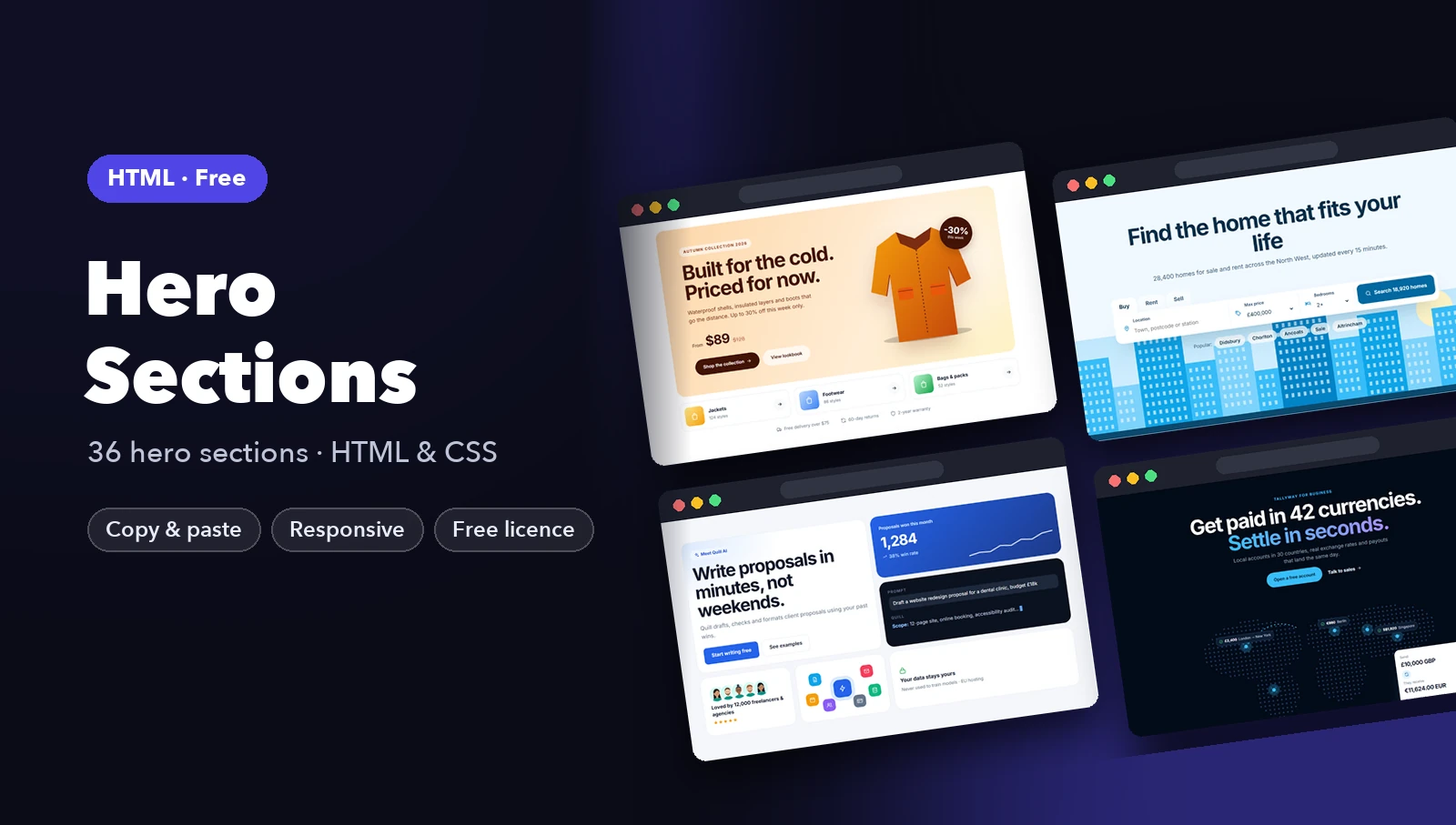
If you’d rather start from finished designs, the free hero section pack has many variations of these patterns in plain HTML and CSS, and the templates hub has matching headers, CTAs and footers.
FAQ
How long should a hero headline be?
Short enough to read at a glance. Aim for under about 10 words. If you need more, move the detail into the subheadline.
Should the hero section be full screen?
Usually not. A full-viewport hero pushes everything else down and often looks awkward on phones and short laptop screens. Let the content set the height, with generous padding.
Are hero sliders bad for conversions?
They usually hurt more than they help. They add page weight, hide messages behind slides most visitors never see, and can be hard to use with a keyboard. One strong message works better.
Should I use a background video in my hero?
Only if motion really shows something a still image can’t. If you do, keep the file small, mute it, add a poster image, provide a pause control, and turn it off for visitors who prefer reduced motion.
What image format is best for a hero image?
WebP is a safe default with wide support, and AVIF is often smaller still. Serve multiple sizes with srcset, set width and height, and add fetchpriority="high".