Live preview
Bricks Testimonial Sections24 testimonial sections for Bricks in one kit
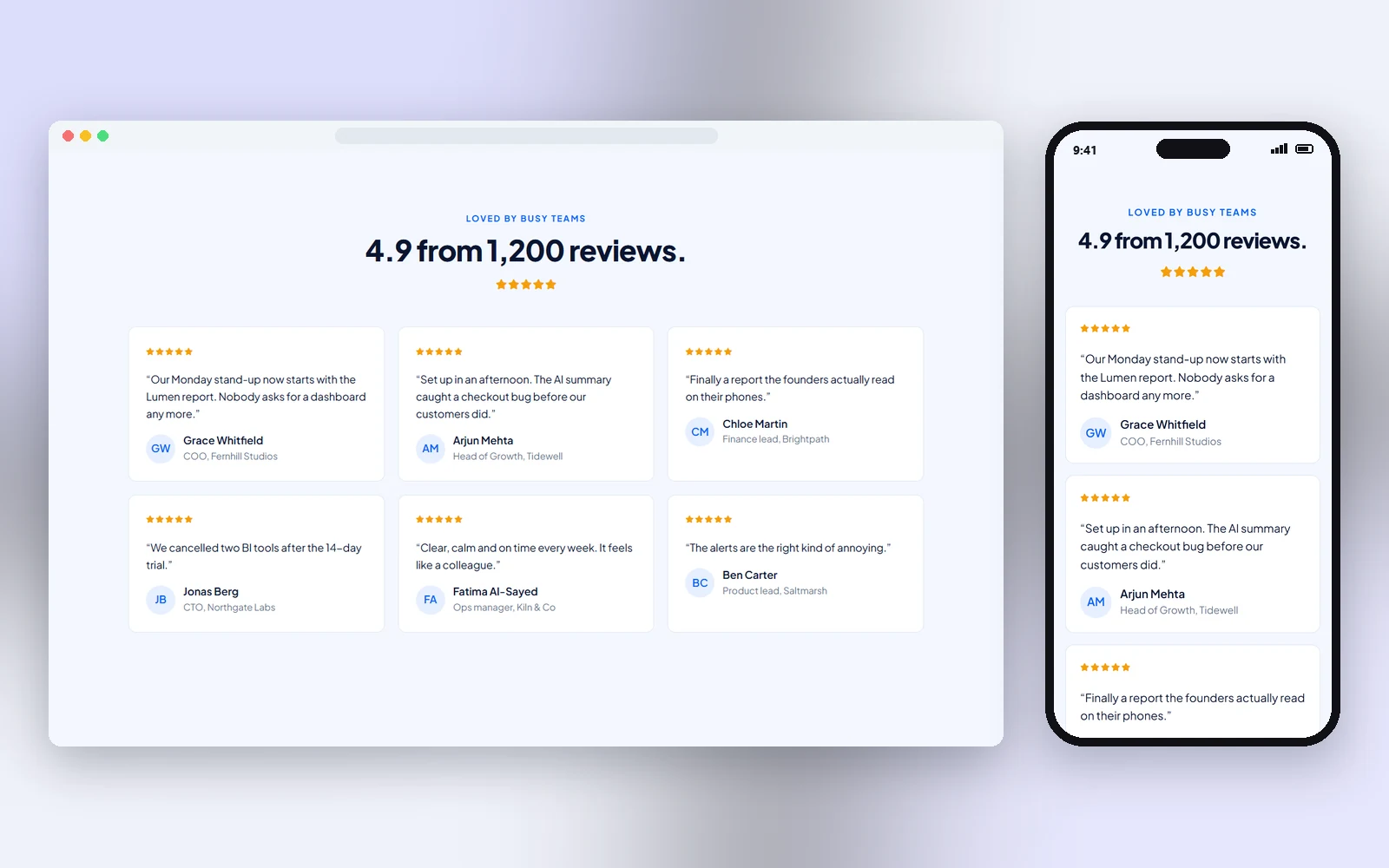
All 24 of our Bricks testimonial sections in one kit: SaaS review grid, studio quote cells, newspaper praise, florist wedding couples, estate sold stories, nursery parent reviews, architect client rows, CRM case snippets and more. Native Bricks templates, each with its own colours and fonts, responsive and imported in one click.
- 24 testimonial sections in one kit, each with its own style, colours and Google Fonts
- Native Star Rating elements, initials avatars, verified chips and rating bars, no images needed
- Each section matches the header and footer with the same number, colours and fonts included
- Designs
- 24
- Built with
- Bricks
- Licence
- Commercial use
- Updated
- Oct 2026
- Commercial licence
- Native Bricks templates
- Responsive on every screen
- Import into Bricks in one click
One kit, or every Bricks kit?
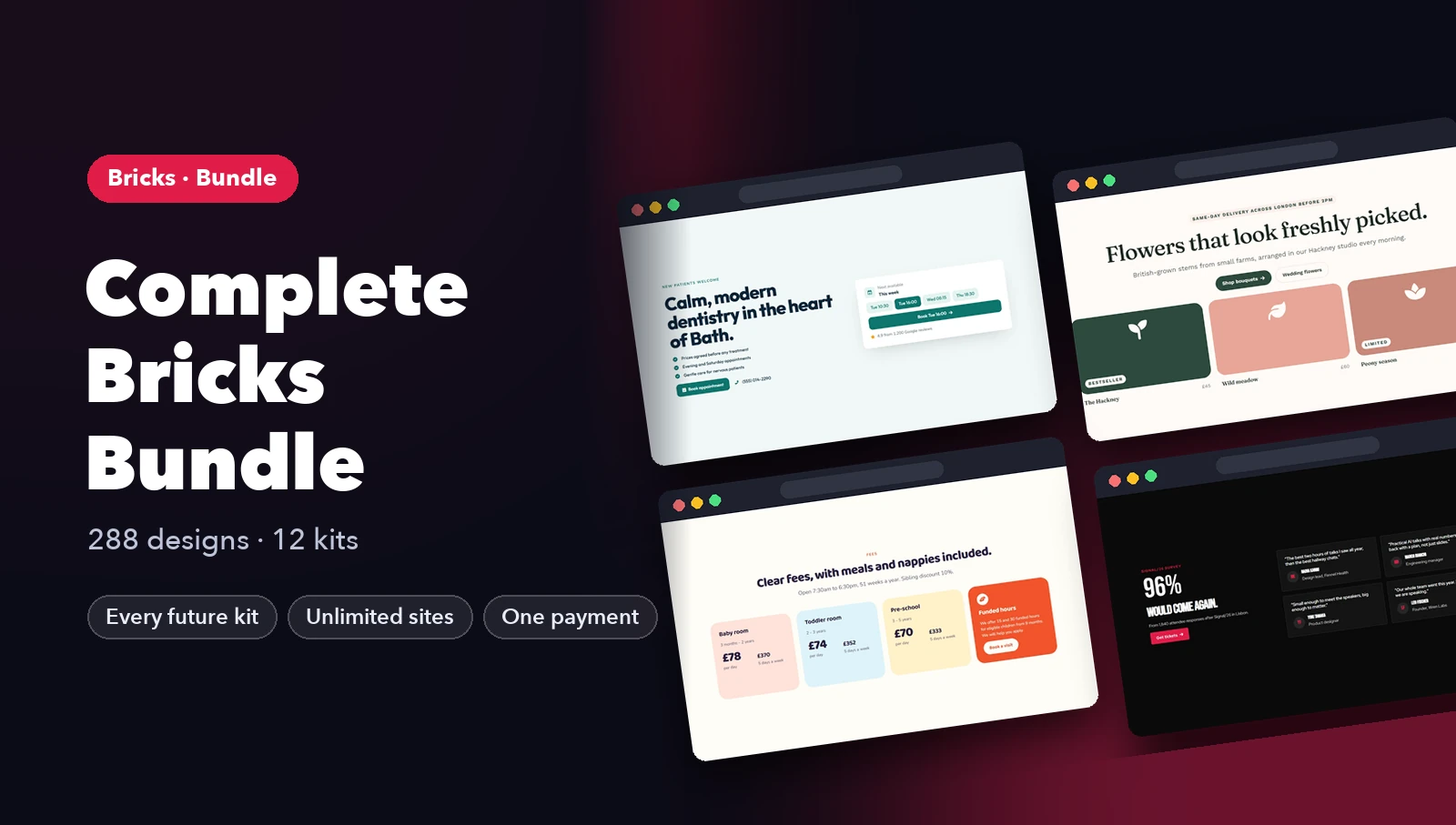
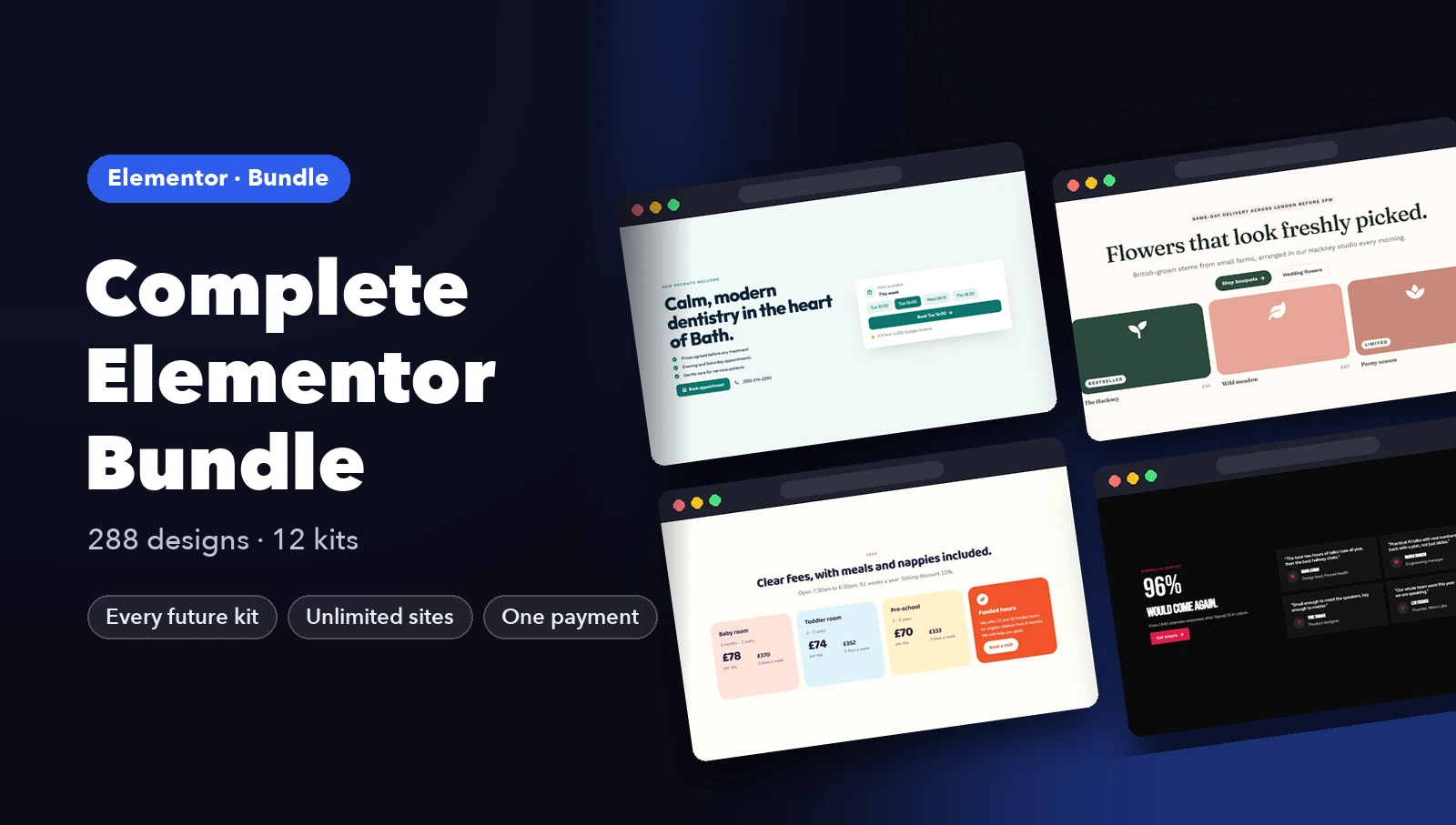
Complete Bricks · best value$39 $59
All 12 kits (288 designs) plus every kit we add later. Pays for itself from the third kit.
Get Complete BricksWhat's inside: 24 designs
See all 24What's inside
All testimonials & logos templates 24 designs in this pack
Click any design to open its live preview, then check it at desktop, tablet and phone sizes.
Live preview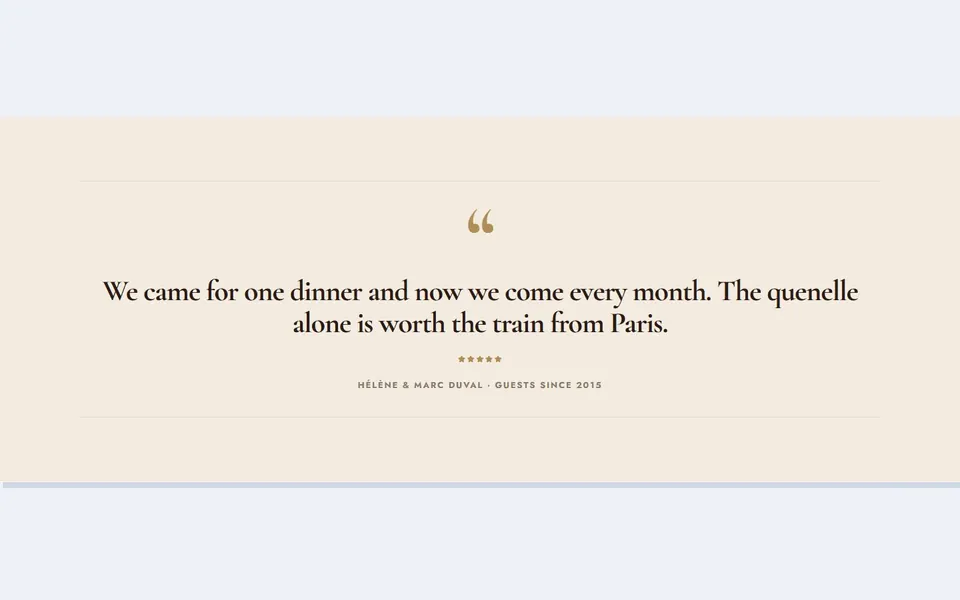 Live preview
Bistro big quote
 Live preview
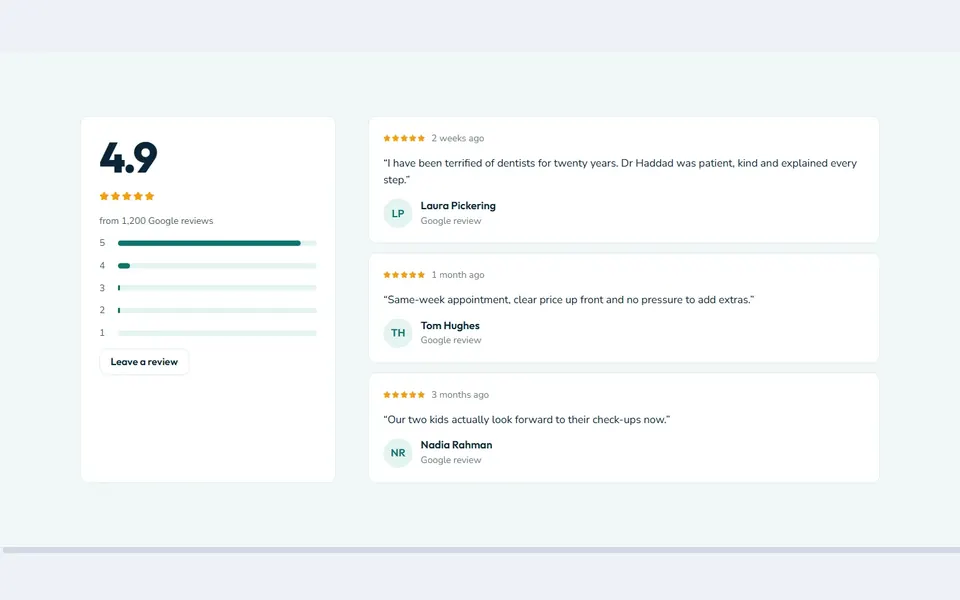
Clinic rating summary
 Live preview
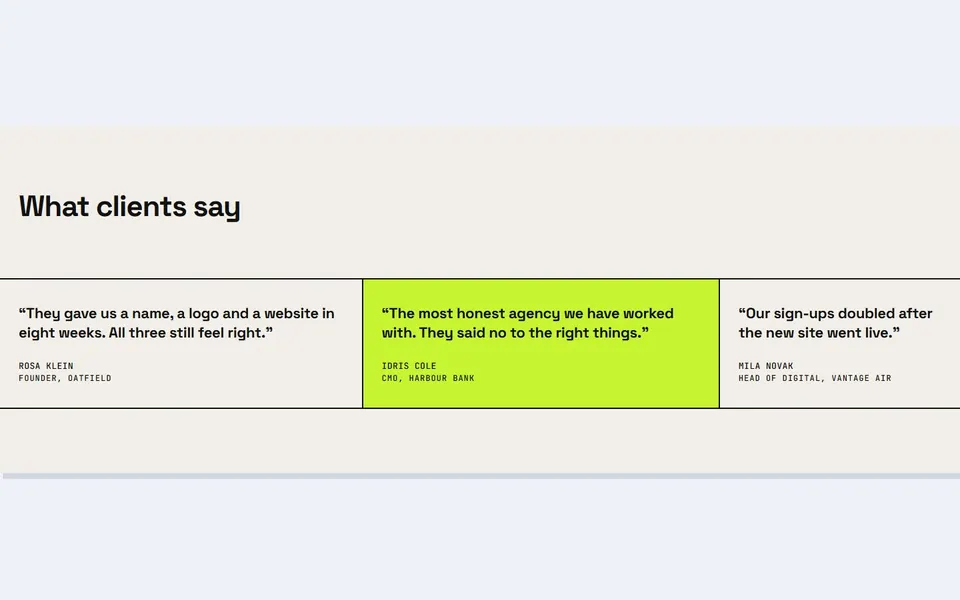
Studio quote cells
 Live preview
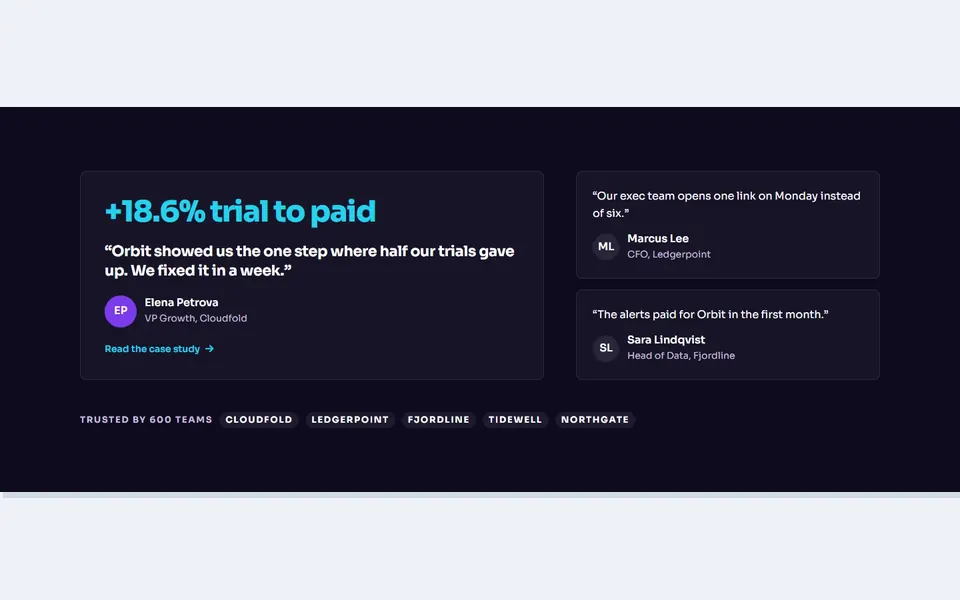
Dark featured quote
 Live preview
Shop product reviews
 Live preview
Newspaper praise
 Live preview
Adventure traveller stories
 Live preview
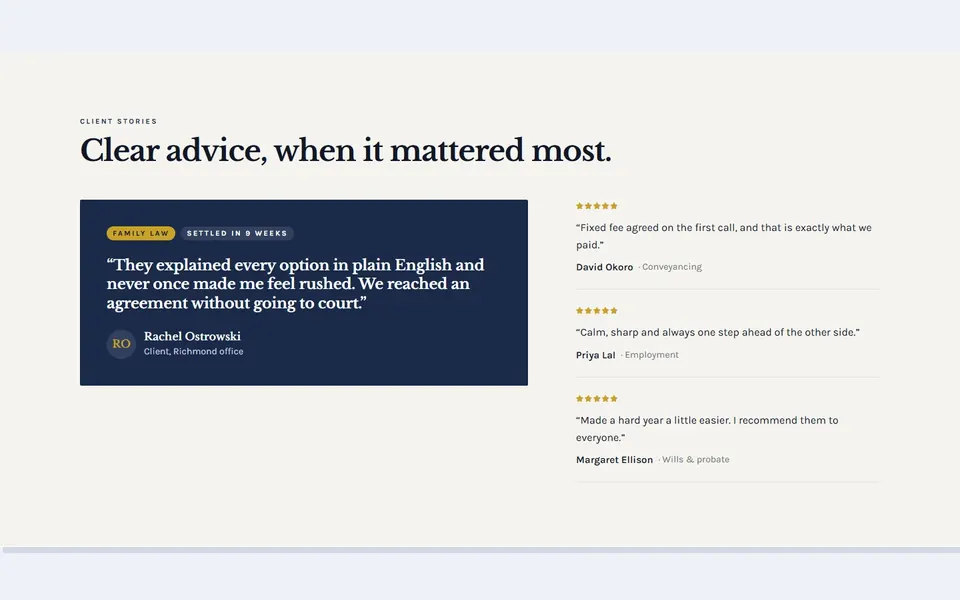
Law featured case
 Live preview
Florist wedding couples
 Live preview
AI customer wall
 Live preview
Gym member results
 Live preview
Estate sold stories
 Live preview
Dev posts
 Live preview
Hotel guest book
 Live preview
Nursery parent reviews
 Live preview
Coffee subscribers
 Live preview
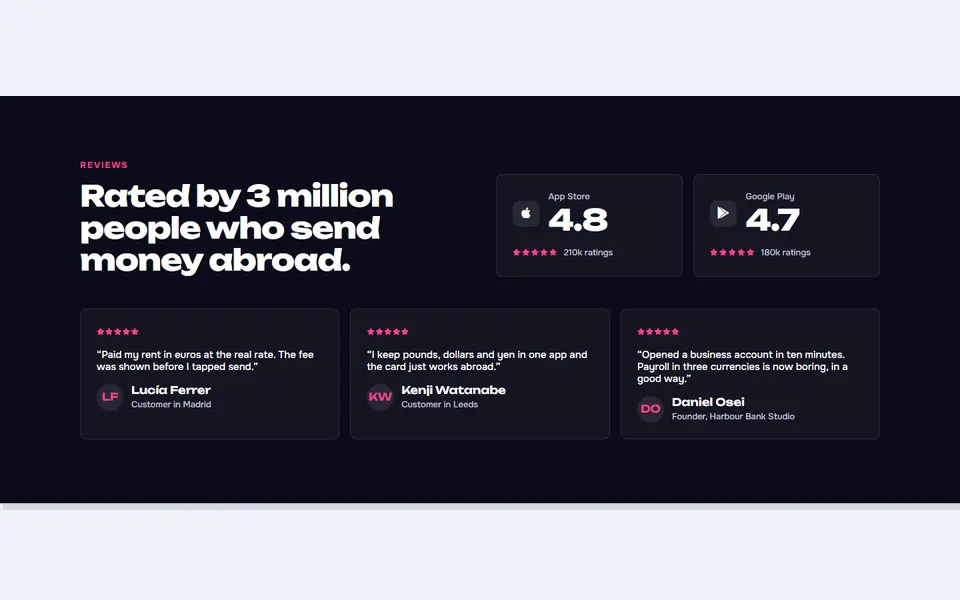
Fintech app ratings
 Live preview
Architect client rows
 Live preview
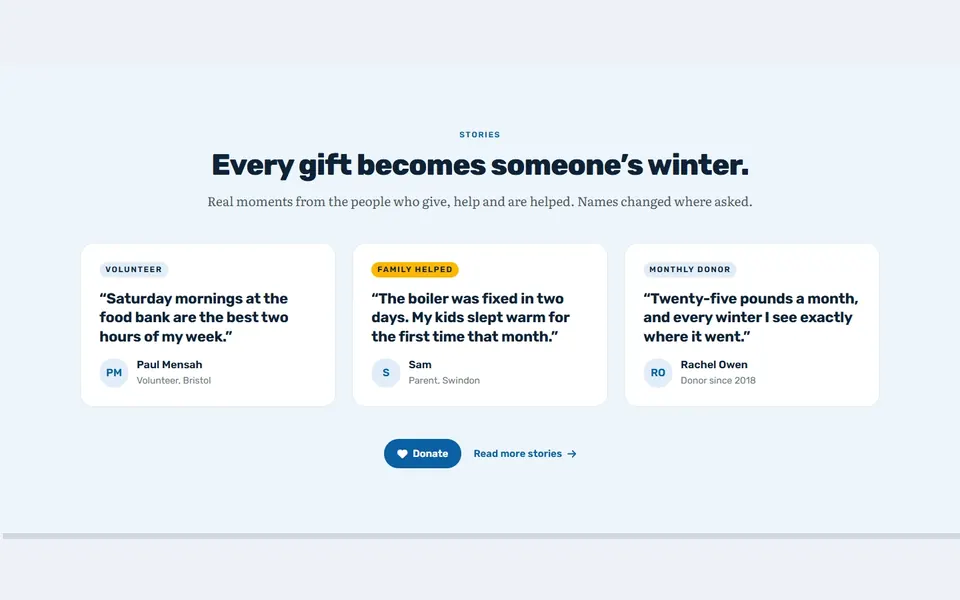
Charity stories
 Live preview
Conference attendees
 Live preview
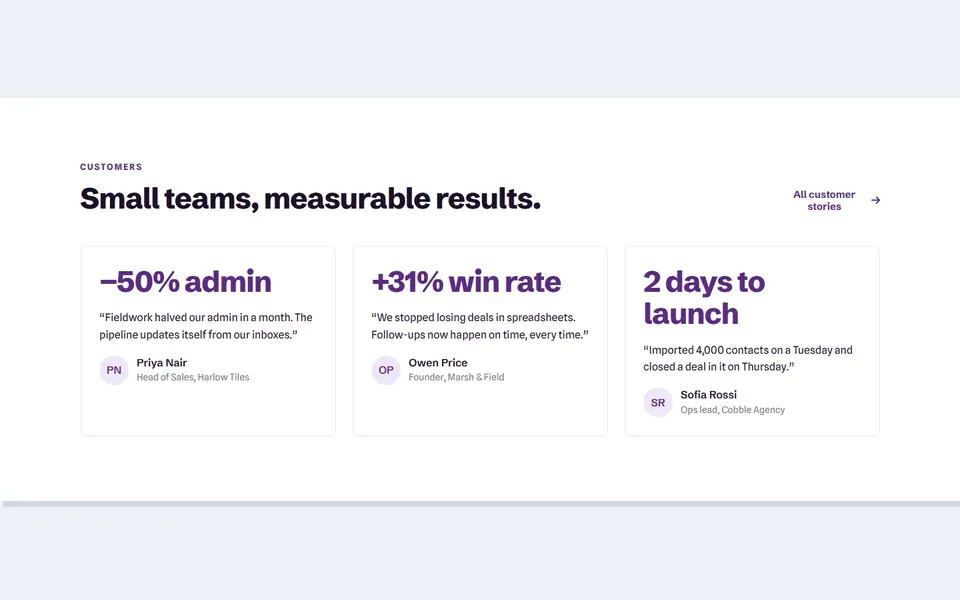
CRM case snippets
 Live preview
Podcast listener reviews
 Live preview
Dealer reviews
How to use
From download to live in three steps
- Download the packBuy above and the download is in your email and your account. Unzip it to find the Bricks template files and a README.
- Import into BricksIn WordPress, go to Bricks → Templates → Import and choose a file. Then insert it on any page.
- Make it yoursChange colours, fonts and text in Bricks, just like any other section. Step by step: Bricks kit guide.
Reviews
Customer reviews
Only people who bought or downloaded it can leave a review, from their account page.
Reply from the maker
FAQ
Common questions
How do I import the templates?
In WordPress go to Bricks > Templates, click Import and choose the .json files from templates/. Then open any page in Bricks and insert the template from the Templates panel.
Do I need any plugins?
No. Only Bricks 2.0 or newer: every part is a native Bricks element, with no custom code, global classes or third-party add-ons.
Will my theme styles change the design?
No. Colours, fonts and spacing are set on each element, so your theme styles, colour palette and global classes are left untouched and do not change the design.
What does the licence allow?
Use it on unlimited websites, your own and your clients', and change anything. You just can't resell or share the files themselves. See the licence.
Get Bricks Testimonial Sections
24 designs, one payment, unlimited websites.
More products