Live preview
HTML CTA & Newsletter Sections36 call-to-action sections in plain HTML & CSS, free
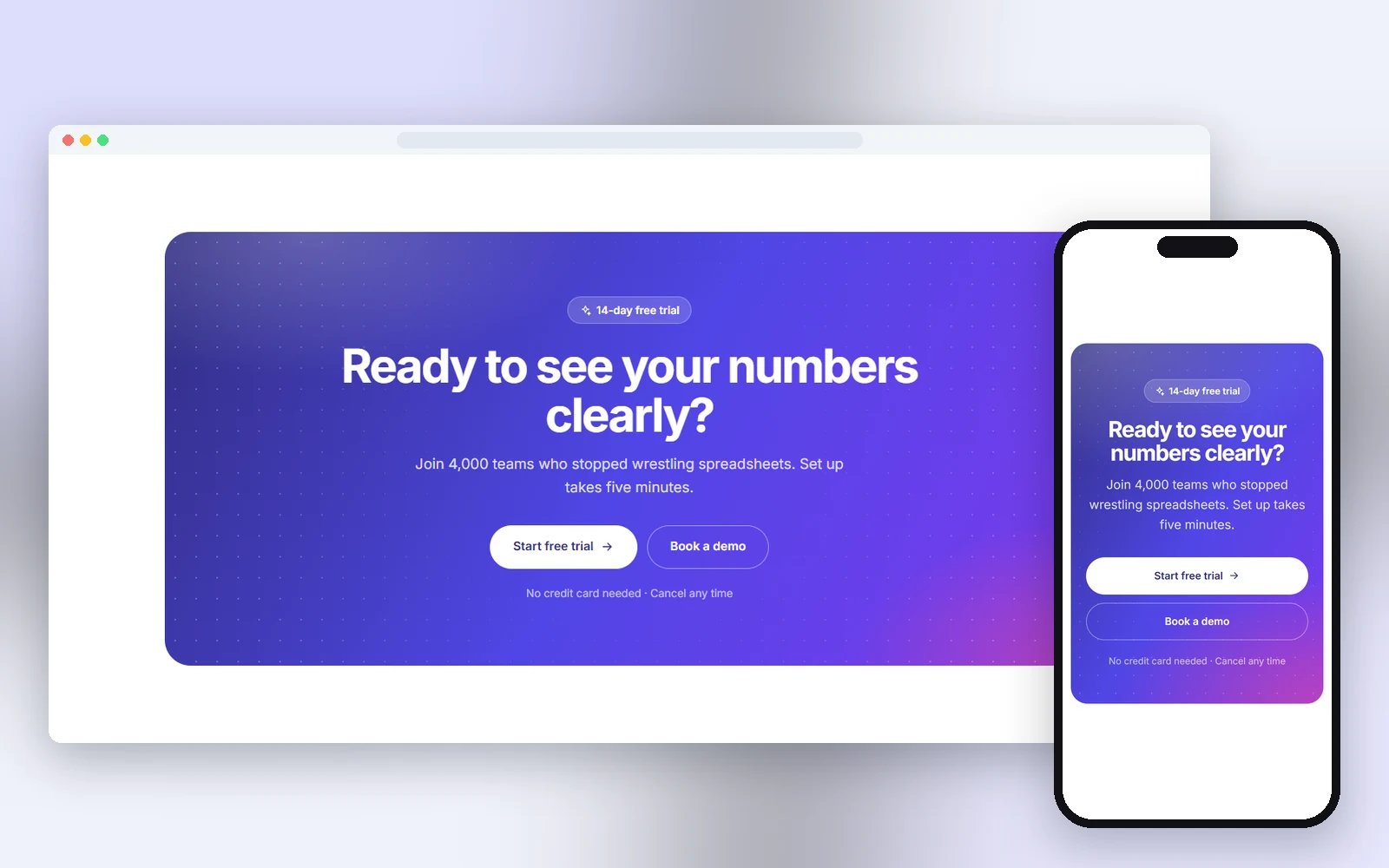
36 call-to-action sections in plain HTML and CSS, each one a single file: gradient banner, newsletter popup, free guide download, fanned cards CTA, impact slider CTA, quick table booking CTA, pet insurance quote CTA, driving lessons CTA and more. Responsive, accessible and free for personal and commercial use.
- 36 CTA and newsletter layouts, including a popup, sticky bar and corner slide-in
- Working forms, modal, countdown and copy-code buttons in plain JavaScript
- Responsive and accessible, with dialogs that close on Esc
- Designs
- 36
- Built with
- HTML & CSS
- Licence
- Free, commercial use
- Updated
- Oct 2026
- Free for client projects
- Plain HTML & CSS, no frameworks
- Responsive down to 390px
- Copy, paste and rebrand in minutes
What's inside: 36 designs
See all 36What's inside
All call to action templates 36 designs in this pack
Click any design to open its live preview, then check it at desktop, tablet and phone sizes.
Live preview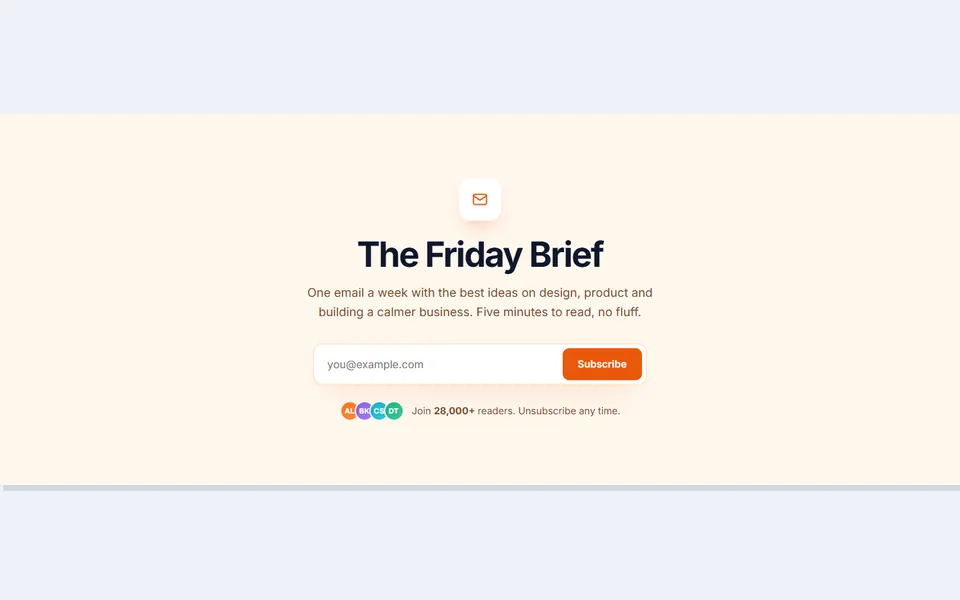 Live preview
Inline newsletter signup
 Live preview
Split with illustration
 Live preview
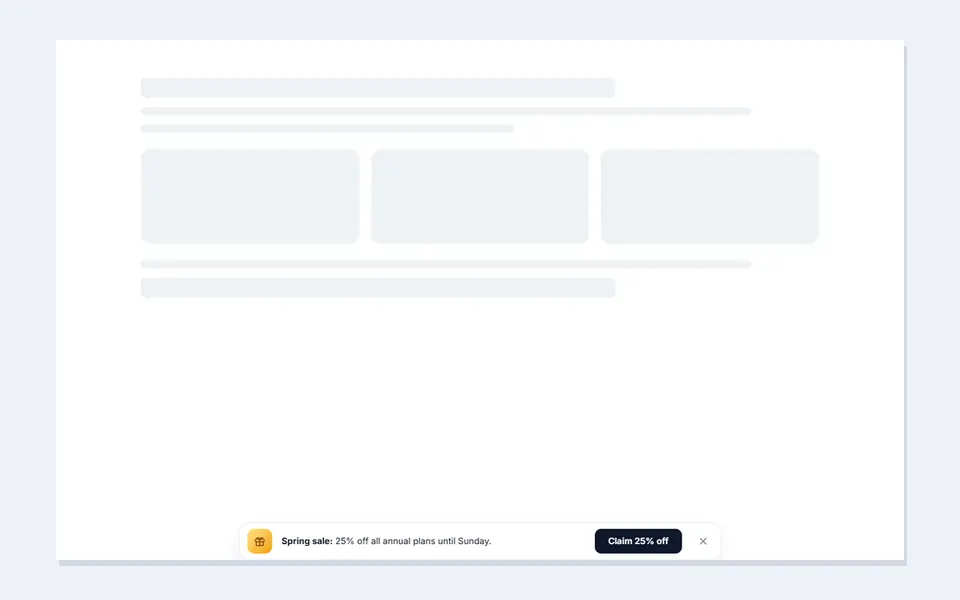
Sticky bottom bar
 Live preview
Newsletter popup
 Live preview
Download the app
 Live preview
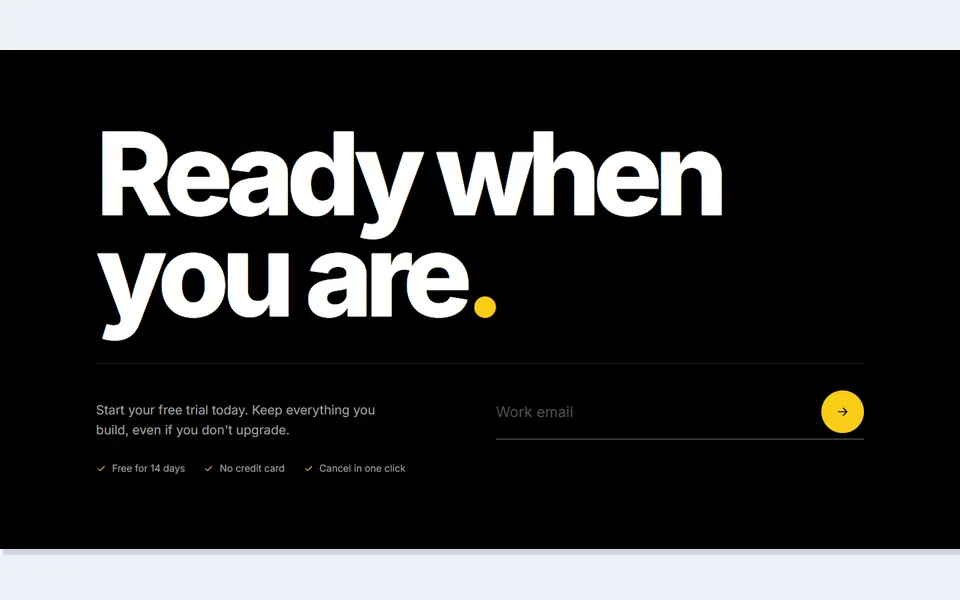
Big type with email
 Live preview
Newsletter with past issues
 Live preview
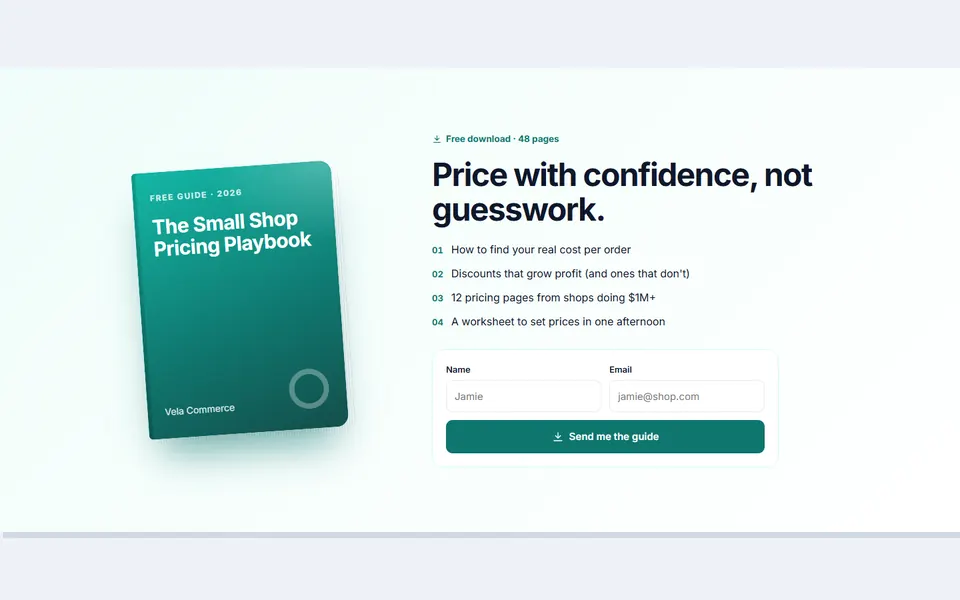
Free guide download
 Live preview
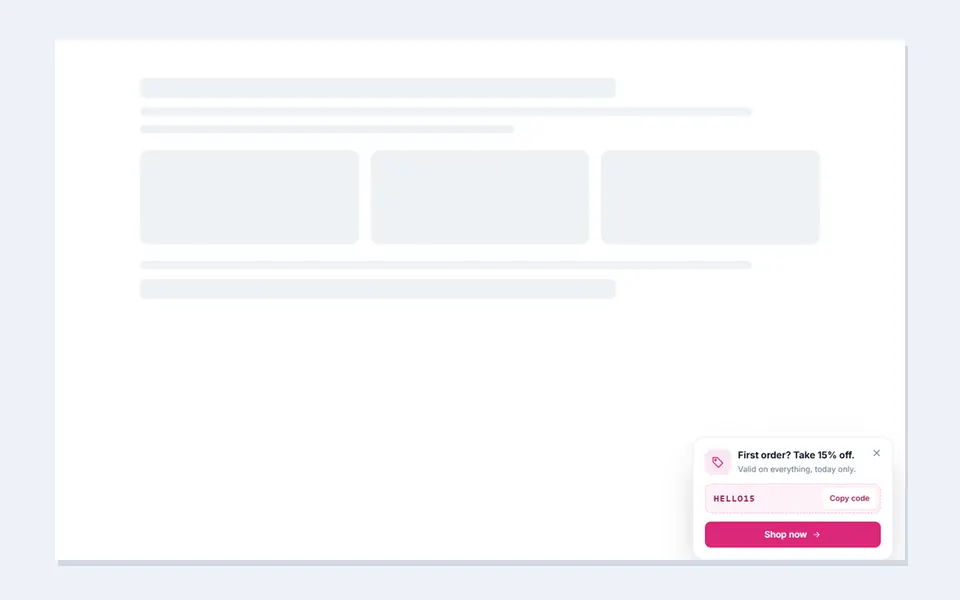
Corner slide in offer
 Live preview
Local call to action strip
 Live preview
Sale countdown with code
 Live preview
Fanned cards CTA
 Live preview
Quiz start CTA
 Live preview
Call or callback CTA
 Live preview
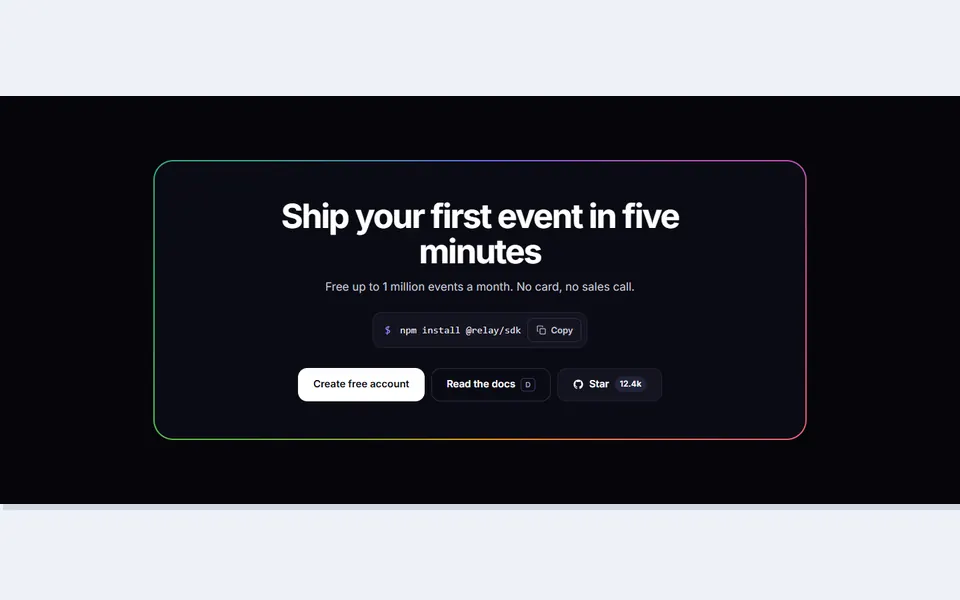
Glowing border CTA
 Live preview
Impact slider CTA
 Live preview
Instant valuation CTA
 Live preview
Community join CTA
 Live preview
Cohort deadline CTA
 Live preview
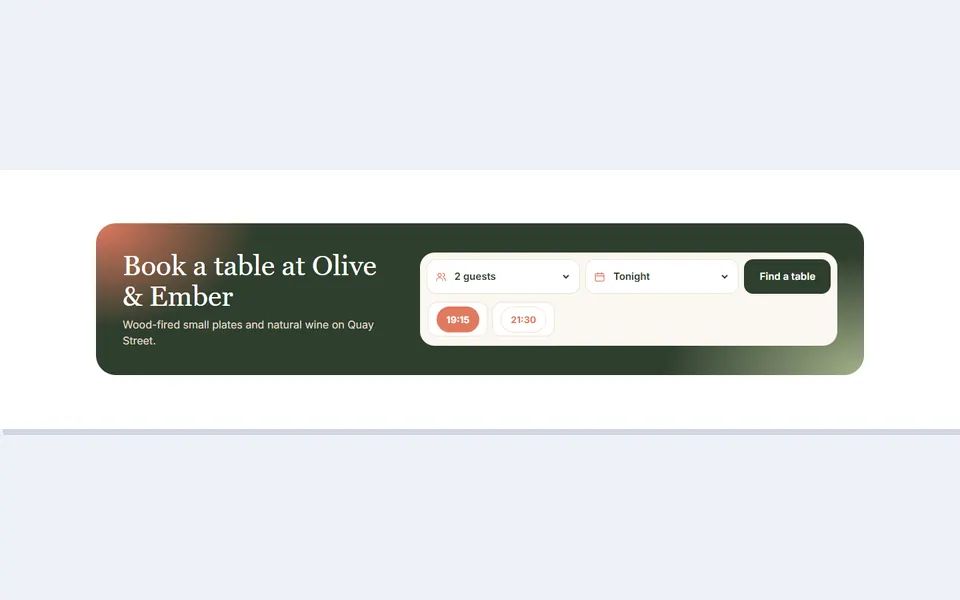
Quick table booking CTA
 Live preview
Send to phone app CTA
 Live preview
Refer a friend CTA
 Live preview
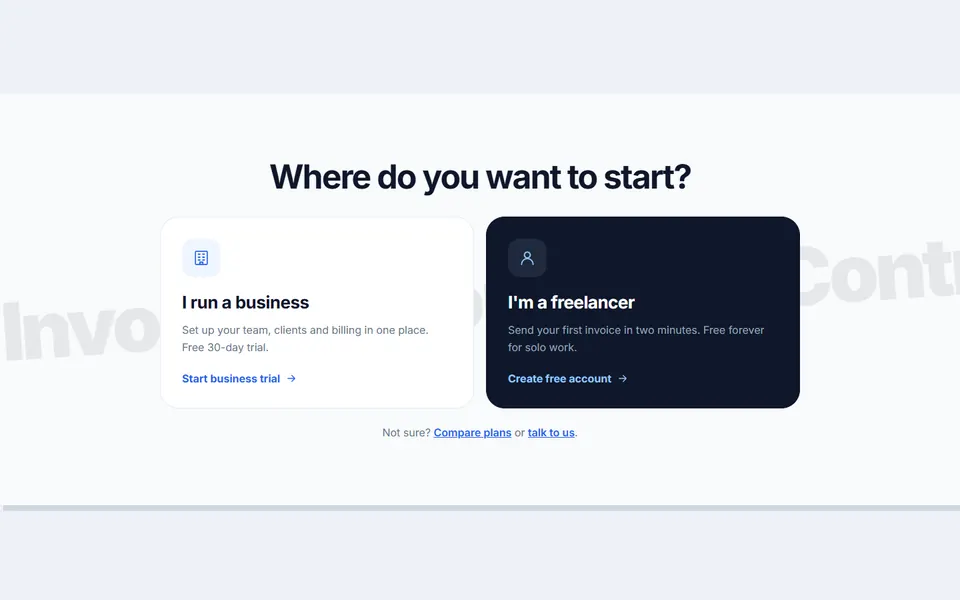
Two path final CTA
 Live preview
Pet insurance quote CTA
 Live preview
Webinar registration CTA
 Live preview
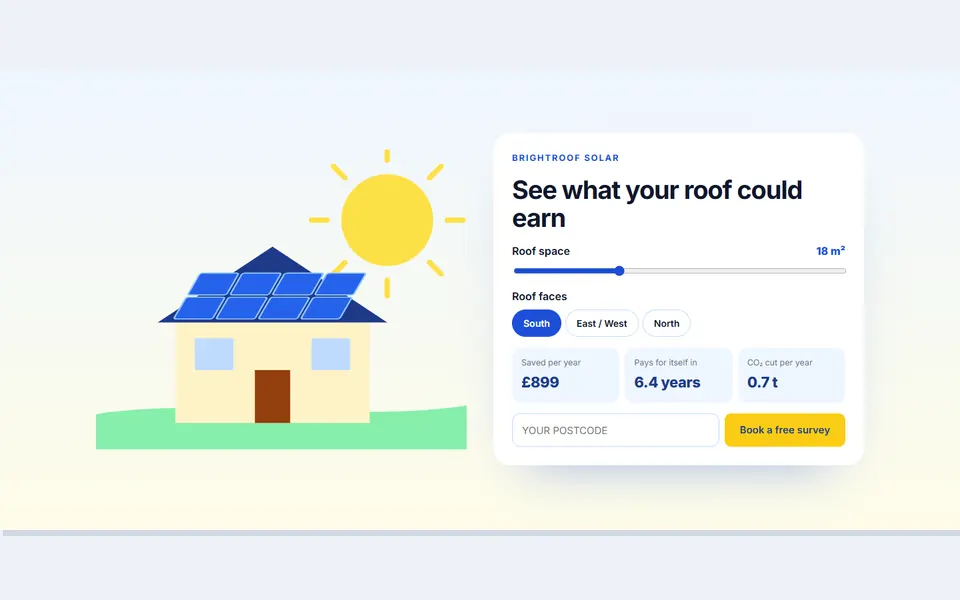
Solar savings CTA
 Live preview
Gift card designer CTA
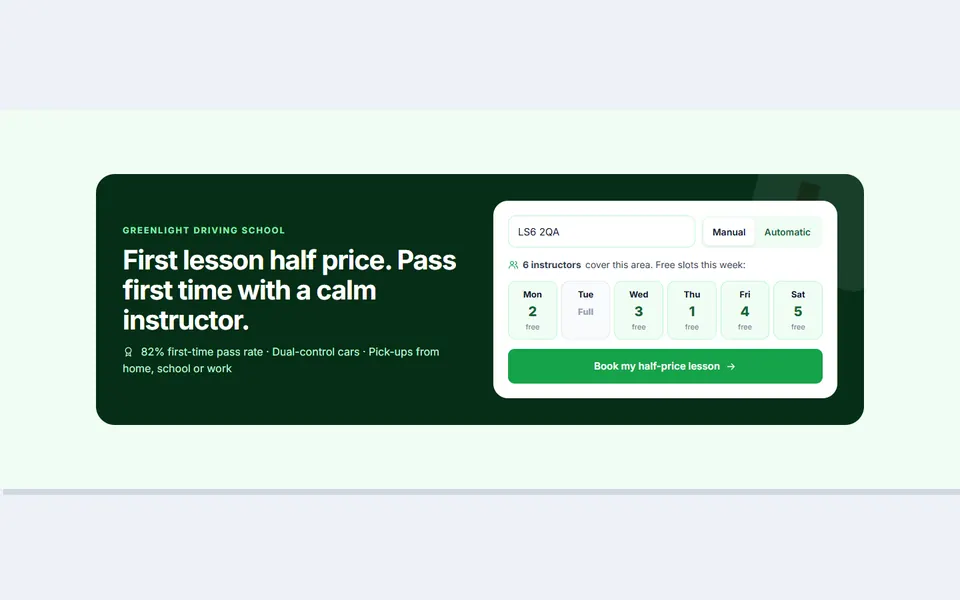 Live preview
Driving lessons CTA
 Live preview
Free template download CTA
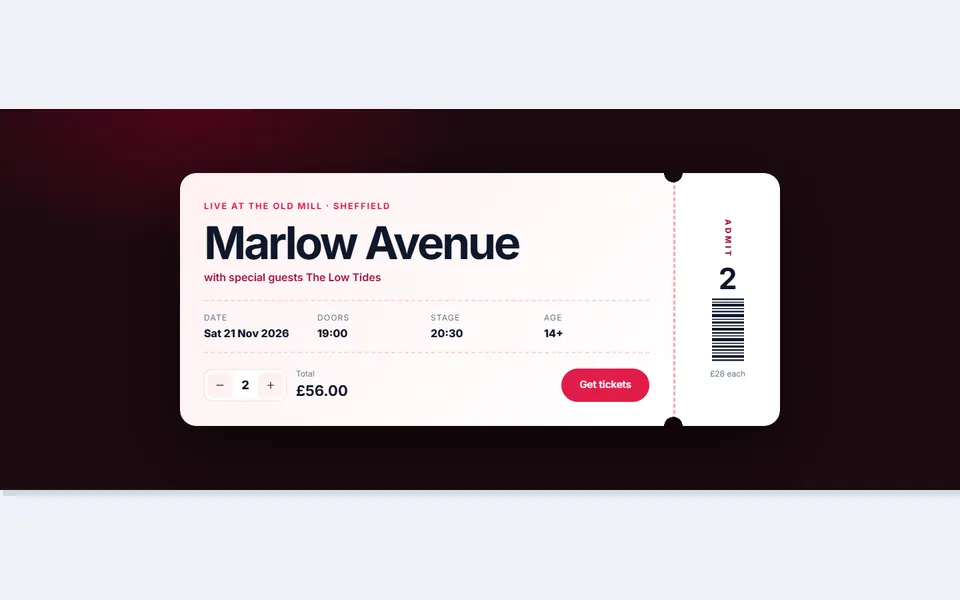 Live preview
Ticket stub CTA
 Live preview
Testimonial led CTA
 Live preview
Switch and save CTA
 Live preview
Plant subscription CTA
 Live preview
Language exchange CTA
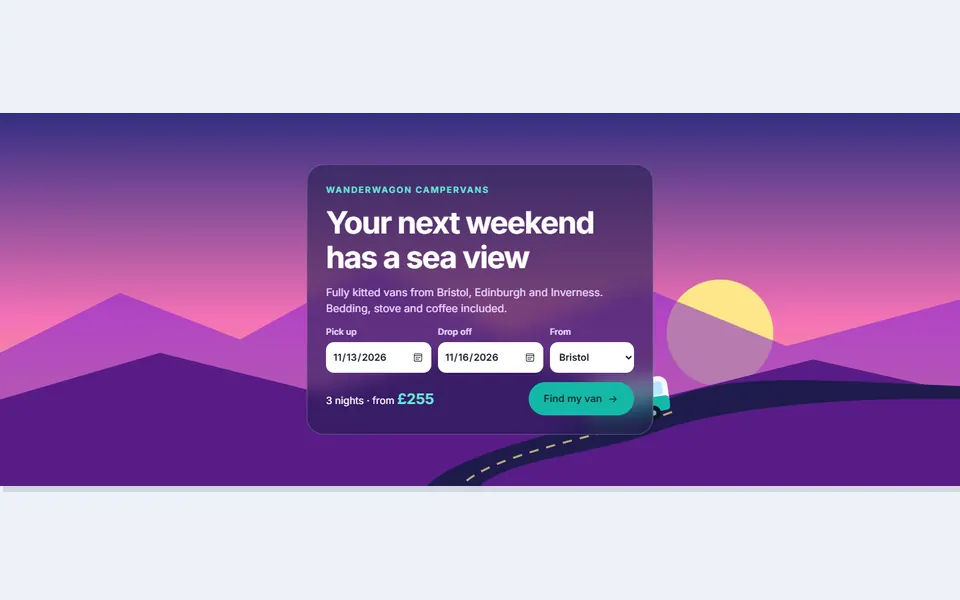 Live preview
Campervan trip CTA
How to use
From download to live in three steps
- Download the packClick Download free above and the zip downloads straight away. Unzip it and open index.html to see every design.
- Copy the design inPaste its HTML into your page and its CSS into your stylesheet. Copy the small script too if it has one.
- Make it yoursChange the colour and font variables at the top of the CSS, then swap in your own text, links and images.
Reviews
Customer reviews
Only people who bought or downloaded it can leave a review, from their account page.
Reply from the maker
FAQ
Common questions
Can I use it for client work?
Yes. It's free for personal and commercial projects, including client sites. Just don't resell the pack itself.
Do I need Tailwind, Bootstrap or a build step?
No. Each design is plain HTML and CSS with a few lines of JavaScript where needed.
How do I connect the forms to my email tool?
Set the form's action to the signup URL your email service gives you (and name the email field as it asks). The demo thank-you message shows without sending anything.
Can the popup open by itself?
Yes. Uncomment the one-line timer at the bottom of the popup file to open it after a few seconds.
Do the forms send emails?
Not by themselves. Point each form at your email tool, booking system or a form service and it will submit as normal.
Can I use two CTAs on one page?
Yes. Each one has its own class prefix and its own small script, so they won't clash.
What does the licence allow?
Use it on unlimited websites, your own and your clients', and change anything. You just can't resell or share the files themselves. See the licence.
Get HTML CTA & Newsletter Sections
36 designs, free for personal and commercial projects.
More products