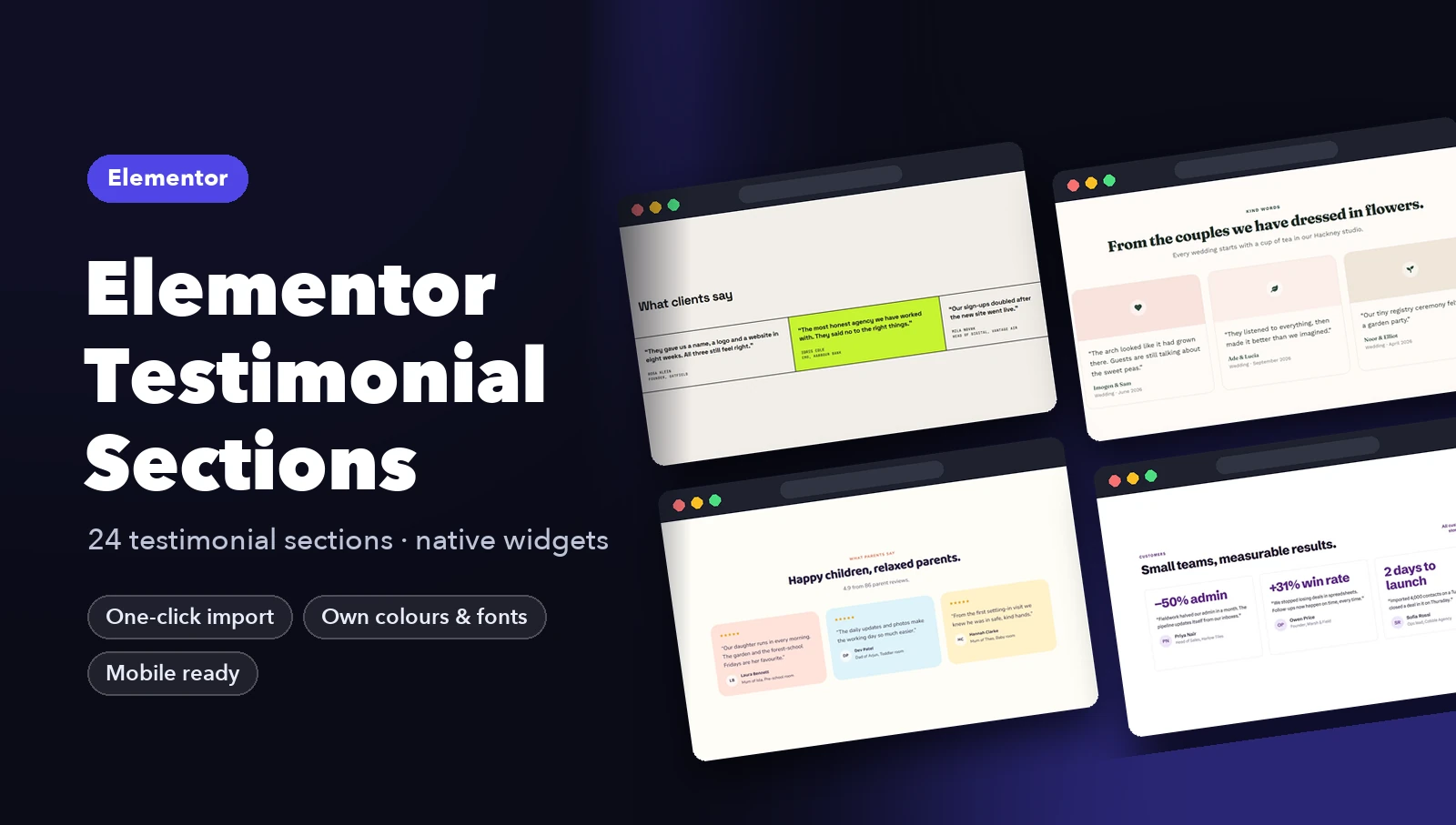
Most testimonial sections fail for the same reason: they look invented. Three five-star quotes that say “Great service!” with a first name and no photo convince nobody. A good testimonial section makes the praise feel real and specific, and it puts it where a doubt is likely to appear.
This guide covers what makes testimonials believable, how to build the section in Elementor, and eight layouts that suit different kinds of business.
What makes a testimonial believable
- A full name and a role or place. “Laura Pickering, Google review” beats “Laura P.”
- A specific result. “Sign-ups doubled after the new site went live” is stronger than “Highly recommended”.
- The source. Mention Google, Trustpilot or the app store when the review comes from there.
- A summary number when you have many reviews, such as “4.9 from 1,200 reviews”.
- The right place on the page. Put testimonials right after you make a claim, and again just before the call to action.
How to build it in Elementor
- Add a container for the section with a short heading such as “What clients say”.
- Inside, add a second container set to grid (three columns on desktop, one on mobile).
- For each review, use a small container with a Rating or Star Rating widget, a Text Editor for the quote, and a row with the person’s name and role.
- Style one card, then duplicate it so every card matches.
Elementor Pro’s Testimonial Carousel works too, but a static grid is often better: visitors see several reviews at once without clicking.
8 Elementor testimonial section designs

SaaS review grid. A rating headline (4.9 from 1,200 reviews) above a grid of short quotes. The number does the convincing; the quotes add detail.
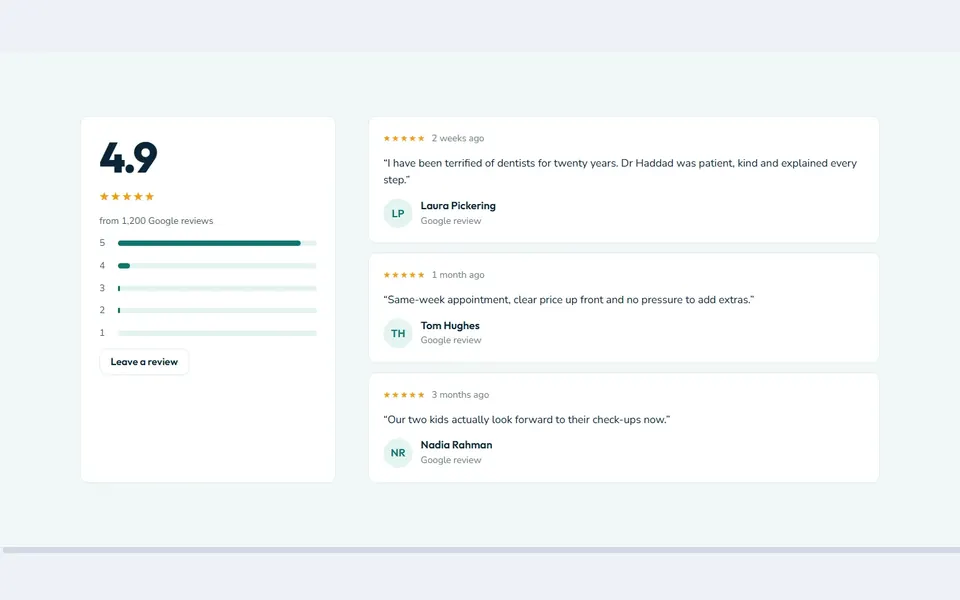
Clinic rating summary. A rating summary with a bar chart next to recent Google reviews. Ideal for clinics and local businesses that live on reviews.

Dark featured quote. One big result (+18.6% trial to paid) leads, with supporting quotes beside it and client logos underneath.

Adventure traveller stories. Traveller stories on a dark background, each tagged with the trip they took. Specific and visual.

Florist wedding couples. Wedding couples with photo cards. For emotional purchases, faces and occasions matter more than stars.

Gym member results. Results as big numbers (+40 kg, −12 kg) with the member’s quote below. Proof a gym can measure.

Hotel guest book. A single large guest quote in an elegant serif, with three short ones beneath. Calm and premium, right for a hotel.
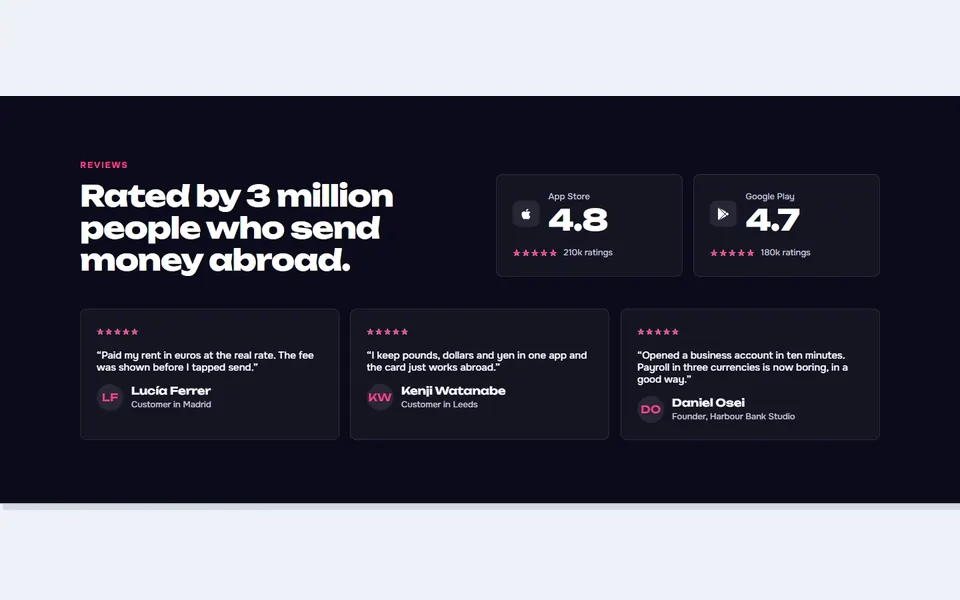
Fintech app ratings. App store ratings next to customer quotes. For an app, the store rating is the first thing people check.
Download testimonial sections for Elementor
Two designs are free and work on free Elementor: SaaS review grid and Bistro big quote. Import help is in How to Import Elementor Templates.
All 24 testimonial designs are in the Elementor Testimonial Sections kit for $19, or in the Complete Elementor Bundle with every other kit for $39.