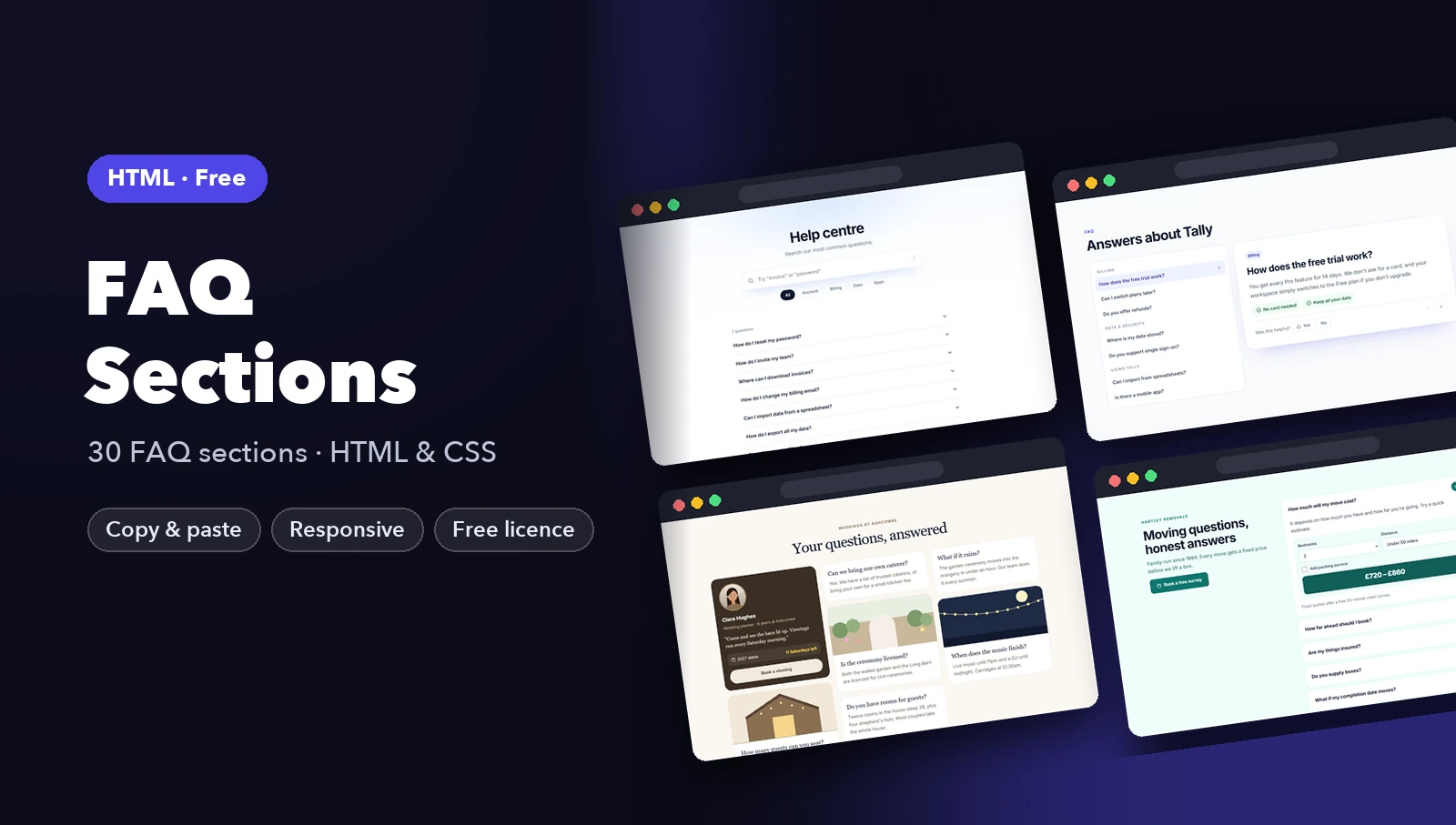
This tutorial gives you two working FAQ accordions you can paste into any site. The first uses the native details and summary elements and needs no JavaScript at all. The second uses a real button with aria-expanded and about ten lines of JavaScript, for when you need full control. You will also add FAQPage structured data the right way, and learn what Google actually does with it today, because that changed in 2026.
I tested the full example below in Chrome at 1280px and 390px wide: mouse clicks, Enter and Space on the keyboard, the “only one open” behavior, valid JSON-LD, no horizontal scroll and no console errors.
Which version should you use?
| details / summary | button + aria-expanded | |
|---|---|---|
| JavaScript needed | No | Yes, a few lines |
| Keyboard support | Built in | Built in (it is a button) |
| One-open-at-a-time | name attribute, no JS |
You write it |
| Content findable with Ctrl+F when closed | Yes in Chrome, which auto-opens matches | No, hidden content is skipped |
| Best for | Most FAQ sections | Design systems, complex animation, custom state |
For a normal marketing or support FAQ, start with details. It is less code, it works before any script loads, and screen readers already understand it.
The full HTML
Here is the markup for both versions on one page. The top section is the native version, the bottom one is the button version.
<main>
  <section class="faq" aria-labelledby="faq-native">
    <h2 id="faq-native">Frequently asked questions</h2>
    <details name="faq">
      <summary>Do I need JavaScript for this?</summary>
      <p>No. The details and summary elements open and close on their own, with keyboard support built in.</p>
    </details>
    <details name="faq">
      <summary>Can only one answer be open at a time?</summary>
      <p>Yes. Give every details element the same name attribute and the browser closes the others for you.</p>
    </details>
    <details name="faq">
      <summary>Will it work in older browsers?</summary>
      <p>The accordion works everywhere. Older browsers just ignore the name attribute and let several answers stay open.</p>
    </details>
  </section>

  <section class="faq" aria-labelledby="faq-js">
    <h2 id="faq-js">Billing questions</h2>
    <div class="faq-item">
      <h3><button class="faq-btn" type="button" aria-expanded="false" aria-controls="faq-a1">Can I cancel anytime?</button></h3>
      <div class="faq-panel" id="faq-a1" hidden><p>Yes. Cancel from your account page and you keep access until the end of the billing period.</p></div>
    </div>
    <div class="faq-item">
      <h3><button class="faq-btn" type="button" aria-expanded="false" aria-controls="faq-a2">Do you offer refunds?</button></h3>
      <div class="faq-panel" id="faq-a2" hidden><p>We refund any purchase within 14 days, no questions asked.</p></div>
    </div>
  </section>
</main>
A few things worth noticing:
- Each section has a heading and
aria-labelledby, so screen reader users can jump to “Frequently asked questions” from their headings or landmarks list. - In the button version, the
buttonsits inside anh3. That keeps each question in the heading outline, which is how the WAI-ARIA Authoring Practices accordion pattern does it. aria-controlspoints at the panel’sid, and the panel starts withhiddenso it is removed from view and from the accessibility tree.
Version 1: details and summary, no JavaScript
The browser does all the work here. Clicking the summary, or focusing it with Tab and pressing Enter or Space, toggles the open attribute on details. Screen readers announce it as expanded or collapsed. You get that for free.
Styling the marker
By default you get a small triangle. To replace it, remove the marker and draw your own icon with a pseudo-element:
list-style: noneonsummaryremoves the marker in Firefox and current Chrome.summary::-webkit-details-marker { display: none; }removes it in Safari, which still uses the older prefixed marker.
Then summary::after shows a “+” and details[open] > summary::after swaps it for a “−” (written as \2212, the real minus sign, which lines up better than a hyphen). Using > matters if you ever nest details, so the inner one does not flip the outer icon.
Making summary a flex container with justify-content: space-between puts the question on the left and the icon on the right, and flex: none stops a long question from squashing the icon on a phone.
Exclusive accordion with the name attribute
Give every details in a group the same name, and the browser closes the others when you open one. In my test, opening the first answer and then the second left only the second open. No script involved.
Support is good: Chrome and Edge 120, Safari 17.2 and Firefox 130 all support it, according to Chrome’s developer guide on exclusive accordions. Older browsers simply ignore name and let several answers stay open, which is a perfectly fine fallback for an FAQ. You do not need a polyfill.
One caution: before you make an accordion exclusive, ask whether you should. Readers often want to compare two answers. Closing one when they open another can be annoying, especially on long answers where the page jumps. For short FAQs it is a nice touch. For long ones, leave name off.
Version 2: button and aria-expanded
Reach for this when you need things details makes awkward: custom open and close animation, opening items from elsewhere in your app, or syncing with a framework’s state. The JavaScript is short:
document.querySelectorAll('.faq-btn').forEach((btn) => {
  const panel = document.getElementById(btn.getAttribute('aria-controls'));
  btn.addEventListener('click', () => {
    const open = btn.getAttribute('aria-expanded') === 'true';
    btn.setAttribute('aria-expanded', String(!open));
    panel.hidden = open;
  });
});
The rules that make it accessible:
- Use a real
button. Not adivwith a click handler. A button is focusable, works with Enter and Space, and is announced as a button. My test pressed Space and then Enter on the focused button and both toggled it. - Keep
aria-expandedin sync. That is what tells screen reader users whether the answer is showing. Style off the same attribute ([aria-expanded="true"]) so the icon can never disagree with what is announced. - Hide panels with
hidden. Hiding withopacityorheight: 0alone leaves the text readable to screen readers while it looks closed. - Write
type="button". If your FAQ ever ends up inside a form, a plainbuttonwould submit it.
Escape is not part of the accordion pattern, so you do not need to handle it. Arrow-key navigation between headers is optional in the APG pattern. Tab already moves between buttons, which is enough for most FAQs.
The CSS
Both versions share the same look, so this one stylesheet covers them:
:root {
  --text: #1a1a2e;
  --muted: #555b6e;
  --line: #d9dce3;
  --accent: #3b5bdb;
  --bg: #ffffff;
}
* { box-sizing: border-box; }
body { margin: 0; font: 1rem/1.6 system-ui, sans-serif; color: var(--text); background: var(--bg); }
.faq { max-width: 44rem; margin: 2rem auto; padding: 0 1rem; }
.faq h2 { font-size: 1.5rem; margin: 0 0 1rem; }

/* Version 1: details / summary */
.faq details { border-bottom: 1px solid var(--line); }
.faq summary {
  display: flex; justify-content: space-between; align-items: center; gap: 1rem;
  padding: 1rem 0; font-weight: 600; cursor: pointer; list-style: none;
}
.faq summary::-webkit-details-marker { display: none; }
.faq summary::after {
  content: "+"; flex: none; font-size: 1.5rem; line-height: 1; color: var(--accent);
}
.faq details[open] > summary::after { content: "\2212"; }
.faq summary:focus-visible,
.faq-btn:focus-visible { outline: 3px solid var(--accent); outline-offset: 2px; border-radius: 4px; }
.faq details p, .faq-panel p { margin: 0 0 1rem; color: var(--muted); }

/* Version 2: button + aria-expanded */
.faq-item { border-bottom: 1px solid var(--line); }
.faq-item h3 { margin: 0; font-size: 1rem; }
.faq-btn {
  display: flex; justify-content: space-between; align-items: center; gap: 1rem;
  width: 100%; padding: 1rem 0; border: 0; background: none;
  font: inherit; font-weight: 600; color: inherit; text-align: left; cursor: pointer;
}
.faq-btn::after { content: "+"; flex: none; font-size: 1.5rem; line-height: 1; color: var(--accent); }
.faq-btn[aria-expanded="true"]::after { content: "\2212"; }

@media (prefers-reduced-motion: no-preference) {
  .faq summary::after, .faq-btn::after { transition: transform 0.2s ease; }
  .faq details[open] > summary::after,
  .faq-btn[aria-expanded="true"]::after { transform: rotate(180deg); }
}
Two accessibility details here. :focus-visible gives keyboard users a clear 3px outline without showing it on every mouse click. And the icon transition only runs inside prefers-reduced-motion: no-preference, so people who turned off animations in their system settings get an instant change.
If you want a ready-made design instead of styling from scratch, the FAQ section templates use this same native approach in several layouts, and you can browse the rest of the free HTML templates too.
Adding FAQPage structured data (JSON-LD)
Structured data tells search engines that a block of text is a question and its answer. Put it in a script tag anywhere in the page:
<script type="application/ld+json">
{
  "@context": "https://schema.org",
  "@type": "FAQPage",
  "mainEntity": [
    {
      "@type": "Question",
      "name": "Can I cancel anytime?",
      "acceptedAnswer": {
        "@type": "Answer",
        "text": "Yes. Cancel from your account page and you keep access until the end of the billing period."
      }
    },
    {
      "@type": "Question",
      "name": "Do you offer refunds?",
      "acceptedAnswer": {
        "@type": "Answer",
        "text": "We refund any purchase within 14 days, no questions asked."
      }
    }
  ]
}
</script>
Getting it right:
- Match the visible page. Every question and answer in the JSON-LD must appear on the page, word for word or close to it. Marking up hidden or invented Q&A breaks Google’s structured data guidelines.
- One FAQPage per page. If you have two FAQ sections, put all their questions in one
mainEntityarray. - Only for real FAQs. Use it for questions you answer yourself. Forums and pages where users post answers should use QAPage instead.
- Escape quotes. JSON breaks on a stray
". My test parses the block withJSON.parseto catch that. - Basic HTML is allowed in
text, such as links and lists, if you want them.
What Google does with FAQ markup now
This part changed, so be careful with older advice. In August 2023 Google limited FAQ rich results (the expandable questions under a search result) to well-known government and health websites. Then, according to Google’s own documentation update, FAQ rich results stopped appearing in Google Search as of May 7, 2026, for all sites. Google also said it would drop the FAQ report and Rich Results Test support in June 2026, and Search Console API support in August 2026.
So adding FAQPage JSON-LD will not get you the dropdown snippet anymore. Google has said valid FAQ markup causes no problems if you leave it in place, and that it can still use structured data to understand a page. Other search engines and AI tools may read it too.
My practical take: add it if it takes you two minutes, because it is harmless and describes your content clearly. Do not spend a day retrofitting it across an old site expecting more clicks. The thing that actually helps searchers is a clear, honest FAQ on the page itself, with questions people really ask.
For more on putting together pages that convert, see how to structure a landing page. And if your FAQ lives next to navigation, the responsive navbar tutorial uses the same accessible button approach.
FAQ
Is details and summary accessible to screen readers?
Yes. Modern screen readers announce the summary as a button-like control with an expanded or collapsed state. Avoid putting headings or links inside summary, since that confuses how it is announced.
Can I animate the opening of details?
You can animate the icon easily, as shown above. Animating the height of the answer itself needs either JavaScript or newer CSS like ::details-content with interpolate-size, which is not supported everywhere yet. If smooth height animation is a must, use the button version.
Should the first FAQ item be open by default?
Only if it answers the most common question. Add the open attribute to that details, or set aria-expanded="true" and remove hidden in the button version.
Does FAQPage schema still help SEO in 2026?
It no longer produces FAQ rich results in Google, since those were removed in May 2026. It is still valid schema and harmless to keep. The visible FAQ content is what helps people find and trust your page.

