Live preview
HTML Gallery & Portfolio Sections30 gallery and portfolio sections in plain HTML & CSS, free
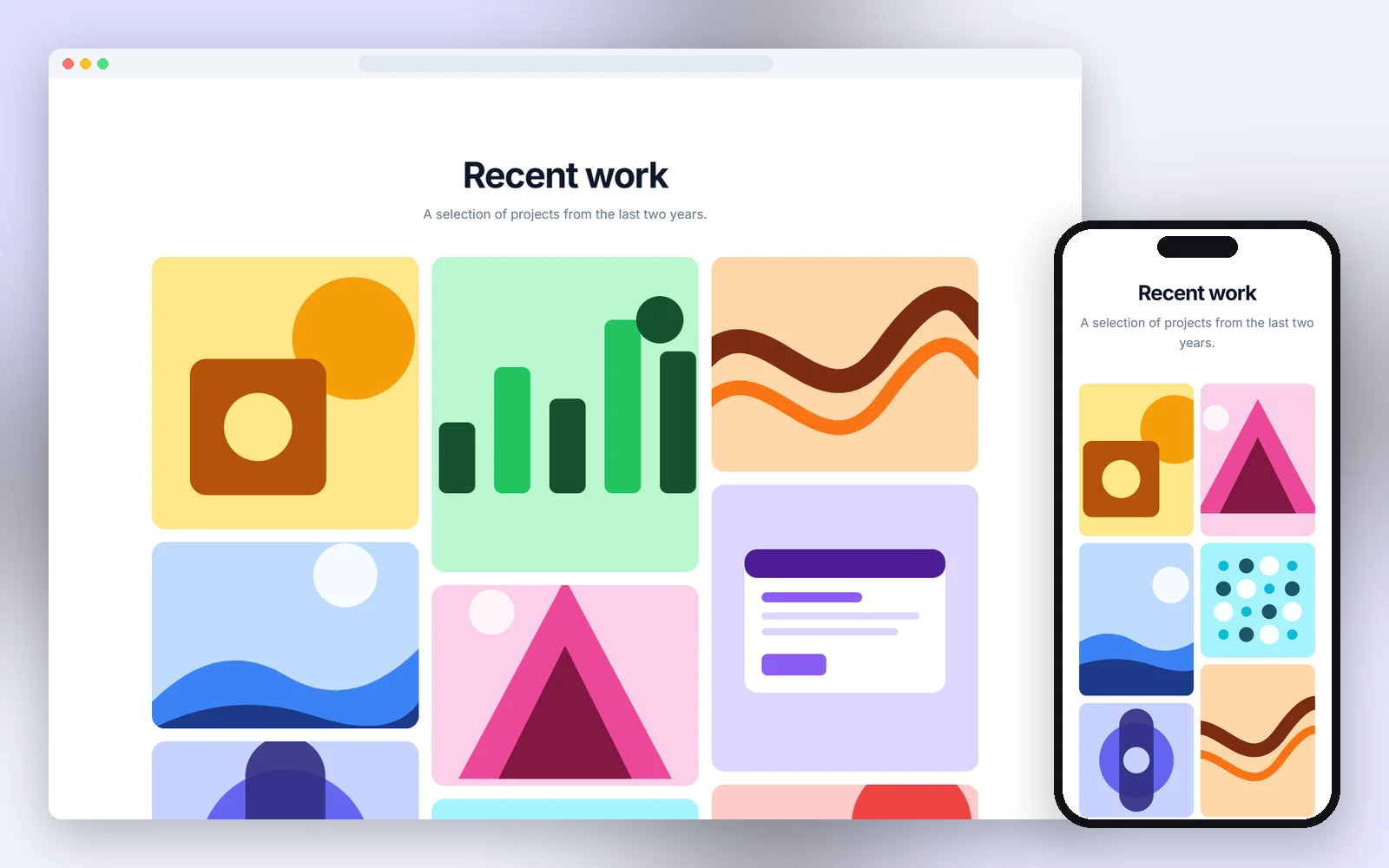
30 gallery and portfolio sections in plain HTML and CSS, each one a single file: masonry gallery, before and after renovation, photographer portfolio, property photo gallery, stacking project cards, video portfolio, event photo albums, photo map and more. Responsive, accessible and free for personal and commercial use.
- 30 layouts: masonry, filters, case studies, lightbox, before/after and more
- Working lightbox, filters, comparison slider and project rail in vanilla JavaScript
- Image areas sized for your own photos, responsive down to 390px
- Designs
- 30
- Built with
- HTML & CSS
- Licence
- Free, commercial use
- Updated
- Oct 2026
- Free for client projects
- Plain HTML & CSS, no frameworks
- Responsive down to 390px
- Copy, paste and rebrand in minutes
What's inside: 30 designs
See all 30What's inside
All gallery & portfolio templates 30 designs in this pack
Click any design to open its live preview, then check it at desktop, tablet and phone sizes.
Live preview Live preview
Filterable portfolio
 Live preview
Case study cards
 Live preview
Before and after renovation
 Live preview
Lightbox gallery
 Live preview
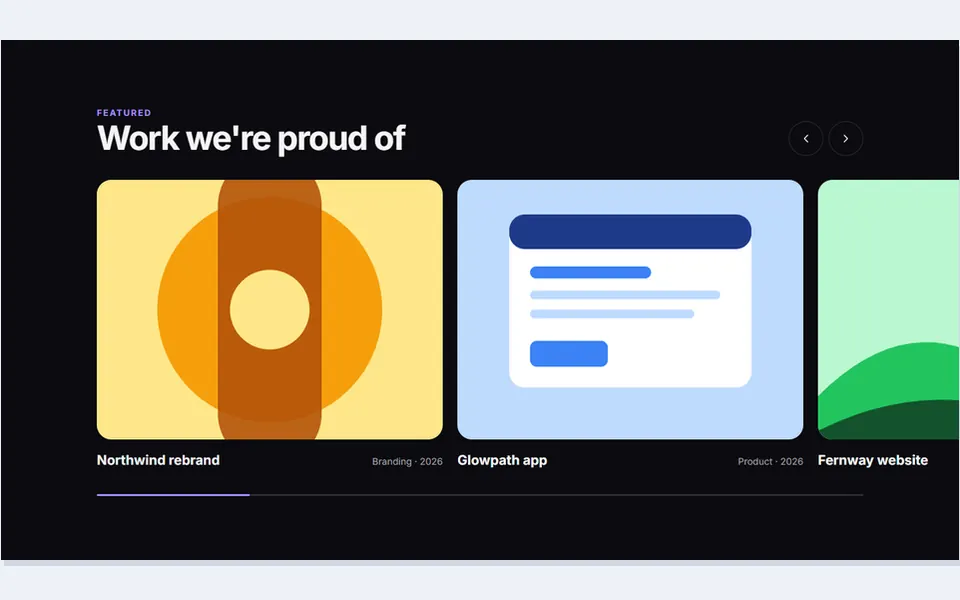
Horizontal project rail
 Live preview
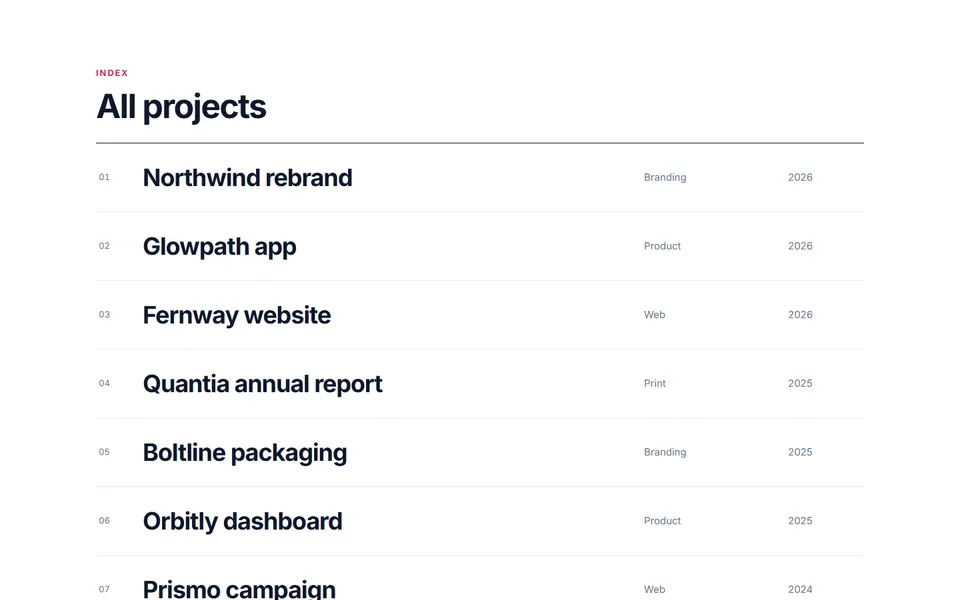
Photographer portfolio
 Live preview
Project list with hover preview
 Live preview
Social feed grid
 Live preview
Property photo gallery
 Live preview
Bento travel mosaic
 Live preview
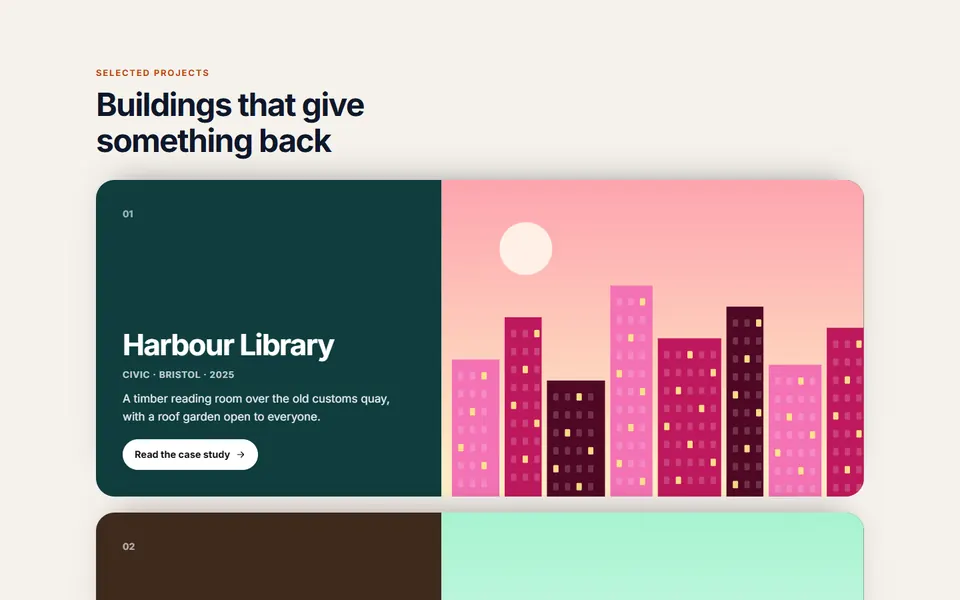
Slideshow with thumbnails
 Live preview
Stacking project cards
 Live preview
Room by room album
 Live preview
Travel journal polaroids
 Live preview
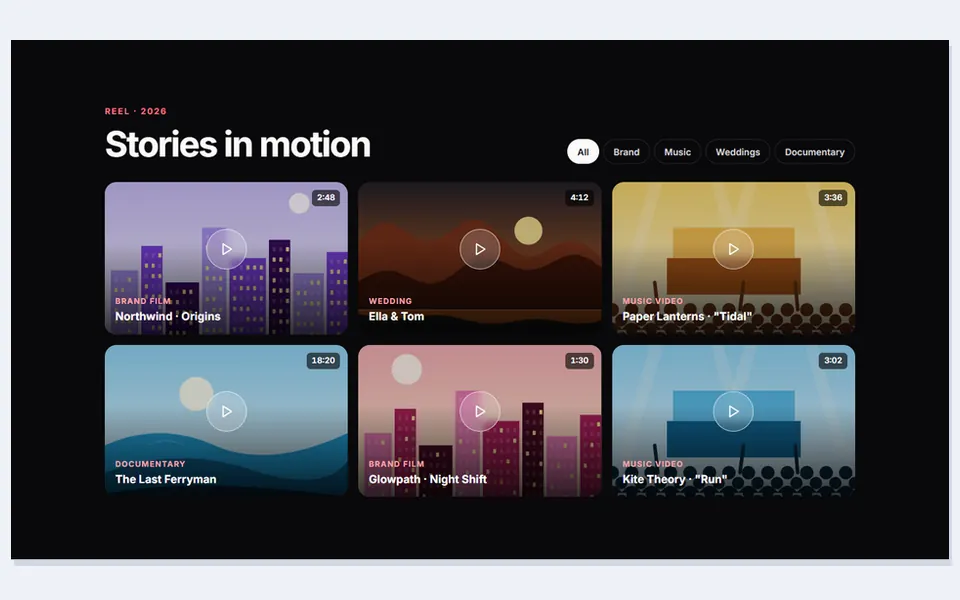
Video portfolio
 Live preview
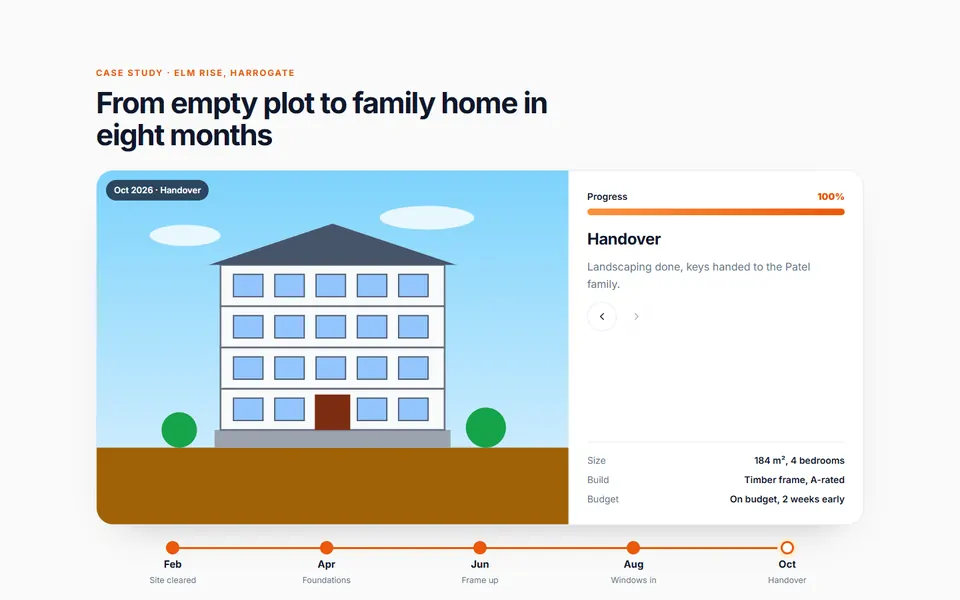
Build progress timeline
 Live preview
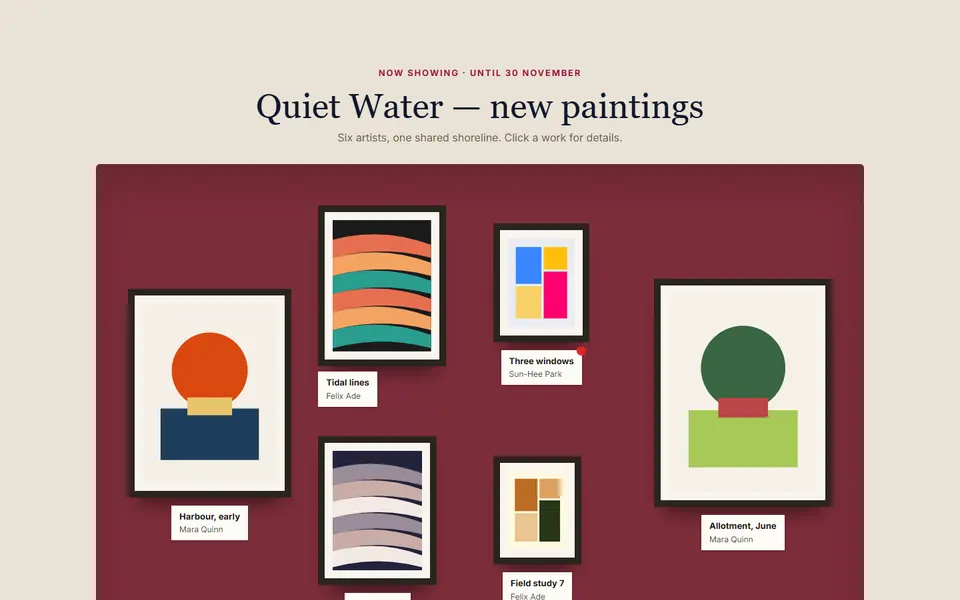
Exhibition wall
 Live preview
Event photo albums
 Live preview
Coverflow album carousel
 Live preview
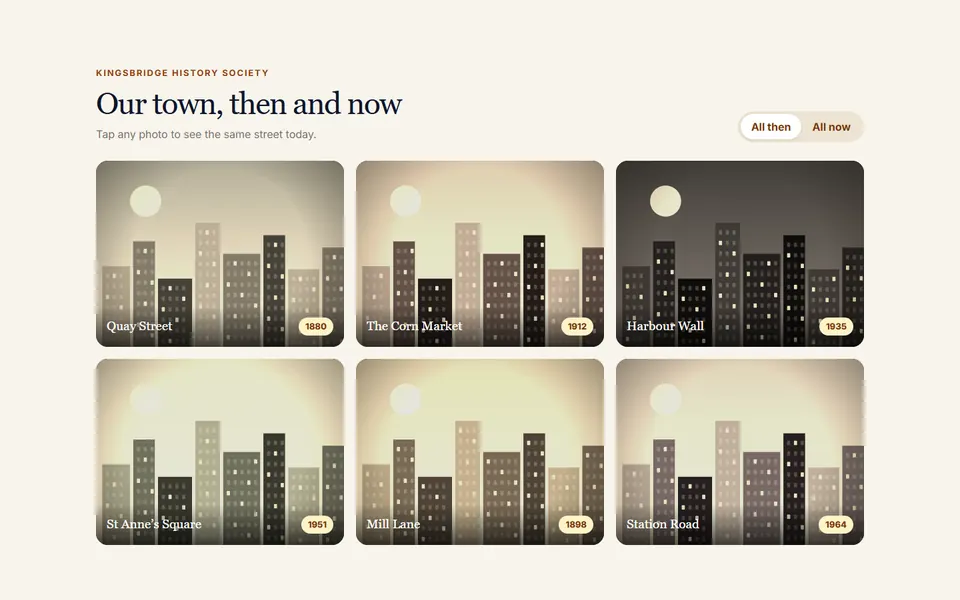
Then and now grid
 Live preview
Photo map
 Live preview
Dish gallery with details
 Live preview
Pan and zoom panorama
 Live preview
Shop the look gallery
 Live preview
Photo a day journal
 Live preview
Colour moodboard filter
 Live preview
Archive with sticky years
 Live preview
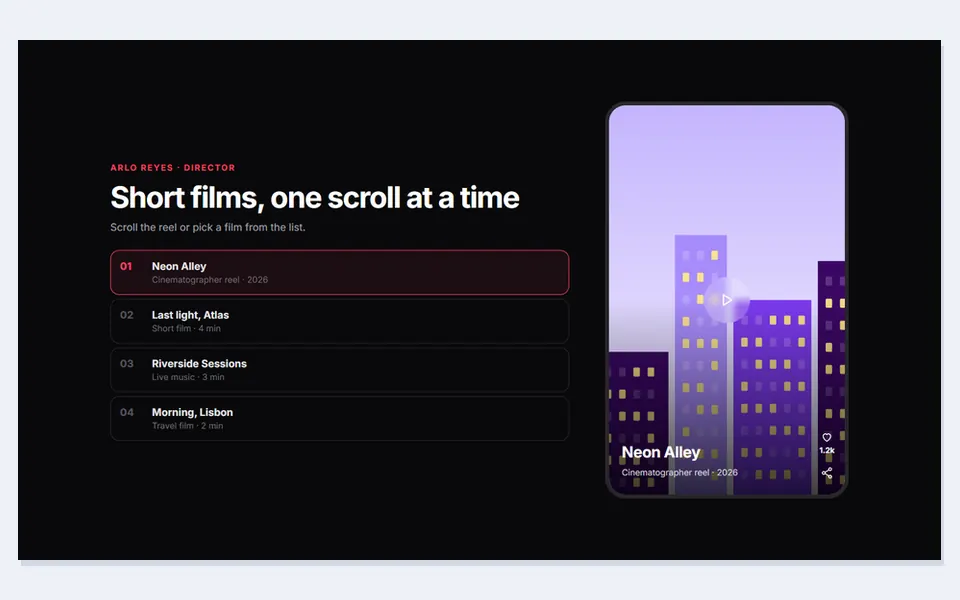
Vertical snap reel
 Live preview
Guest photo wall
How to use
From download to live in three steps
- Download the packClick Download free above and the zip downloads straight away. Unzip it and open index.html to see every design.
- Copy the design inPaste its HTML into your page and its CSS into your stylesheet. Copy the small script too if it has one.
- Make it yoursChange the colour and font variables at the top of the CSS, then swap in your own text, links and images.
Reviews
Customer reviews
Only people who bought or downloaded it can leave a review, from their account page.
Reply from the maker
FAQ
Common questions
Can I use it for client work?
Yes. It's free for personal and commercial projects, including client sites. Just don't resell the pack itself.
Do I need Tailwind, Bootstrap or a build step?
No. Each design is plain HTML and CSS with a few lines of JavaScript where needed.
How do I add my own photos?
Replace each SVG placeholder with an <img src="..." alt="..."> and keep the wrapper element. Use object-fit: cover so photos fill each tile.
Does the lightbox need a plugin?
No. It uses the built-in HTML dialog element and about twenty lines of JavaScript.
Can I use real videos in the video portfolio?
Yes. Swap the placeholder inside the player dialog for a <video> or an embed and call its play() when the dialog opens.
Do guest uploads go anywhere?
No. The upload wall previews photos in the browser only. Connect the file input to your own storage to save them.
What does the licence allow?
Use it on unlimited websites, your own and your clients', and change anything. You just can't resell or share the files themselves. See the licence.
Get HTML Gallery & Portfolio Sections
30 designs, free for personal and commercial projects.
More products