 Live preview
HTML Feature Section Templates36 feature sections in plain HTML & CSS, free
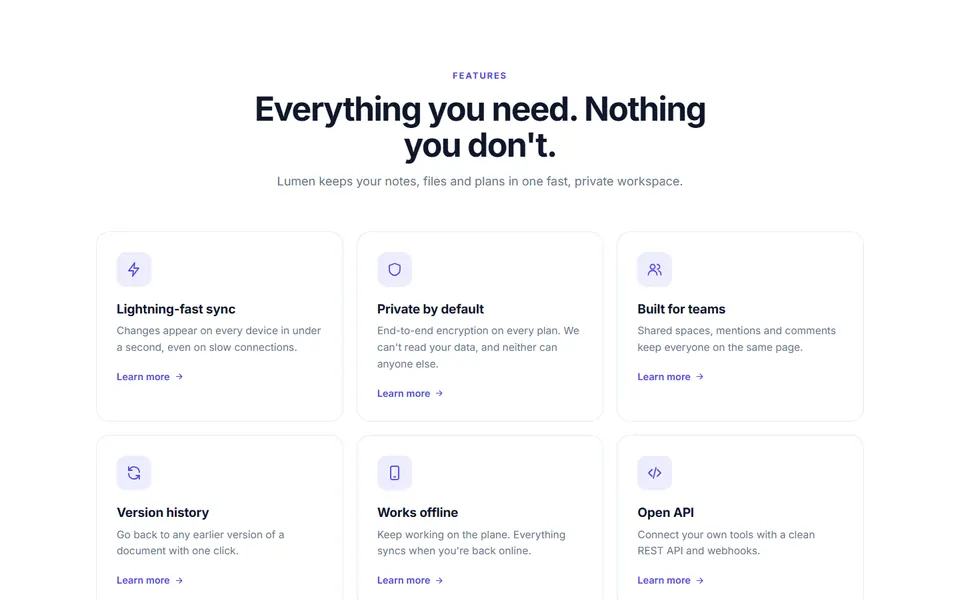
36 feature sections in plain HTML and CSS, each one a single file: icon grid, three steps, sticky heading with list, sticky phone scroll story, animated feature checklist, three phone feature trio, keyboard shortcut playground, feature cards with live demos and more. Responsive, accessible and free for personal and commercial use.
- 36 feature layouts, from a simple icon grid to bento, tabs and a before/after slider
- Plain HTML and CSS with small vanilla scripts for tabs, accordion and slider
- Responsive and accessible, with keyboard support on every interactive part
- Designs
- 36
- Built with
- HTML & CSS
- Licence
- Free, commercial use
- Updated
- Oct 2026

- Free for client projects
- Plain HTML & CSS, no frameworks
- Responsive down to 390px
- Copy, paste and rebrand in minutes
What's inside: 36 designs
See all 36What's inside
All feature sections templates 36 designs in this pack
Click any design to open its live preview, then check it at desktop, tablet and phone sizes.
Live preview Live preview
Alternating rows
 Live preview
Bento grid
 Live preview
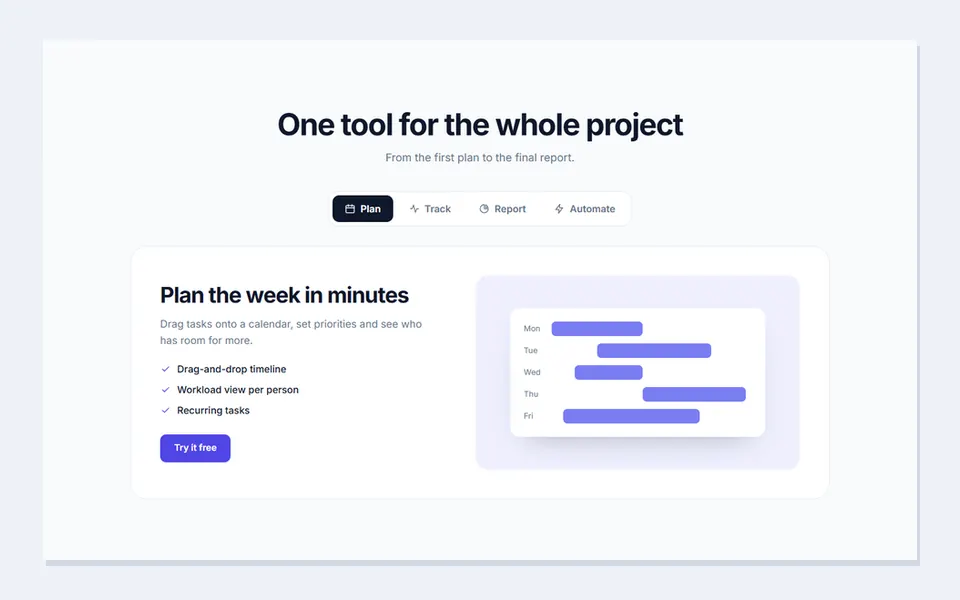
Tabs with visual
 Live preview
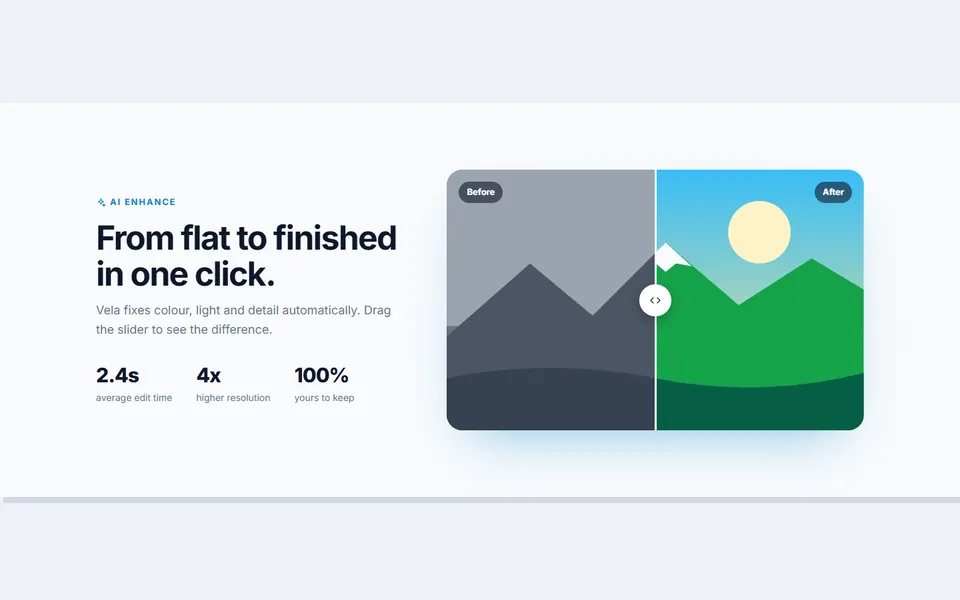
Three steps
 Live preview
Before and after slider
 Live preview
Integrations orbit
 Live preview
Us vs them
 Live preview
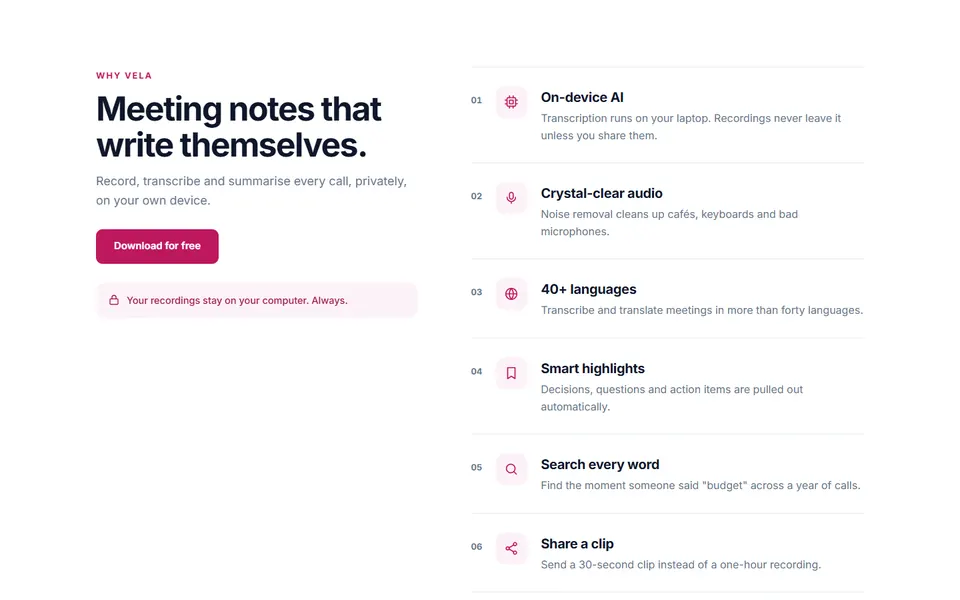
Sticky heading with list
 Live preview
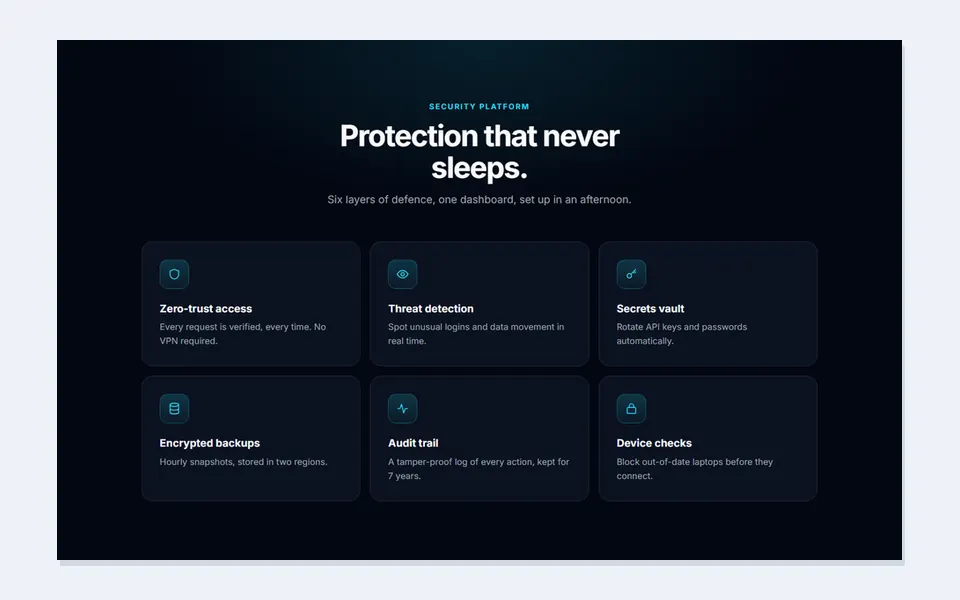
Dark glow cards
 Live preview
Accordion with image swap
 Live preview
Features around an image
 Live preview
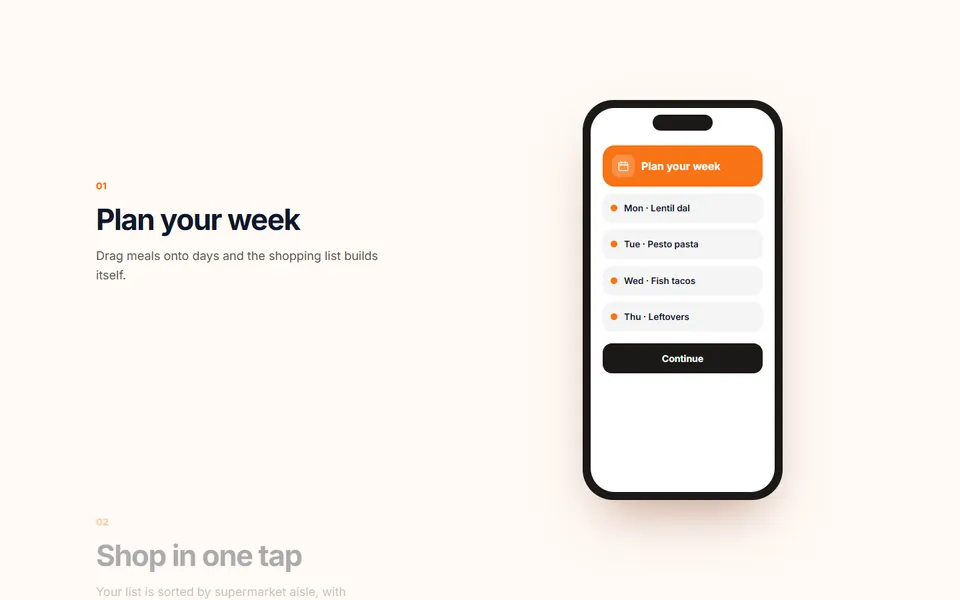
Sticky phone scroll story
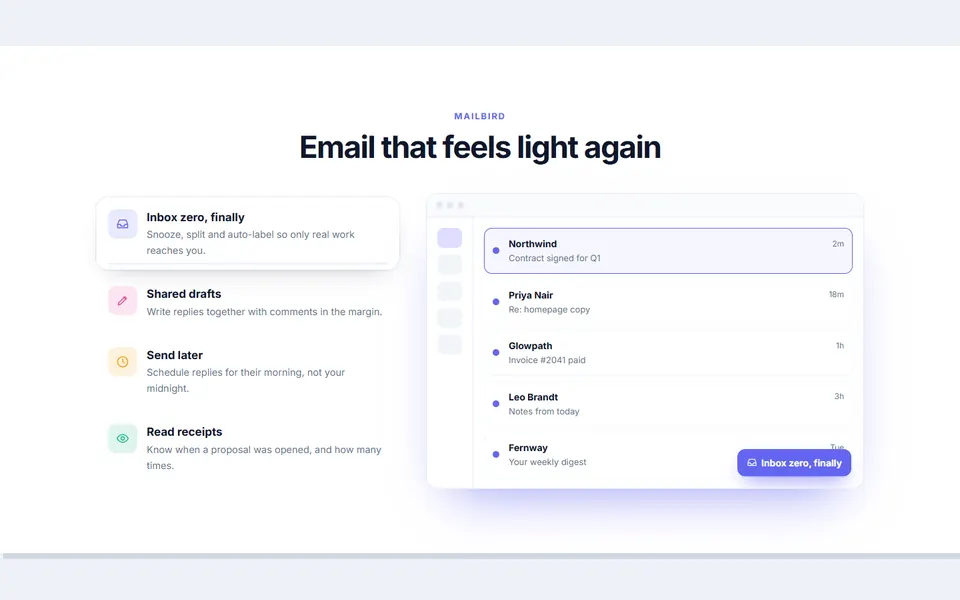 Live preview
Feature list with live preview
 Live preview
Process wheel
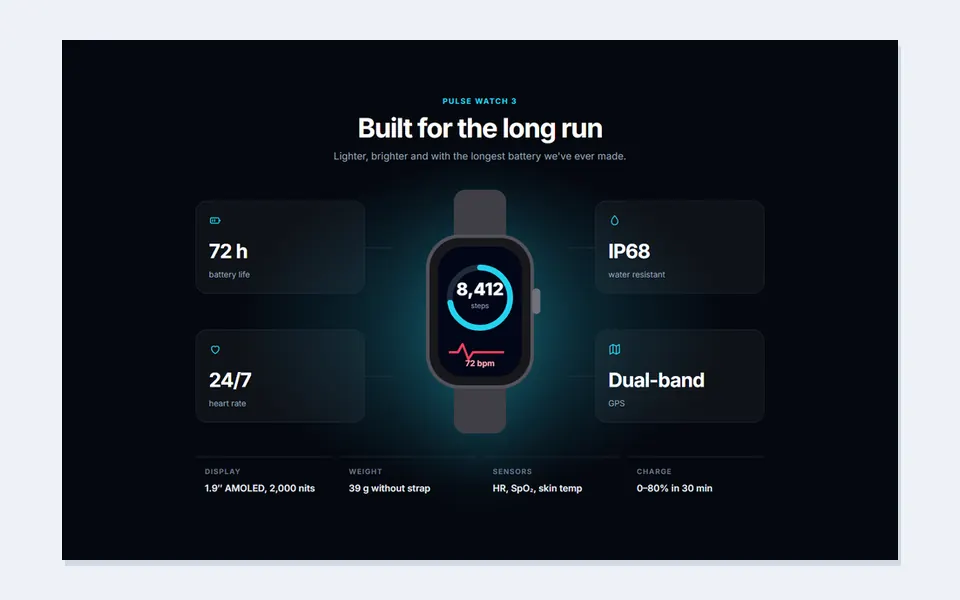 Live preview
Spec grid around product
 Live preview
Animated feature checklist
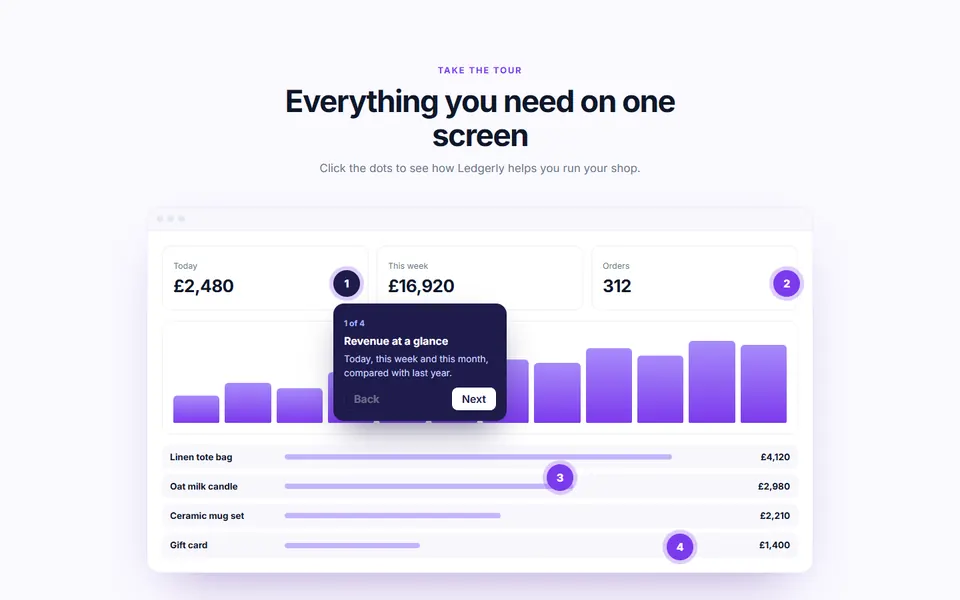 Live preview
Product tour with hotspots
 Live preview
Security feature grid
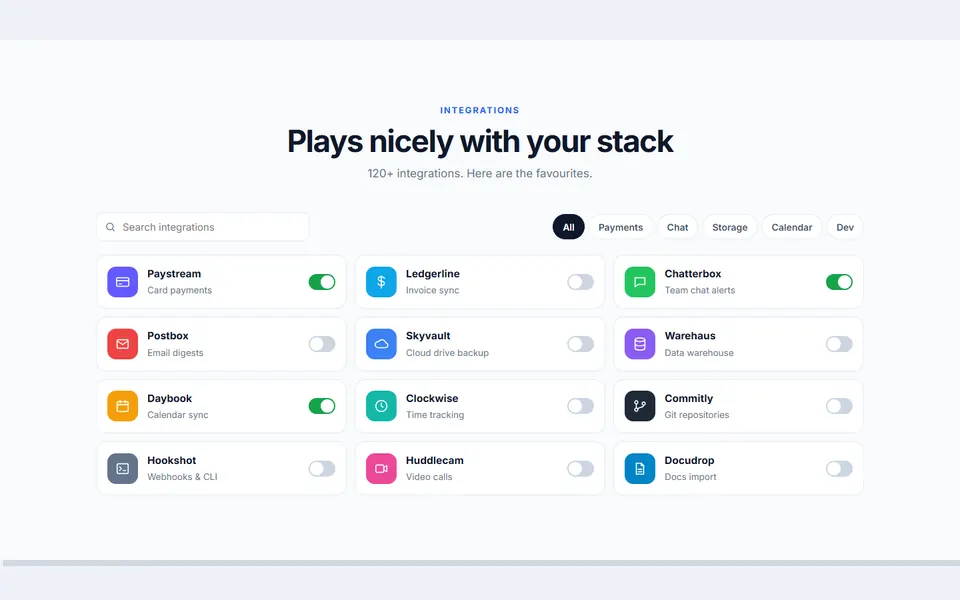 Live preview
Integrations directory
 Live preview
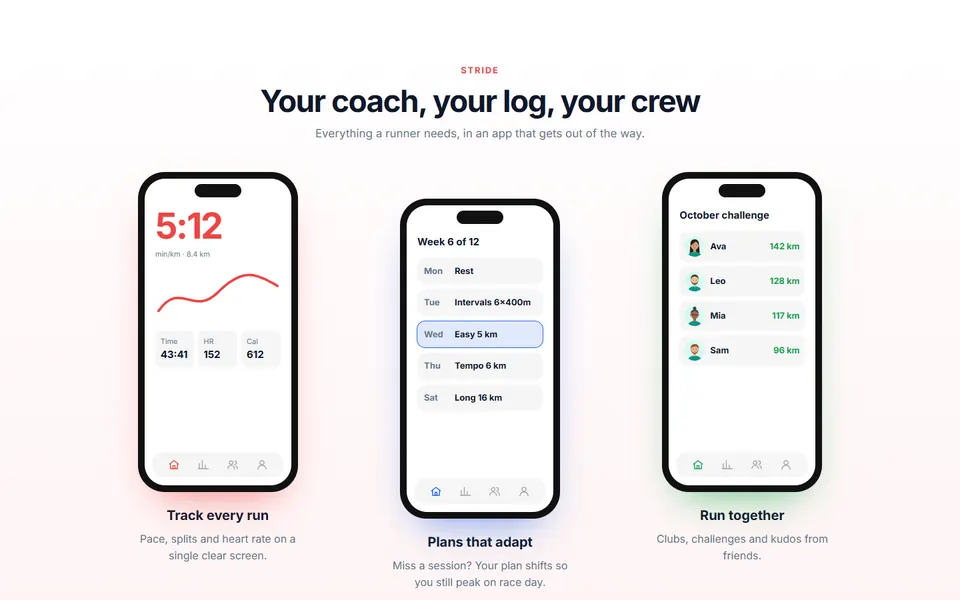
Three phone feature trio
 Live preview
Horizontal feature cards
 Live preview
Old way vs new way toggle
 Live preview
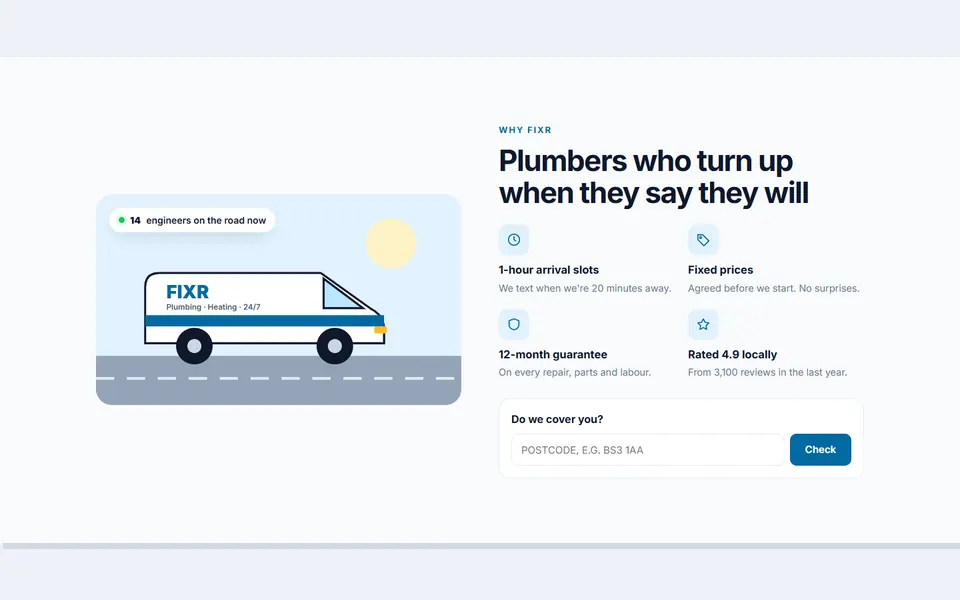
Local service promises
 Live preview
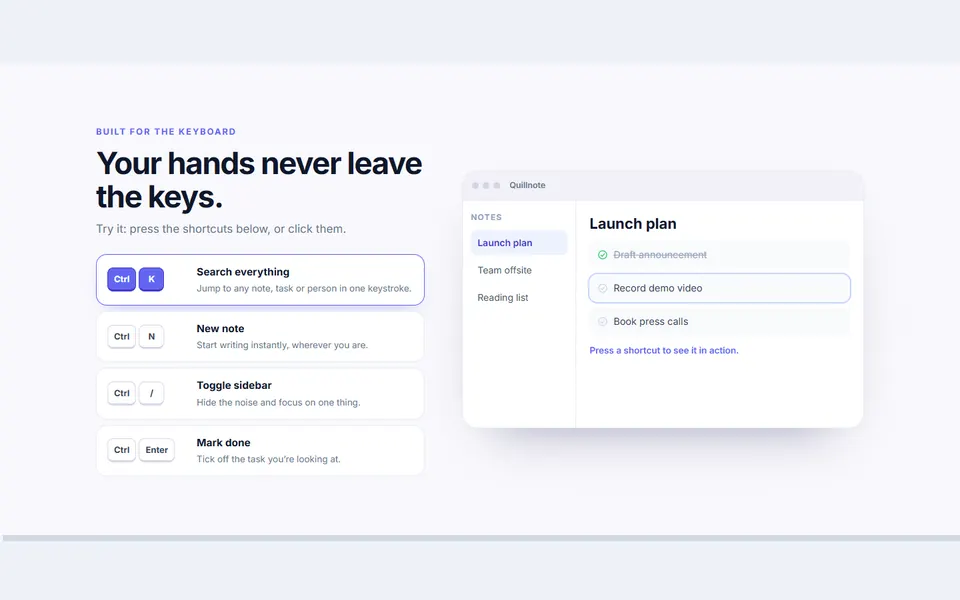
Keyboard shortcut playground
 Live preview
Features by role
 Live preview
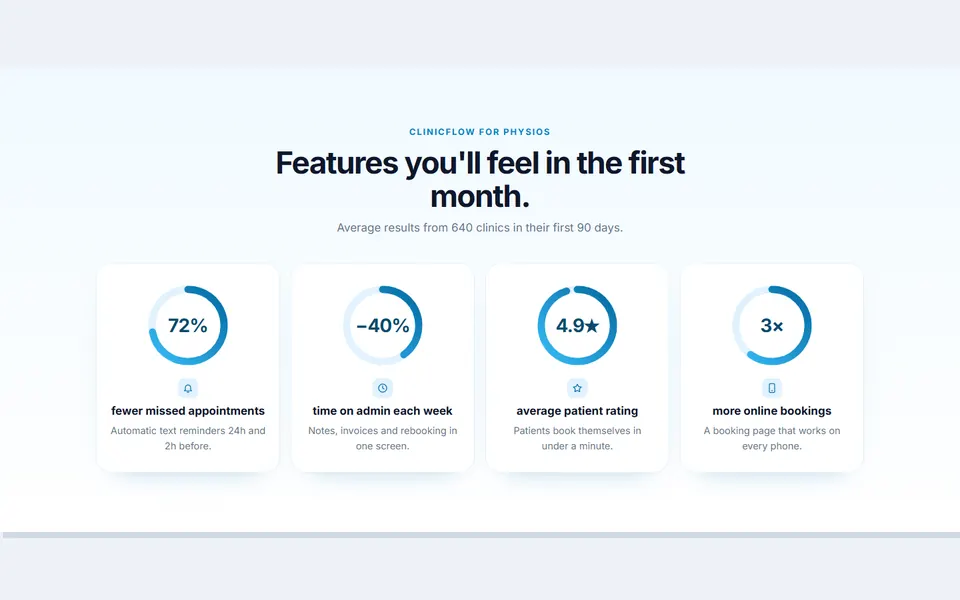
Results ring cards
 Live preview
Layered platform stack
 Live preview
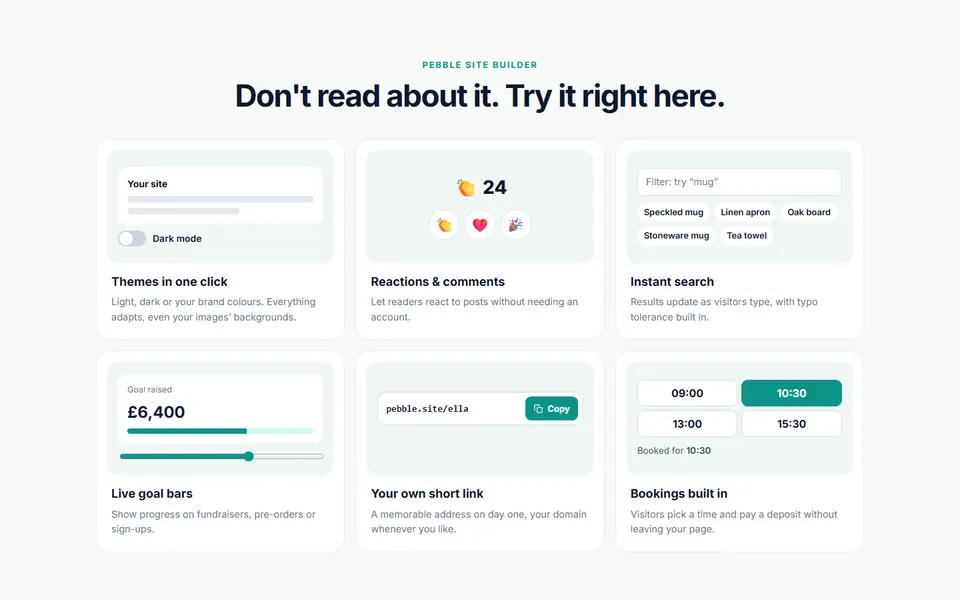
Feature cards with live demos
 Live preview
Feature gallery with filters
 Live preview
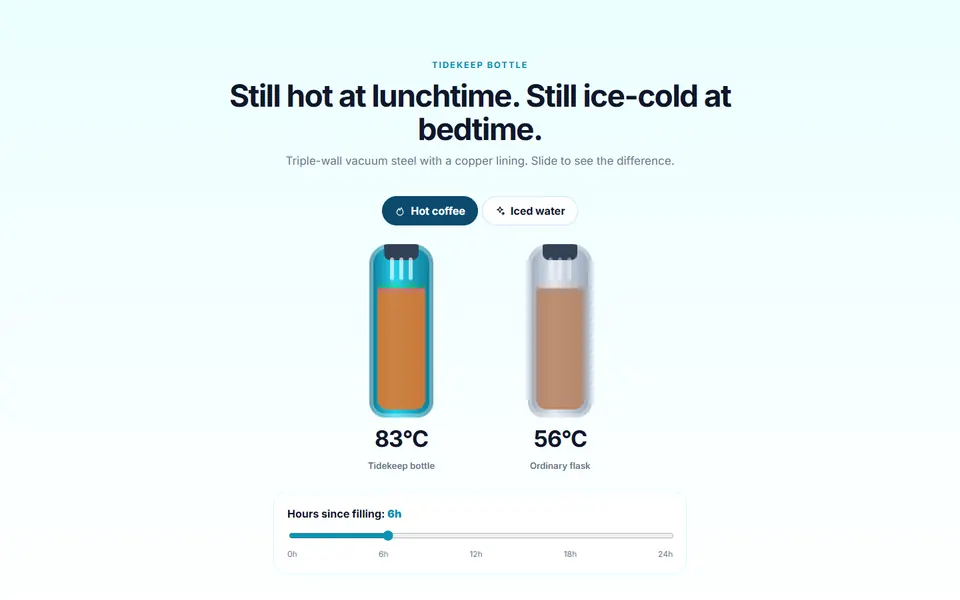
Temperature proof slider
 Live preview
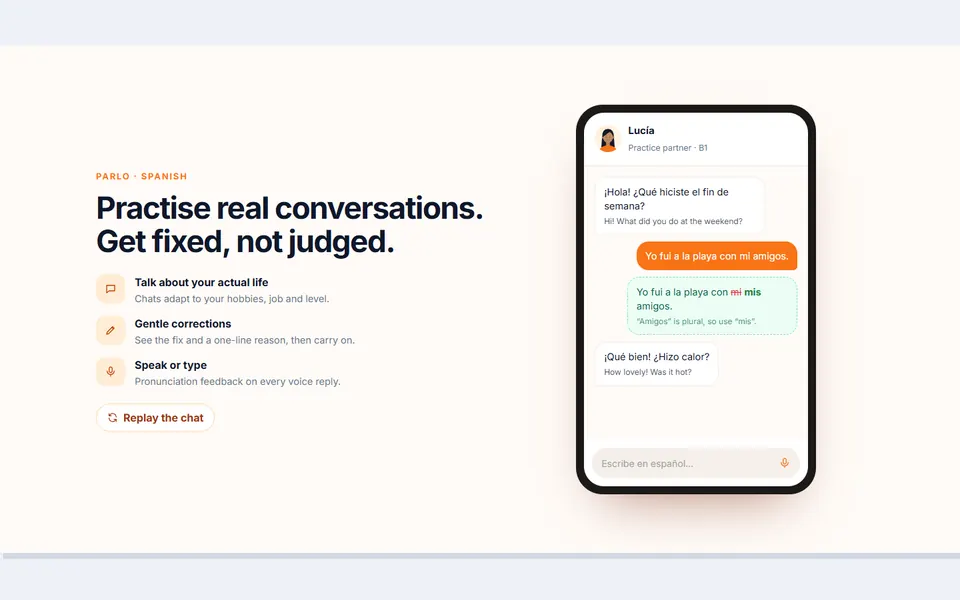
Language practice chat demo
 Live preview
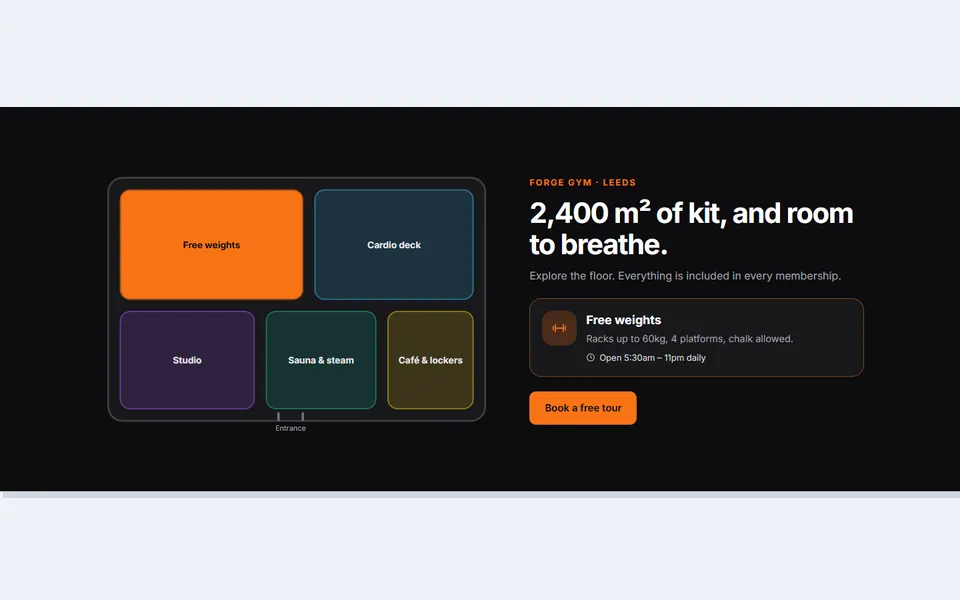
Clickable floor plan
 Live preview
Seasonal care calendar
 Live preview
Speed race demo
 Live preview
Everything included feature cloud
How to use
From download to live in three steps
- Download the packClick Download free above and the zip downloads straight away. Unzip it and open index.html to see every design.
- Copy the design inPaste its HTML into your page and its CSS into your stylesheet. Copy the small script too if it has one.
- Make it yoursChange the colour and font variables at the top of the CSS, then swap in your own text, links and images.
Reviews
Customer reviews
Only people who bought or downloaded it can leave a review, from their account page.
Reply from the maker
FAQ
Common questions
Can I use it for client work?
Yes. It's free for personal and commercial projects, including client sites. Just don't resell the pack itself.
Do I need Tailwind, Bootstrap or a build step?
No. Each design is plain HTML and CSS with a few lines of JavaScript where needed.
Can I put my own screenshots in?
Yes. The visuals are HTML placeholders; replace them with an <img> of your product and the layout stays the same.
Does the before/after slider work on phones?
Yes. It uses a native range input, so it works with touch, mouse and arrow keys.
Do the scroll effects work without JavaScript?
The content is all there without JavaScript; the scripts only add the syncing, highlighting and animation.
Can I swap the illustrations for screenshots?
Yes. Replace the inline SVG or mock UI with an <img> of your product and keep the layout.
What does the licence allow?
Use it on unlimited websites, your own and your clients', and change anything. You just can't resell or share the files themselves. See the licence.
Get HTML Feature Section Templates
36 designs, free for personal and commercial projects.
More products