Live preview
HTML 404 & Coming Soon Pages30 404, coming soon and maintenance pages in plain HTML & CSS, free
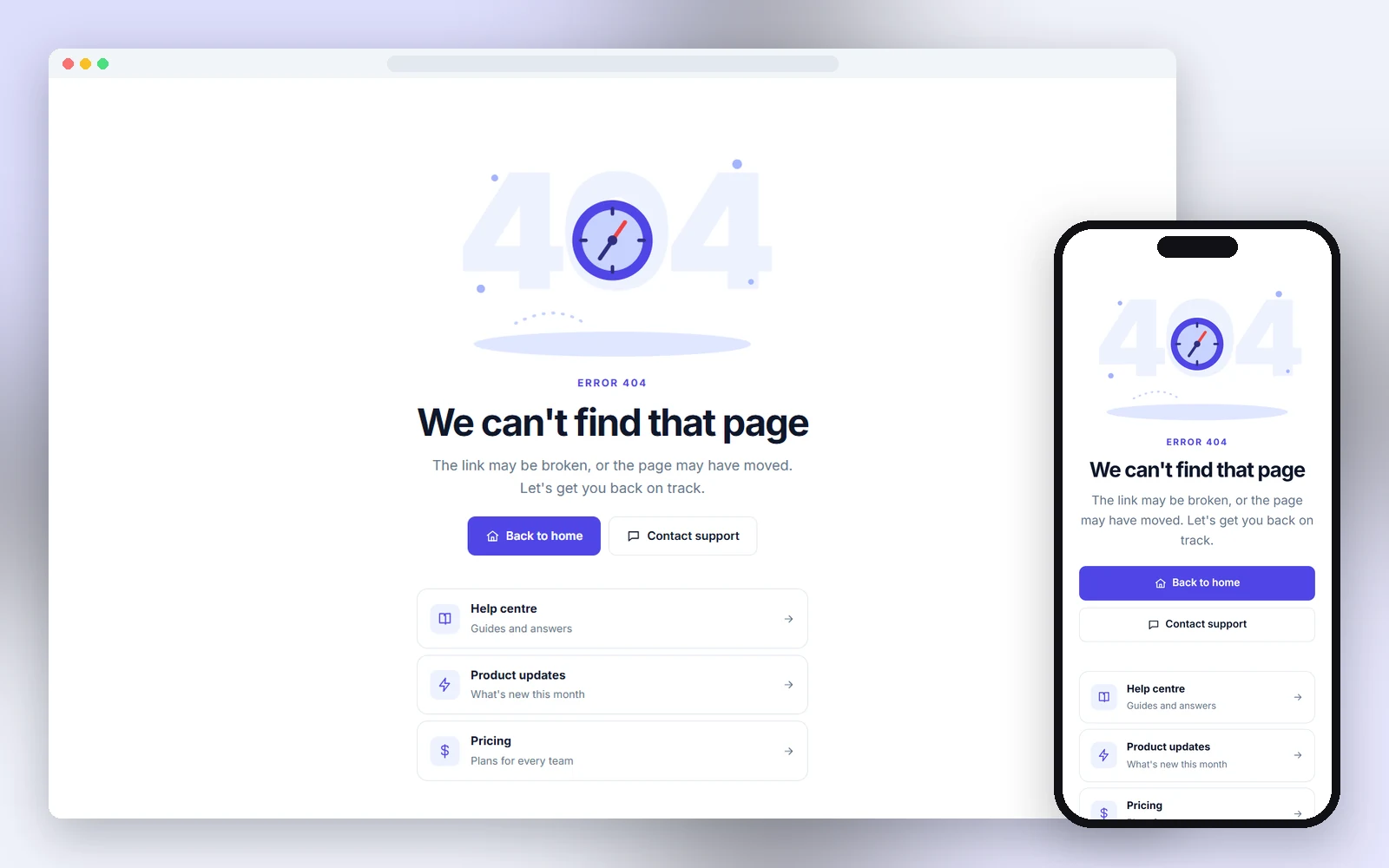
30 404, coming soon and maintenance pages in plain HTML and CSS, each one a single file: illustrated 404, waitlist with referral, coming soon split, offline page, service status page, update required screen, holiday closure page, coming soon sneak peek and more. Responsive, accessible and free for personal and commercial use.
- 30 pages: 404s, 500 error, coming soon, waitlist, maintenance, closed notice and offline
- Working countdown, waitlist with referral link, copy-error-ID and retry scripts
- Full-screen layouts that look right from phones to large desktops
- Designs
- 30
- Built with
- HTML & CSS
- Licence
- Free, commercial use
- Updated
- Oct 2026
- Free for client projects
- Plain HTML & CSS, no frameworks
- Responsive down to 390px
- Copy, paste and rebrand in minutes
What's inside: 30 designs
See all 30What's inside
All 404 & status pages templates 30 designs in this pack
Click any design to open its live preview, then check it at desktop, tablet and phone sizes.
Live preview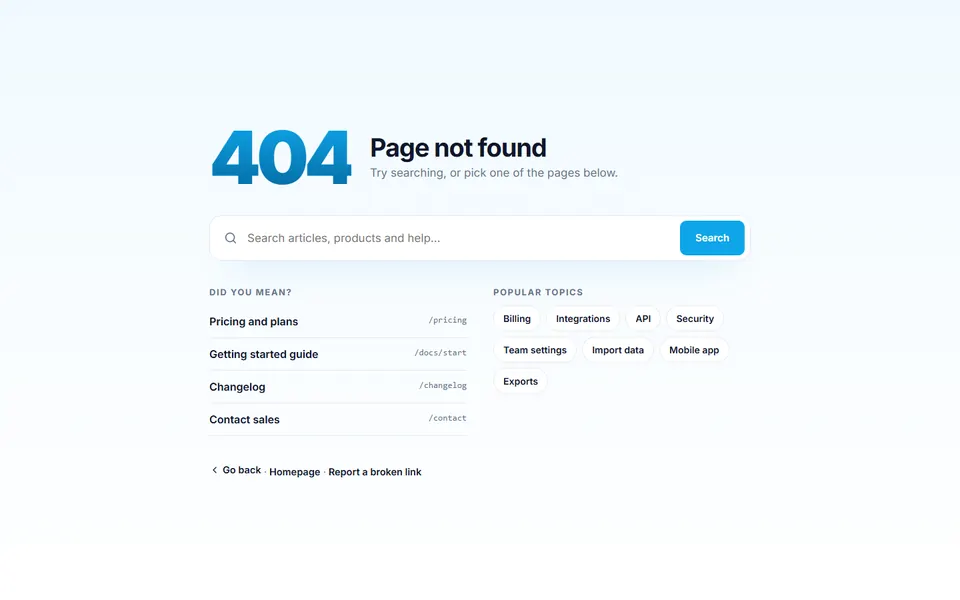 Live preview
404 with search
 Live preview
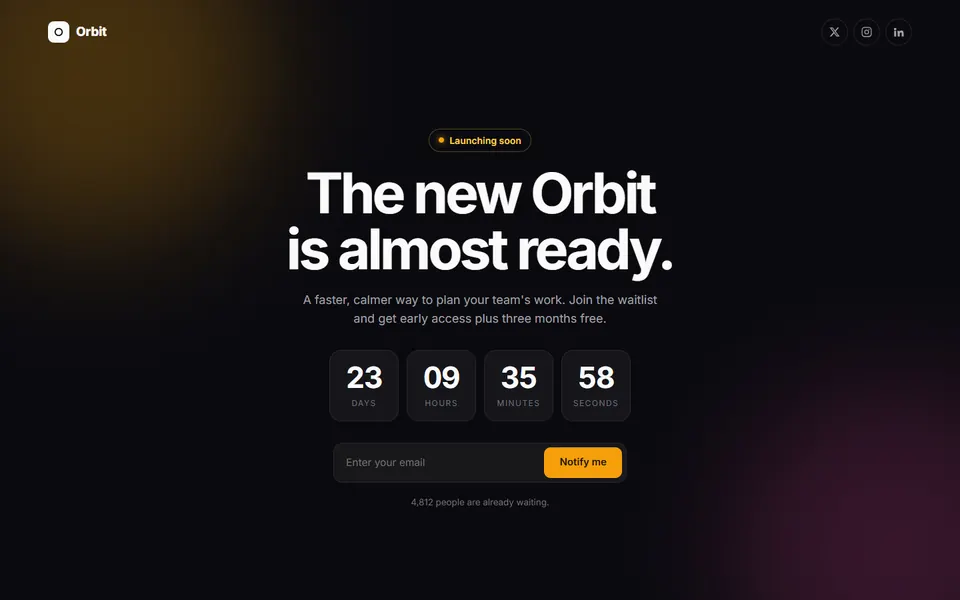
Coming soon countdown
 Live preview
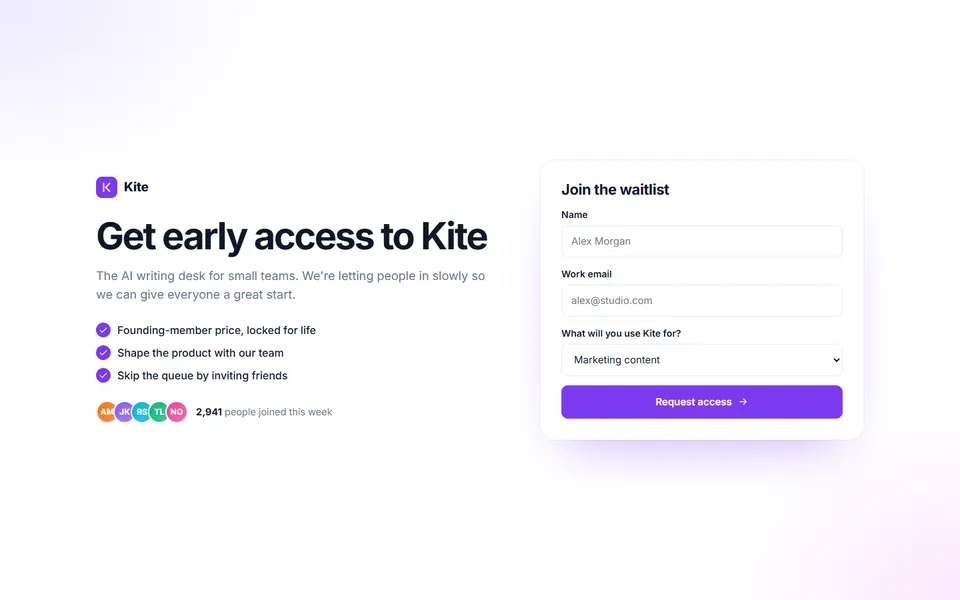
Waitlist with referral
 Live preview
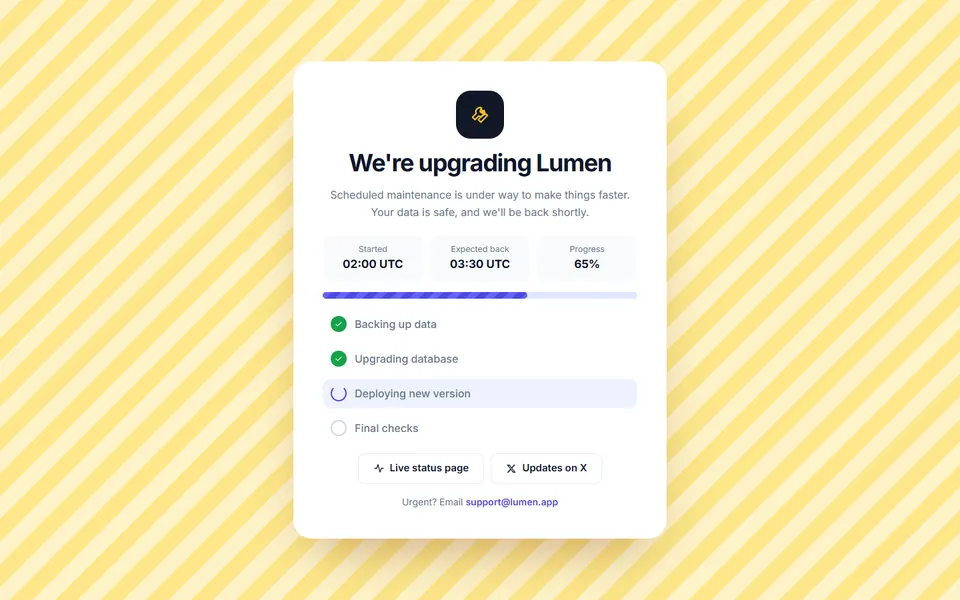
Maintenance with status
 Live preview
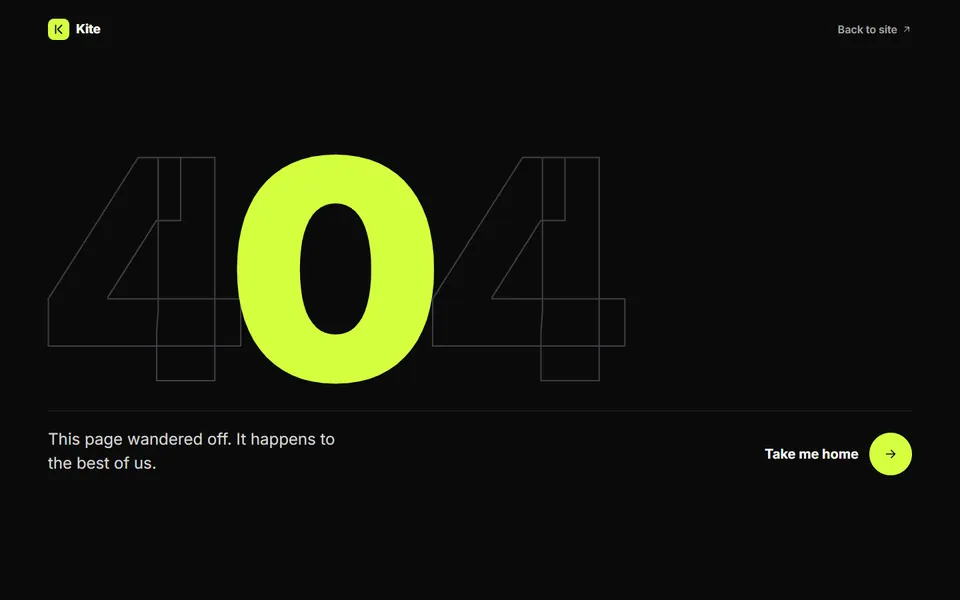
Giant 404 dark
 Live preview
Coming soon split
 Live preview
500 server error
 Live preview
Temporarily closed notice
 Live preview
Offline page
 Live preview
404 catch the stars game
 Live preview
Page moved notice
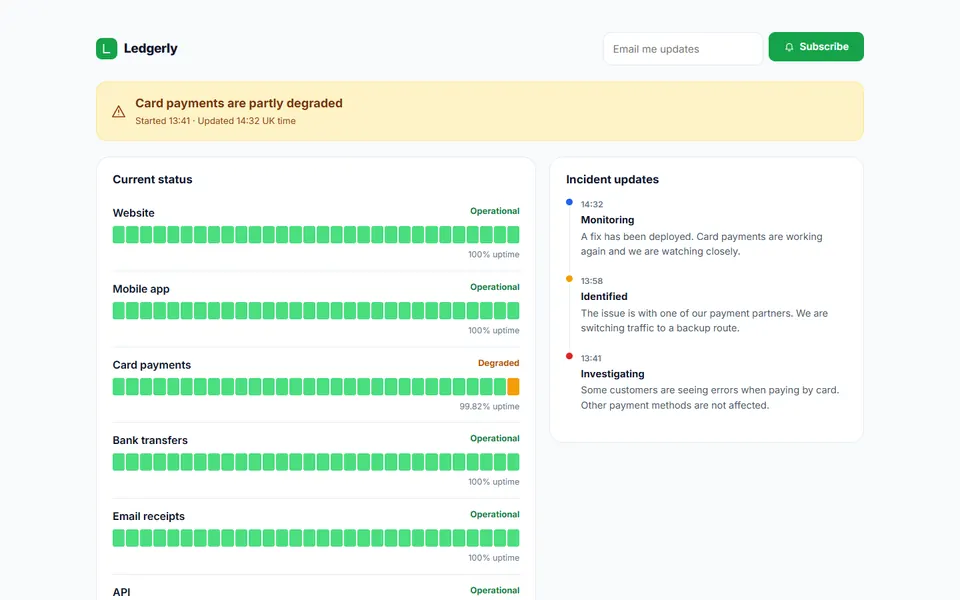 Live preview
Service status page
 Live preview
Region unavailable page
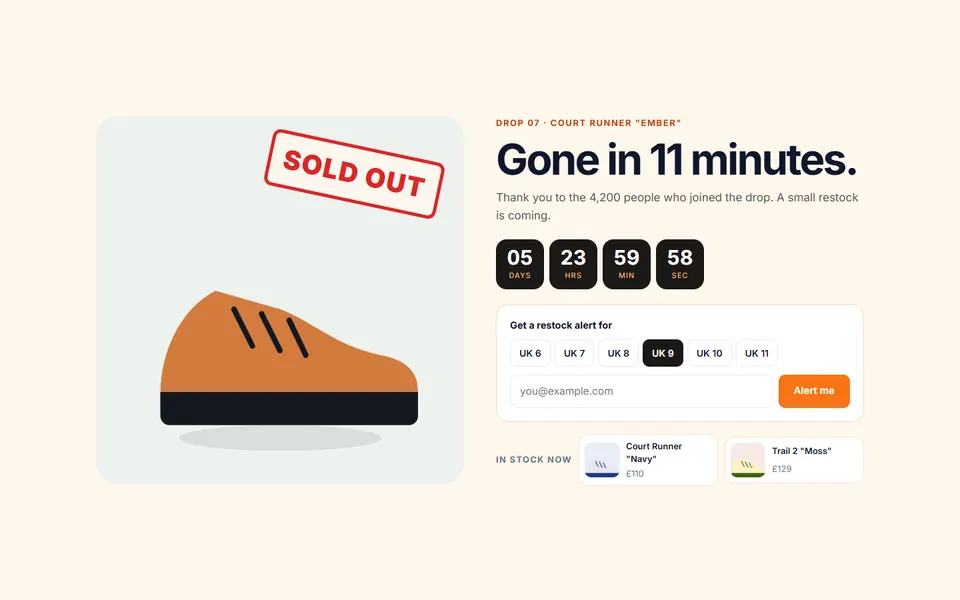 Live preview
Sold out launch page
 Live preview
Update required screen
 Live preview
Coming soon with build progress
 Live preview
Access denied 403
 Live preview
Holiday closure page
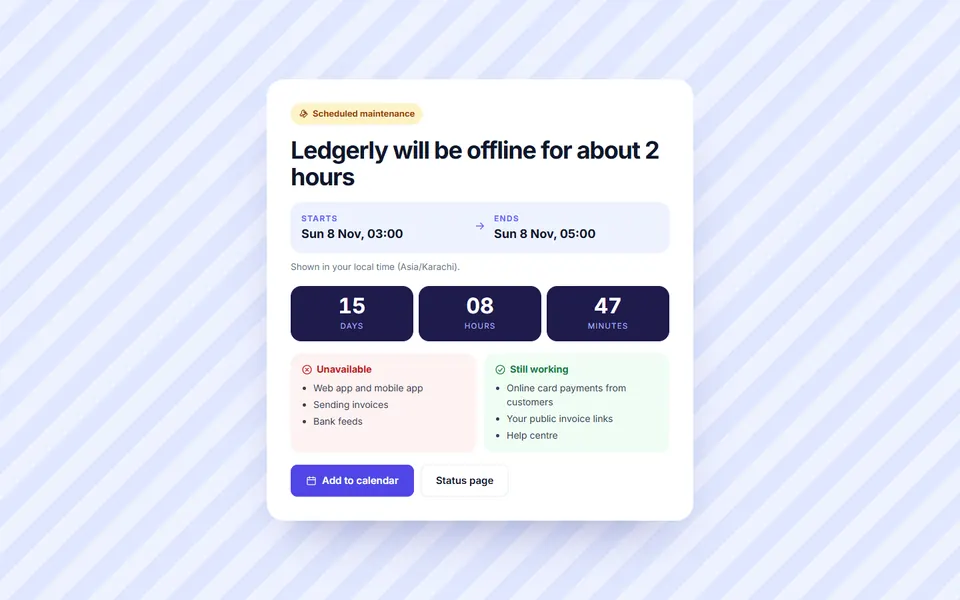 Live preview
Scheduled maintenance notice
 Live preview
404 with broken link report
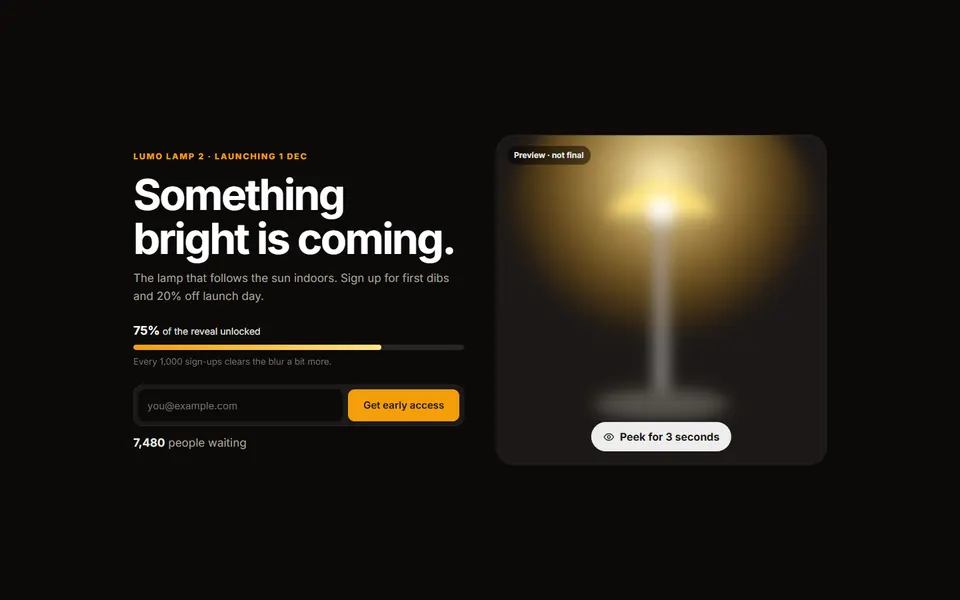 Live preview
Coming soon sneak peek
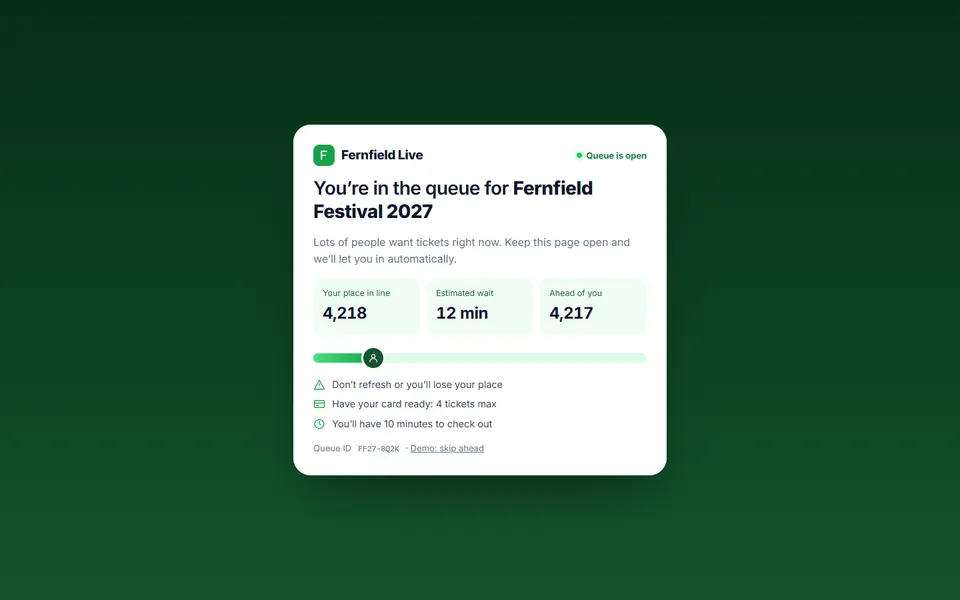 Live preview
Virtual waiting room
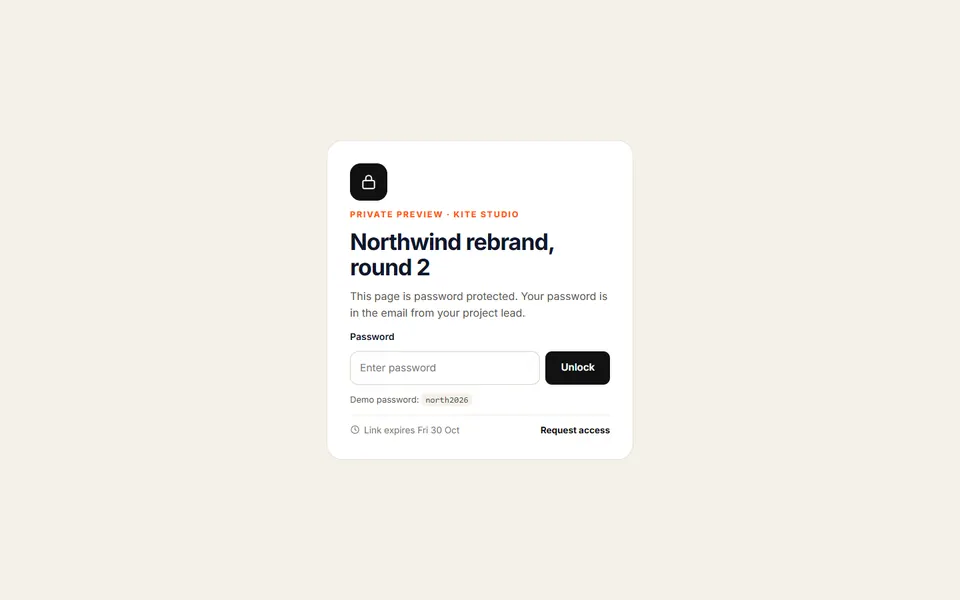 Live preview
Password protected preview
 Live preview
Archived page notice
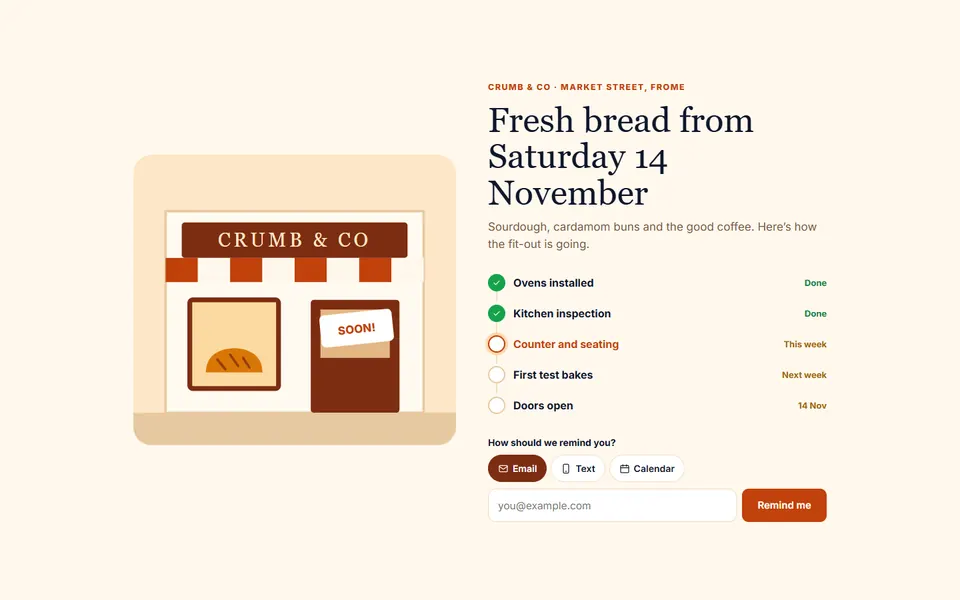 Live preview
Opening soon with checklist
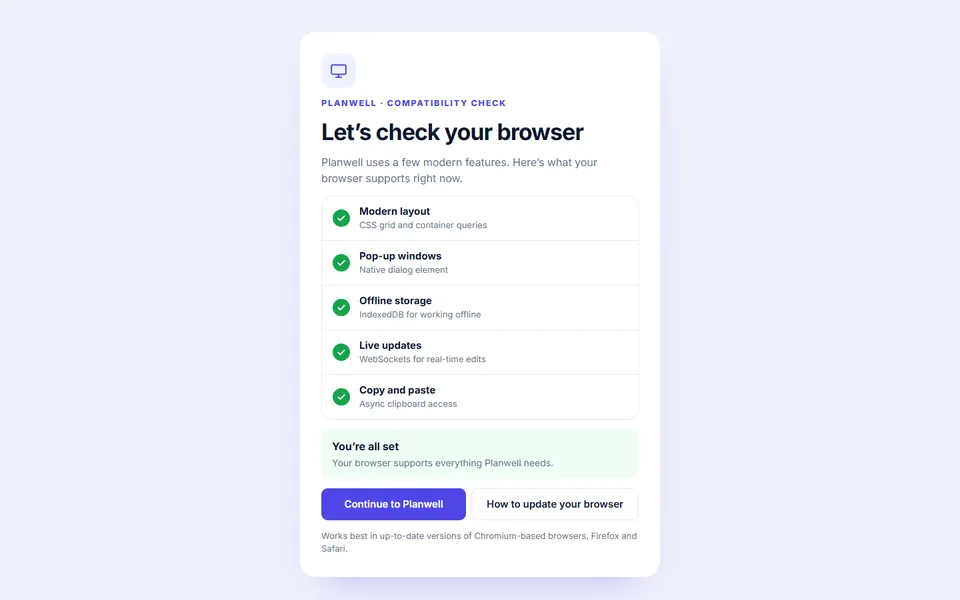 Live preview
Browser not supported
 Live preview
Studio closed for the holidays
 Live preview
High traffic lite mode
 Live preview
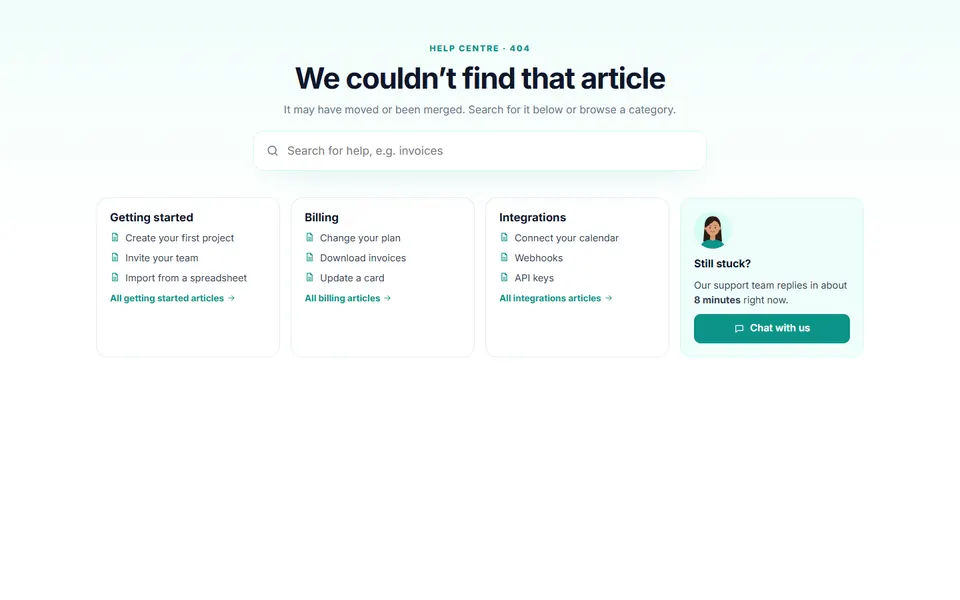
Help centre 404 with search
How to use
From download to live in three steps
- Download the packClick Download free above and the zip downloads straight away. Unzip it and open index.html to see every design.
- Copy the design inPaste its HTML into your page and its CSS into your stylesheet. Copy the small script too if it has one.
- Make it yoursChange the colour and font variables at the top of the CSS, then swap in your own text, links and images.
Reviews
Customer reviews
Only people who bought or downloaded it can leave a review, from their account page.
Reply from the maker
FAQ
Common questions
Can I use it for client work?
Yes. It's free for personal and commercial projects, including client sites. Just don't resell the pack itself.
Do I need Tailwind, Bootstrap or a build step?
No. Each design is plain HTML and CSS with a few lines of JavaScript where needed.
How do I use the 404 page on my server?
Upload the file and point your host's "custom 404 page" setting at it (for example ErrorDocument 404 in Apache or error_page in Nginx).
How do I set the launch date?
Add data-date="2027-01-15T09:00:00" to the countdown element. Without it, the demo counts down from today.
How do I set the maintenance time?
Set data-date on the countdown and data-t on the start and end times using a UTC time like 2026-11-07T22:00:00Z. Visitors see it in their own time zone.
How do I use one as my real 404 page?
Rename the file to 404.html and upload it. Most hosts serve it automatically, or point your server’s error page setting at it.
What does the licence allow?
Use it on unlimited websites, your own and your clients', and change anything. You just can't resell or share the files themselves. See the licence.
Get HTML 404 & Coming Soon Pages
30 designs, free for personal and commercial projects.
More products