Single sections are great when you already have a page. When you are starting from nothing, a complete landing page saves the most time: header, hero, proof, features, pricing, FAQ, call to action and footer, already in a sensible order and styled to match.
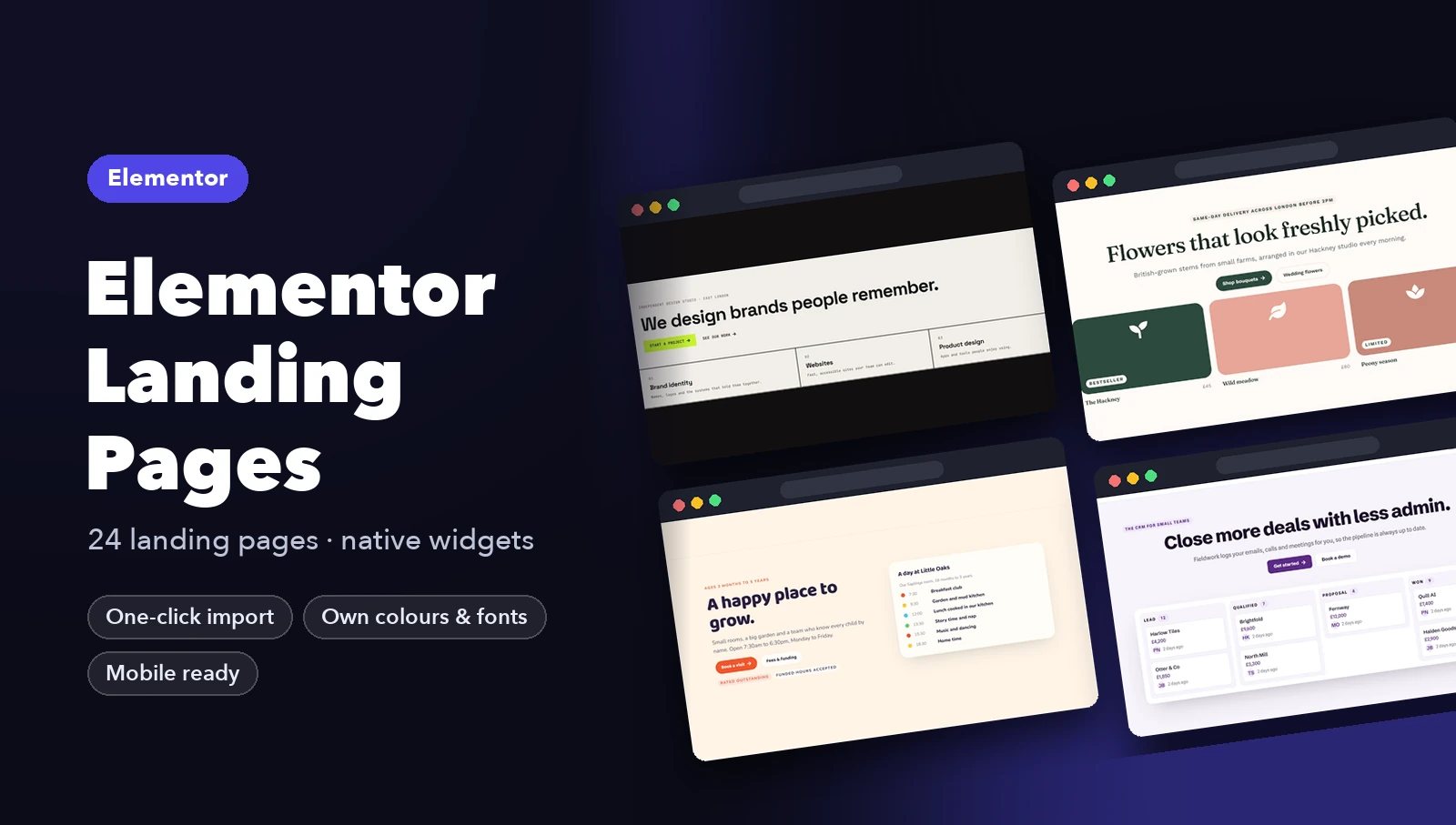
Below are nine complete landing pages, each designed for a different industry. Every page comes natively built for both Elementor and Bricks, with its matching header and footer. For the thinking behind the section order, read How to Structure a Landing Page.

Lumen (SaaS analytics). Opens with the product itself, a weekly report, then moves through how it works, social proof and a three-tier pricing table.
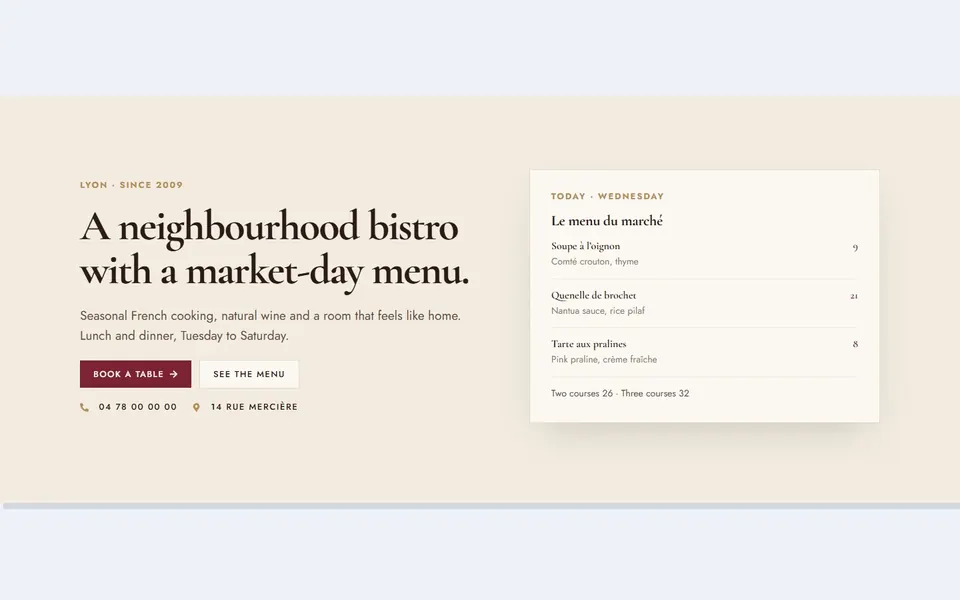
Maison (restaurant). Leads with today’s menu and a booking button. The page continues with the room, set menus, reviews and opening hours.

Bright Dental (clinic). Puts the next free appointment slots in the hero, so booking starts on the first screen. Prices and patient reviews follow.
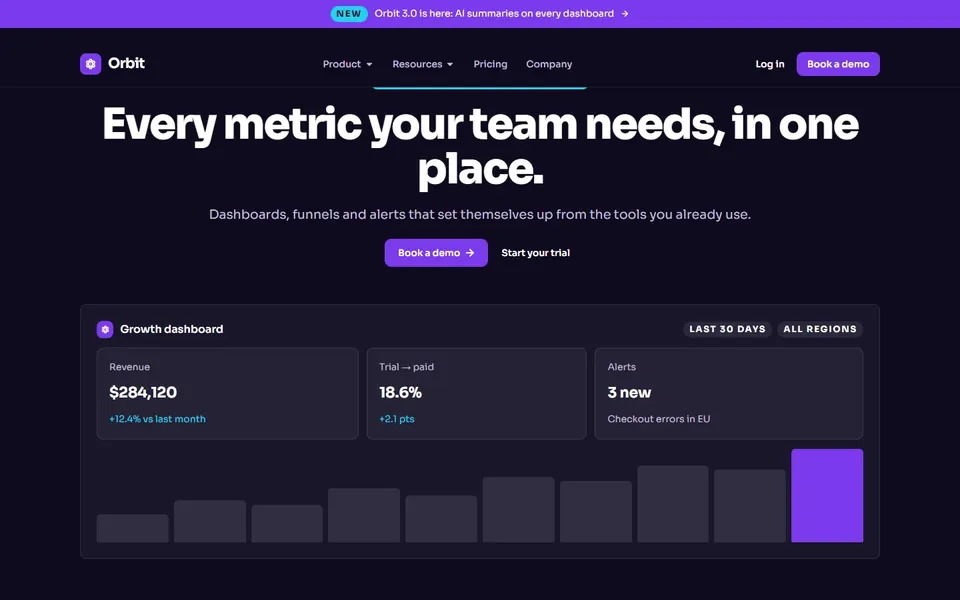
Orbit (B2B dashboard). A dark product page built around a live-looking dashboard, with metrics, testimonials and a demo request.

Weekly Ledger (newsletter). An editorial page with a lead story and a numbered “most read” list, made to turn readers into subscribers.

Harrow Vale (law firm). Fixed fees are shown in the hero, because cost is the first thing people worry about when they call a solicitor.

Ironline (gym). A bold, black and yellow page with today’s class timetable in the hero and a clear membership offer.
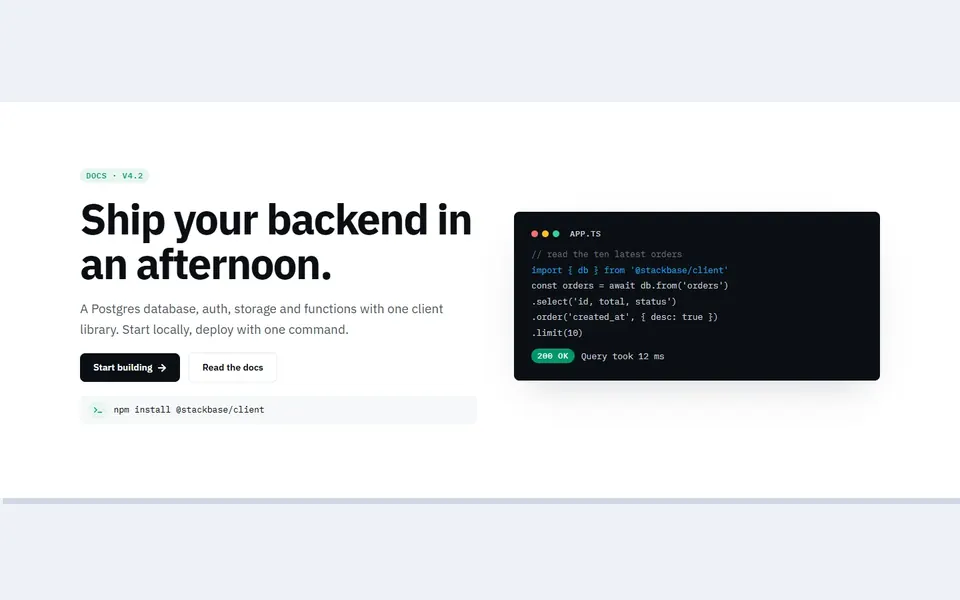
Stackbase (developer tool). A code card in the hero and docs-style copy, made for developers who want to see the product working.

Ledgerline (fintech app). A phone-style balance card and multi-currency rates sell a money app before the visitor reads any detail.
How to use a landing page template
- Import the page, its header and its footer. Each landing page ships with matching header and footer templates.
- Set the header and footer for the page or the whole site (Theme Builder in Elementor Pro, template conditions in Bricks).
- Create a page, open it with your builder and insert the landing template.
- Replace the words first, then the images. Keep the section order unless you have a reason to change it.
- Connect the forms so messages reach your inbox.
Step-by-step import help: Elementor · Bricks.
Get the landing pages
Lumen and Maison are free in both builders. Download them from our free Elementor templates (they need Elementor Pro) or our free Bricks templates.
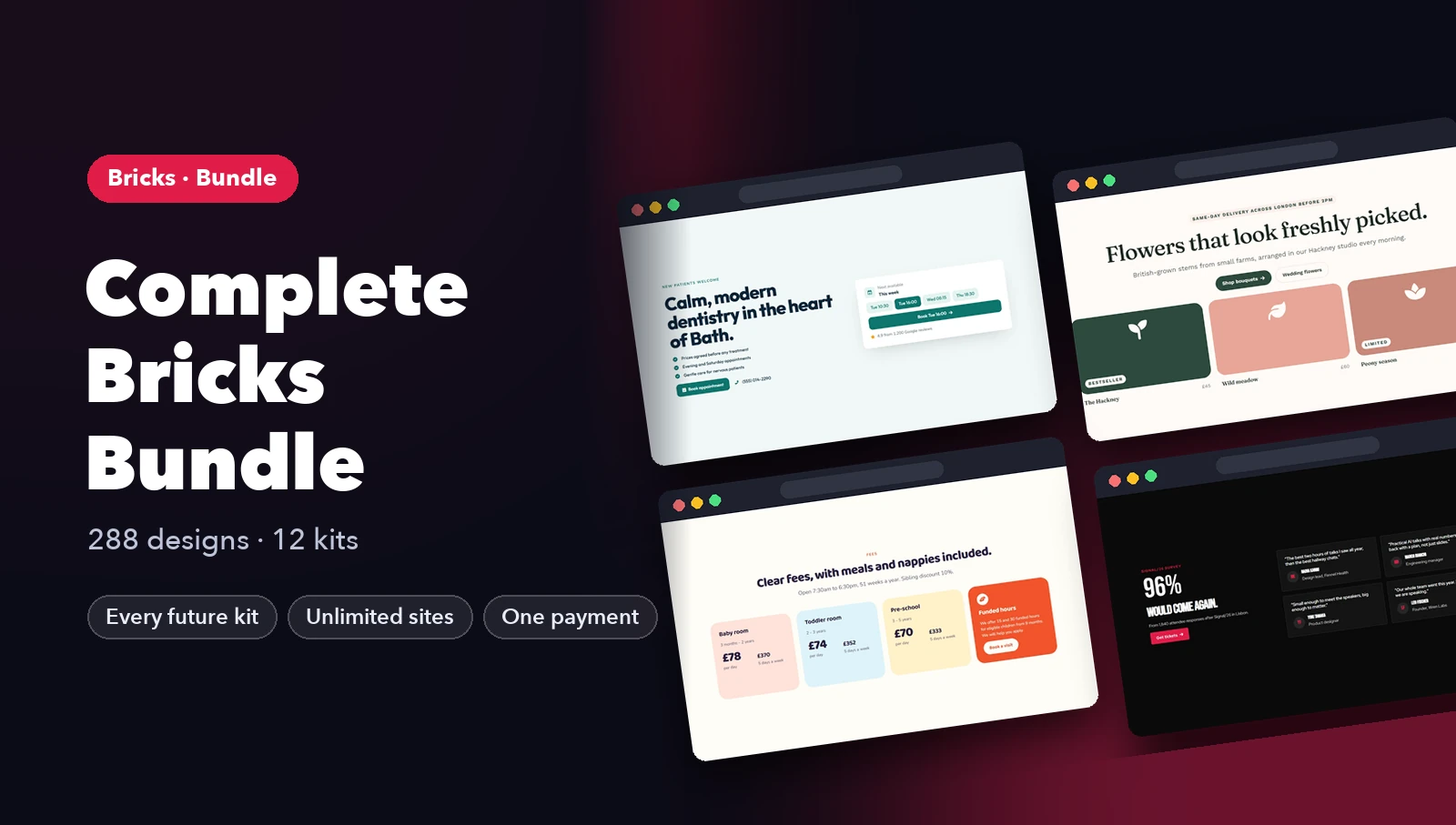
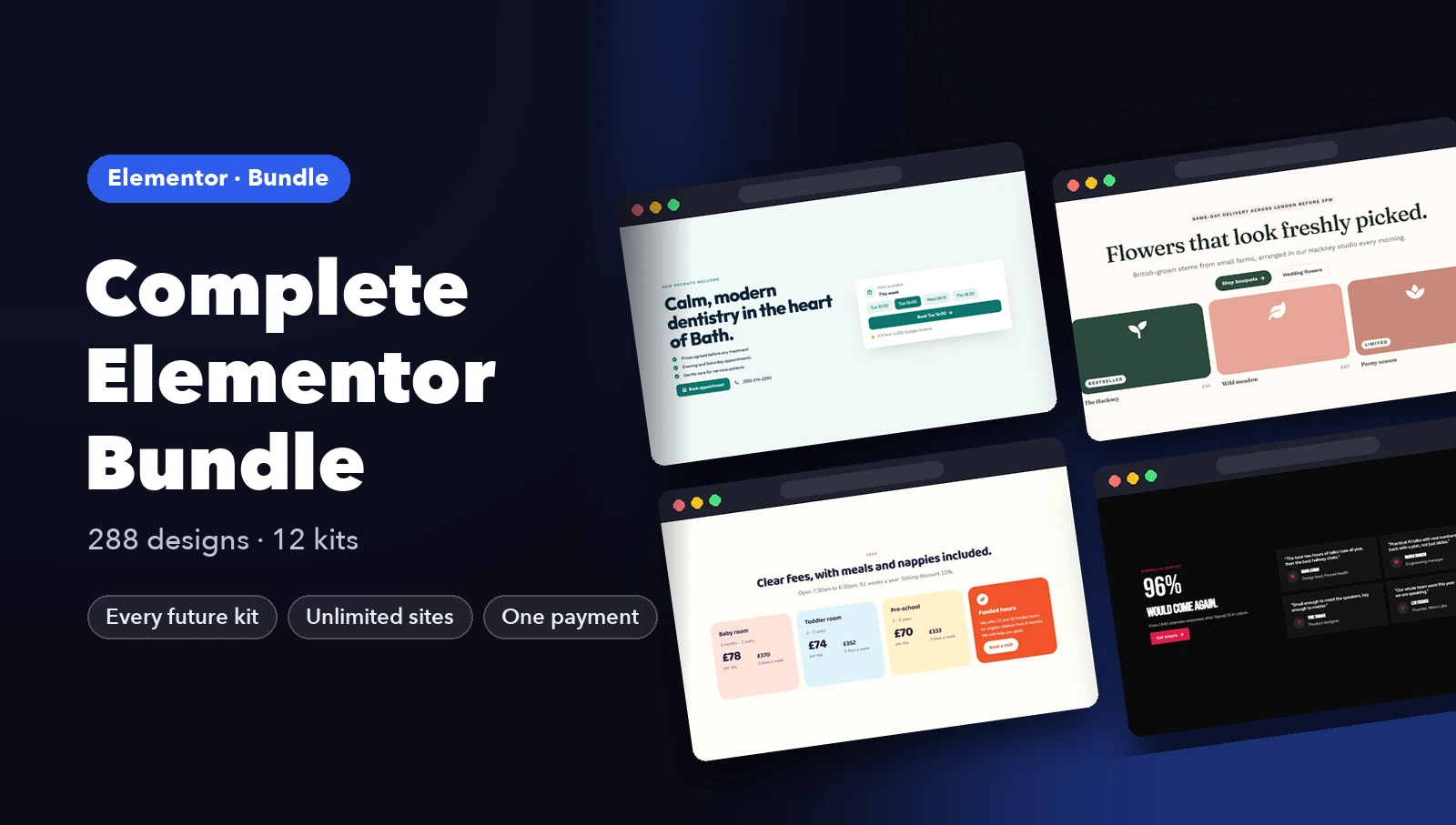
All 24 landing pages are in the Elementor Landing Page Templates and Bricks Landing Page Templates kits for $29 each. The Complete Bundle includes both, plus every section kit, for $59.